Latest Blog Posts

The World of Vodia: One Extension, Every Way You Work

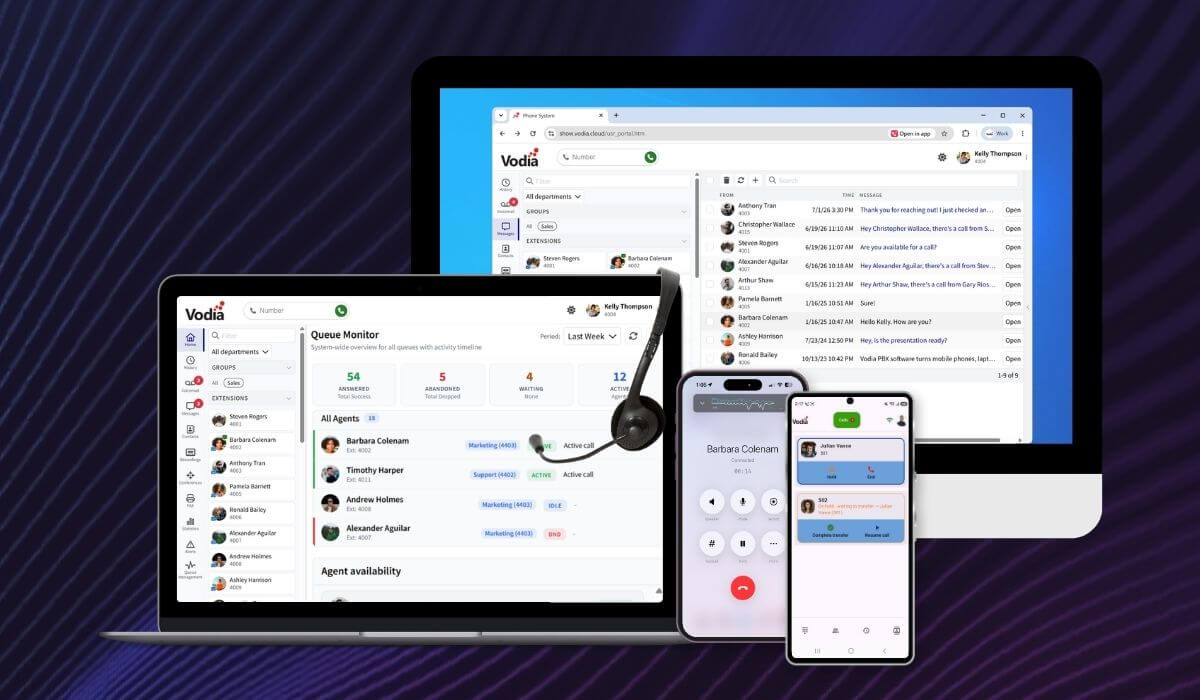
Your Vodia extension is no longer tied to a single device or location. Native iOS and Android apps, the browser-based User Portal, PWA support, Vodia Hub and click-to-dial extensions provide different ways to connect with the same Vodia PBX. Make and receive business calls from your smartphone, manage communication from your browser, control calls from the Windows desktop or dial numbers directly from the applications and webpages you already use. Wherever work takes place, Vodia provides an experience designed for the device and workflow at hand.

August 20, 2026

From Check-In to Check-Out: Two Years of the Vodia-Cloudbeds Integration

The Vodia-Cloudbeds integration connects hotel communications with essential property-management workflows. From check-in to check-out, it automatically enables and personalizes room extensions, applies guest calling permissions, posts eligible call charges to Cloudbeds and resets extension data after each stay. Two years on, the integration continues Vodia’s long-standing work in hospitality, helping hotel teams reduce manual administration, protect guest information and keep telephone services synchronized with their daily operations.

August 18, 2026

The Vodia-Jitsi Meet Integration: Some Thoughts on Content Privacy

The Vodia integration with Jitsi Meet brings secure, self-hosted video conferencing directly into the Vodia PBX web portal. Users can launch meetings with a single click, while organizations maintain control over their infrastructure, meeting content and access. With JWT-based authentication, automatic room creation tied to extensions and controlled guest access, the integration offers a private, scalable alternative to conventional hosted video conferencing platforms while bringing voice and video together in one communications environment.

August 13, 2026

Turn Your Android Phone into a Vodia Extension with the Vodia Android App

Vodia Phone 2 turns your Android device into an extension of your Vodia Phone System, making it easier to stay connected wherever you work. Native Android integration lets users make and receive business calls using their office number and identity, even when the app is running in the background. From one mobile app, they can hold, transfer and park calls, access voicemail, messages and contacts, review call history, view extension activity and manage important settings such as Do Not Disturb and call forwarding.

August 7, 2026

Introducing the Vodia PBX Installer Wizard for Windows

The new Vodia PBX Installer Wizard makes it easier for administrators to deploy Vodia PBX on Windows. It automatically detects the latest supported version, while still letting admins choose a specific V68, V69, or V70 build. The wizard downloads the required files, creates the Windows service, sets up the installation folder, and generates the access details needed to open the PBX. A download-only option is also available for preparing and inspecting the files without completing the installation.

August 4, 2026

Mobile Apps, Desk Phones, and Browser Calling: Choosing the Right Endpoint by Role

Business communication is no longer tied to a single device. Desk phones remain valuable for employees who manage high call volumes, mobile apps give remote and travelling teams access to business calling wherever they work, and browser calling fits naturally into computer-based workflows. This article looks at the strengths and limitations of each endpoint, explains which roles they suit best and shows why most organizations benefit from building the right mix rather than selecting one option for everyone.

July 30, 2026

Your Vodia Extension, Built for iPhone

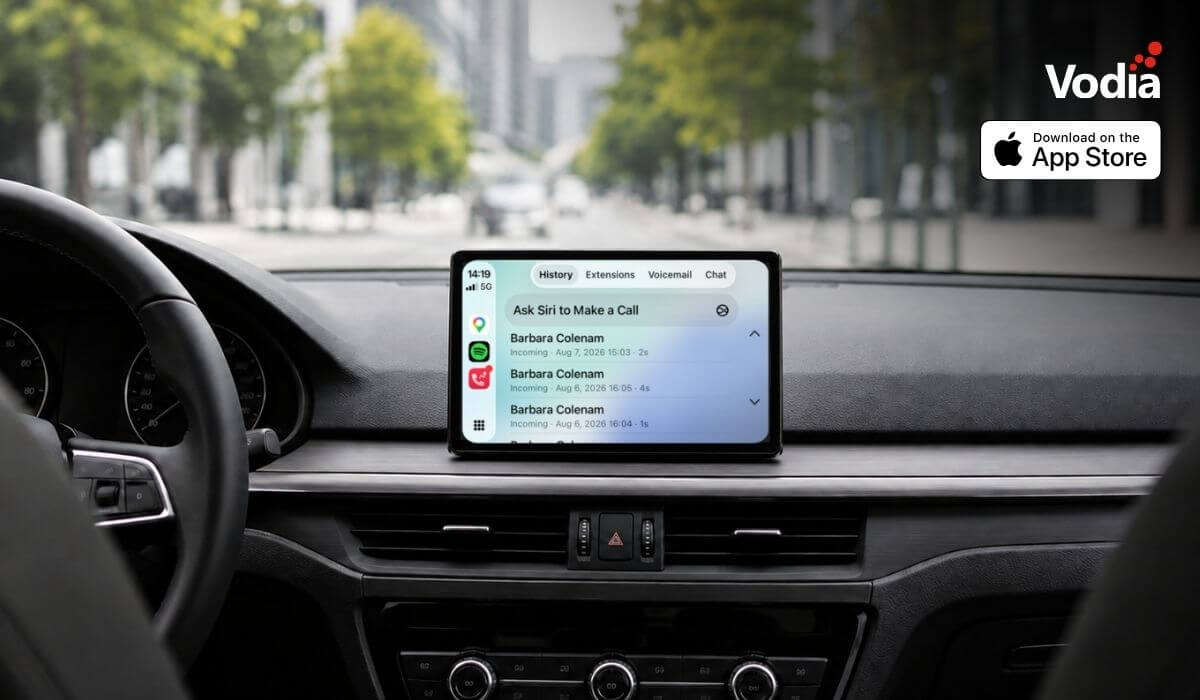
The new Vodia iOS app gives users a native way to use their Vodia PBX extension from iPhone and iPad. Built around a cleaner, card-based interface, the app makes it easier to manage calls, voicemail, chat, extensions, call history, and active call controls in one place. Users can place and receive calls, park or transfer calls, check voicemail, and view extension status from the app. It also adds readiness checks, visual audio feedback, call quality visibility, and adaptive recovery when network conditions change, helping teams stay connected with a reliable mobile PBX experience.

July 28, 2026

Why MSPs Should Own the Customer Relationship in Cloud Communications

Cloud communications can create a valuable recurring revenue opportunity for MSPs, but only when they remain in control of the customer relationship. By managing branding, pricing, service delivery, and support, MSPs can build stronger customer loyalty, protect long-term account value, and expand their offering as customer needs evolve. A white-label approach also gives them the flexibility to package voice, AI, integrations, and managed services under their own brand.

July 22, 2026

How to Sell More Business Phone Systems with the Right PBX

Helping a business choose the right phone system starts with understanding its real needs... lower costs, better communication, stronger integrations, support for remote teams and more flexibility. For MSPs, asking the right questions makes it easier to recommend the right features, hardware and deployment model, while Vodia provides the technology, partner support and new Partner Portal needed to build stronger customer relationships, create recurring revenue and grow their communications business.

July 16, 2026

Handle with Care: Avoid These Cloud Migration Missteps

Moving your business phone system to the cloud can improve flexibility, scalability, mobility, and access to modern communication tools, but a successful migration still requires careful planning. From bandwidth and hardware compatibility, disaster recovery, staff readiness, and MSP support, there are several areas businesses need to assess before deployment. Understanding these common risks early can help reduce disruption, avoid unexpected costs, and create a more reliable cloud communication environment.

July 14, 2026

Manually Provisioning a Cisco 3PCC Phone in the Vodia PBX

Vodia now supports provisioning for Cisco 3PCC phones, giving businesses and service providers a clearer way to connect compatible Cisco multiplatform IP phones to the Vodia PBX. Admins can add supported Cisco devices through Vodia Device Management, pair them with extensions, and configure provisioning settings through the phone’s web interface. This expands Vodia’s supported device ecosystem while helping customers continue using trusted Cisco IP phones within their existing business phone system.

July 9, 2026

Vodia Hub brings click-to-call and call control to every Windows workspace

Vodia Hub for Windows brings click to call and desktop call control to Windows, making it easier for users to place, answer, manage, and automate calls from the applications they already use every day. With system wide tel: link handling, inbound call screen pops, queue details, and automation support, Vodia Hub helps connect the Vodia PBX with Outlook, CRMs, browsers, documents, and other Windows tools. Users can keep working without manually copying phone numbers, opening the user portal, or switching between applications just to handle a call.

July 7, 2026
Blog

Discover our identity, services and approach

Explore insights and experiences from our dynamic team of developers and engineers.