.svg)


Video conferencing, connected to your PBX
Most video platforms require separate applications, accounts, and workflows. With Vodia, video conferencing is connected to your PBX, so users can start meetings from the same interface while video runs on your Jitsi server under your control.
Video conferencing is usually tied to a platform
Most video conferencing solutions are tied to vendor-controlled platforms. Meetings typically run on vendor-controlled infrastructure, limiting how video fits into your environment.

Vendor-controlled platforms
Video meetings run on infrastructure you don’t control.

Limited deployment flexibility
You can’t choose where or how video is hosted.

Separate from your system
Video operates outside your PBX control model, requiring separate management.
Start video conferencing from your PBX
With Vodia, video conferencing is connected to your PBX, so meetings can be started directly from the user portal using your existing users and access. Video sessions run on your Jitsi server, while remaining fully accessible from within the PBX interface.

Shared user system
Use existing PBX users and permissions to start and manage meetings.

No separate login
No additional accounts required. Users start meetings with their existing PBX credentials.

Runs on your Jitsi server
Video runs on your Jitsi server, while being launched and managed from the PBX.
Powered by Jitsi
Video conferencing is powered by Jitsi, running on a separate server while remaining accessible from your PBX. As an open-source platform, it can be deployed in your own environment or hosted externally, giving you full control over how video is handled.
Video sessions run on your Jitsi server, while the PBX provides access, user control, and entry point.

One interface for calls and video
Users can start calls and video meetings from the same PBX interface. While calls are handled by the PBX, video sessions run on your Jitsi server, keeping communication simple without merging systems.

Start meetings from your PBX
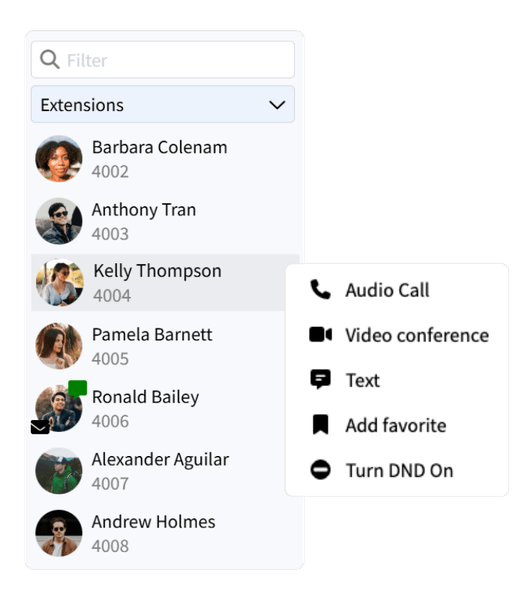
Start video meetings directly from the PBX user portal, alongside calls and contacts.

No separate application
Users don’t need a separate app or account for meetings. Everything is accessed from the PBX.

Simple user experience
Move from calls to video in one click, while meetings run independently on your Jitsi server.
Deploy video in your environment
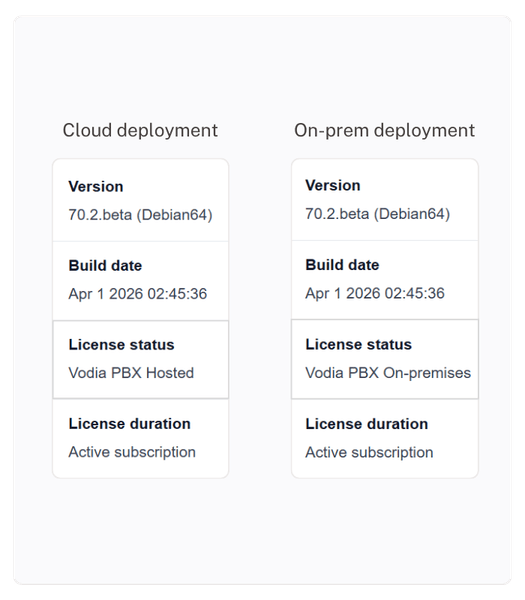
Video is powered by a Jitsi server that can run in your own infrastructure or in the cloud. It works alongside your PBX without changing how your system is deployed, giving you flexibility over where video is hosted and managed.
Keep video meetings under your control
Video runs on infrastructure you control, allowing you to decide where it is deployed and how it is managed. Instead of relying on external platforms, video can be hosted within your own environment while access and usage are controlled through your PBX. This keeps communication predictable, without introducing additional systems or vendor dependencies.
Bring your PBX into your CRM
Vodia integrates with a wide range of CRM systems, allowing calls, messages, and customer interactions to be logged and managed directly from your business tools.
View CRM integrations →Connect video to your workflows
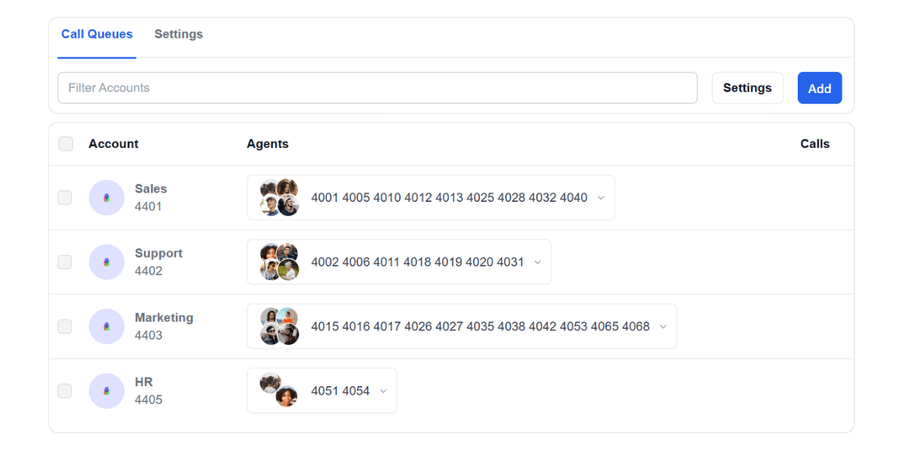
Video meetings can be started from PBX users and groups, without affecting call routing or queue behavior. Voice and video remain independent while accessible from the same system.
Frequently Asked Questions
Do I need a separate account to use video conferencing?
Does video conferencing run on an external service?
Can I use video conferencing in multi-tenant environments?
Is video conferencing separate from the PBX?
How does this differ from using standalone video platforms?
Start video meetings from your PBX
See how video conferencing works as part of your communication system with Vodia V70 and how it fits into your existing deployment.
Prefer to explore on your own? Launch a prepaid instance on:


