.svg)


A white-label PBX,
built around your brand
Vodia gives service providers control over how the PBX is presented to customers. Establish one identity across your platform, adapt it for individual tenants and tailor the User Portal for specific roles, all from one multi-tenant system.
System-wide defaults. Per-tenant identity. Per-extension home screens.
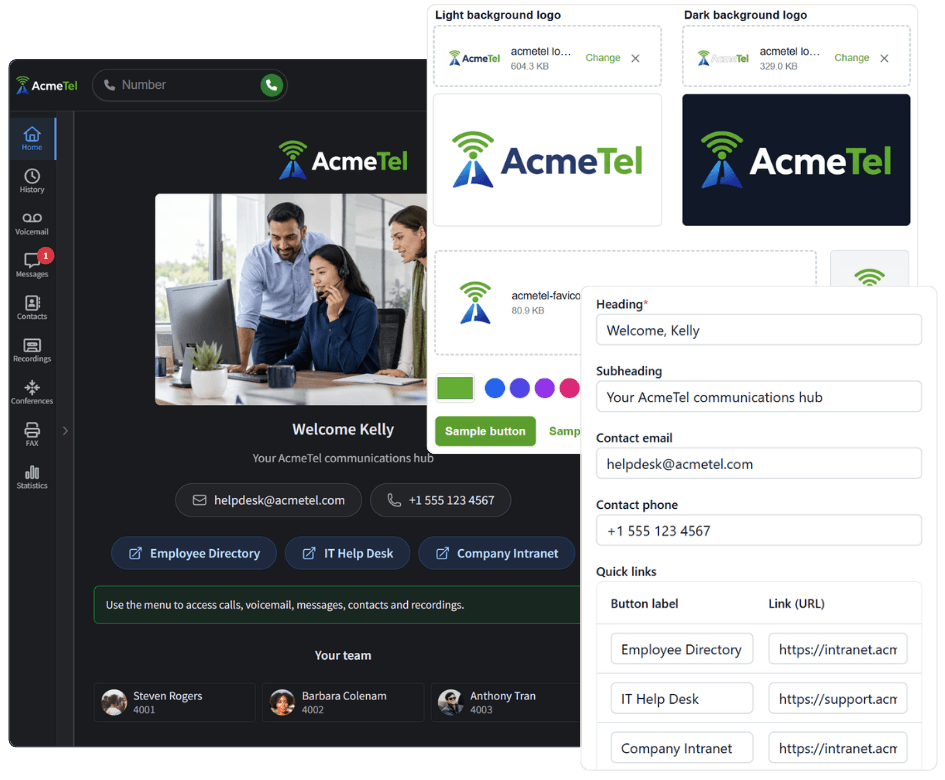
One platform. Your identity at every level
Create a consistent identity across your PBX, then decide where individual customers or users need a different experience. Branding follows a clear hierarchy, so you can manage shared defaults without losing tenant-level flexibility.

System-wide branding
Set the default Admin Portal accent, light and dark logos, favicon, login and logout background, and service links for the entire PBX.

Tenant-level identity
Let each tenant inherit your system branding or replace supported settings with its own logos, accent color, backgrounds and desk-phone branding.

Per-extension home screens
Apply one User Portal home screen across a tenant or configure a different starting experience for a specific extension.

Important
Tenants inherit the system identity by default. Tenant settings override the system branding, while an extension-specific home screen overrides the tenant-wide home screen for that user.
Control the identity users see
V70 brings the most common branding controls into dedicated Appearance settings. Update the visual identity directly from the Admin Portal, preview the result and apply it at the system or tenant level.
Admin Portal accent
Set the color used for buttons, links and interface highlights in the Admin Portal. Choose a custom color or start from one of the available presets.
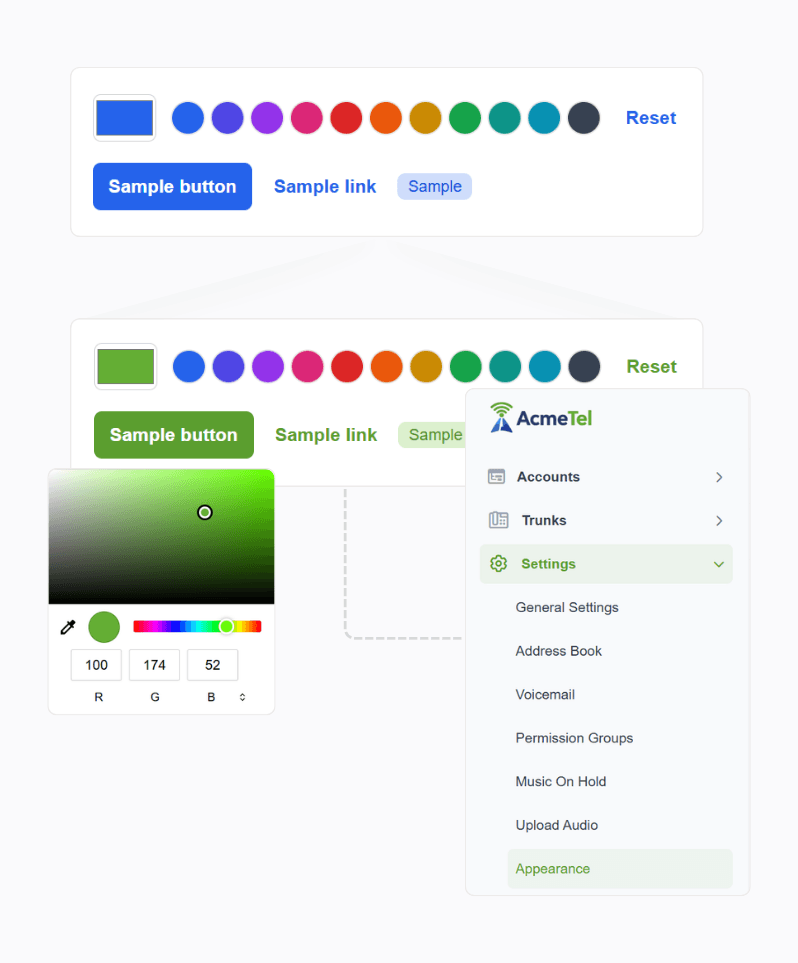
Light and dark logos
Upload separate SVG logos for light and dark backgrounds. The correct version appears in the headers of the Admin Portal and User Portal.
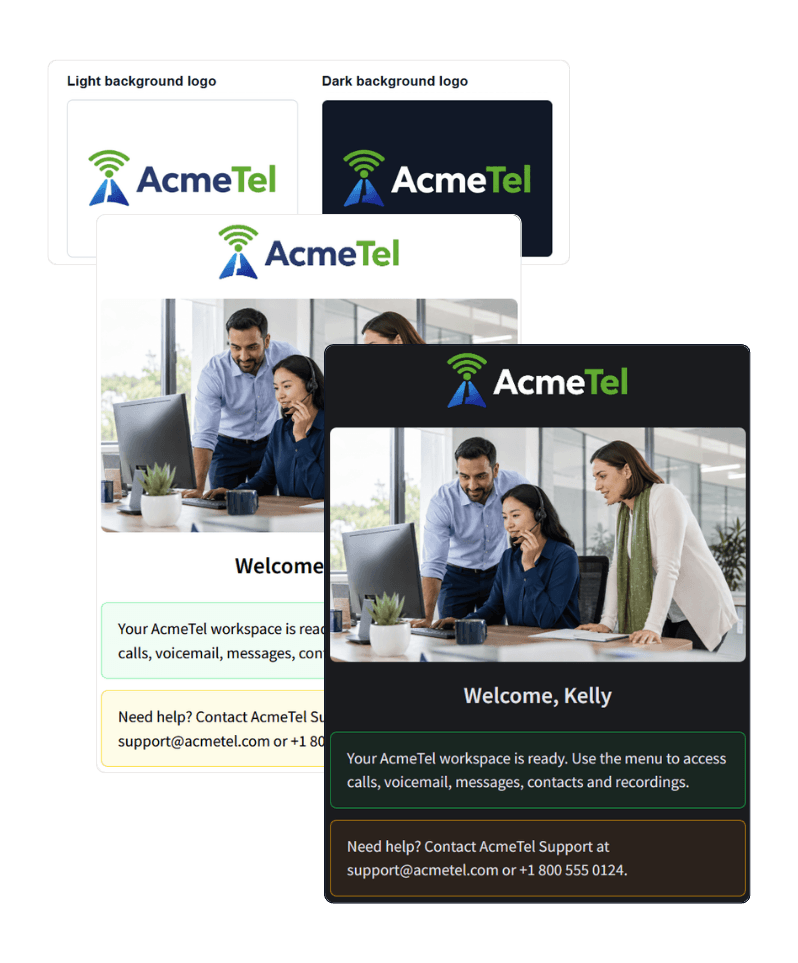
Custom favicon
Replace the default browser-tab icon across the Admin Portal and User Portal with your own favicon.
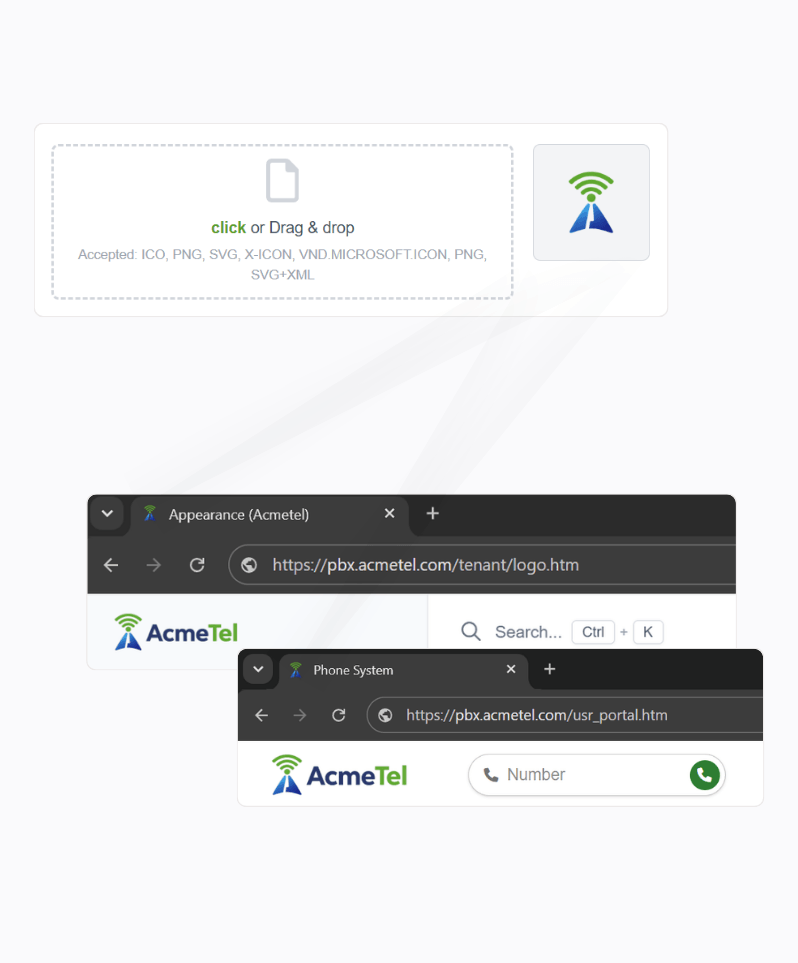
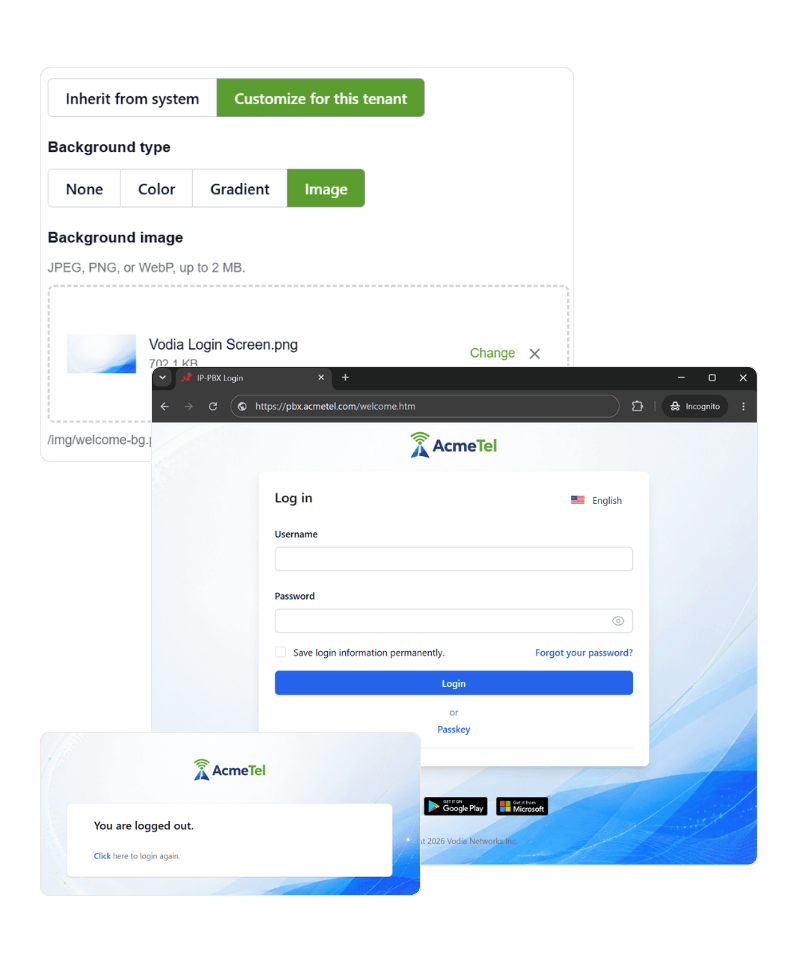
Login and logout backgrounds
Create a branded welcome and sign-out experience using a solid color, gradient or custom background image.
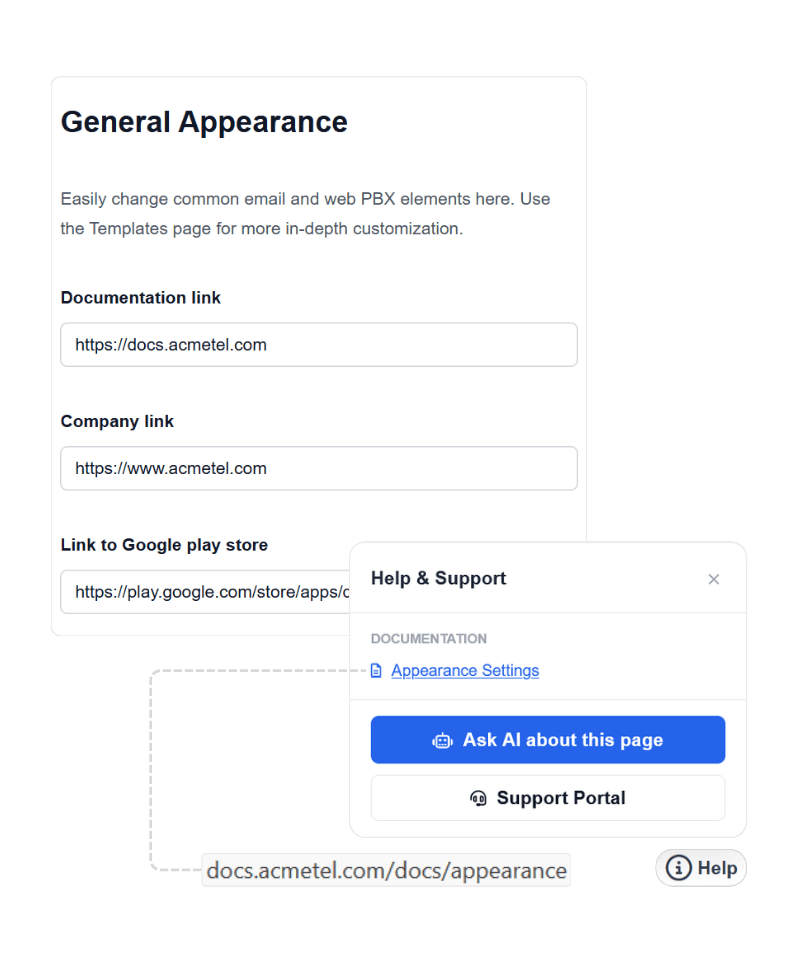
Company and resource links
Set company, documentation and application links to point to your own resources.
Your customers see your brand wherever they connect
Branding extends beyond one administration page. Build a consistent customer experience across the interfaces, access points and communications people use every day.

Admin Portal
Present the administration experience under your own identity across system and tenant environments.

User Portal and PWA
Carry the tenant logo, favicon and custom home screen into the browser-based User Portal and installed PWA experience.

Login experience
Welcome users with a branded background and the identity configured for the system or the tenant they are accessing.

Tenant address
Give tenants their own DNS address for accessing the PBX, with certificates matched to the tenant domain.

Email communications
Customize PBX-generated email templates so notifications and system messages remain consistent with your customer experience.

Client applications
Apply tenant branding inside supported Vodia clients. Separately published white-label applications follow a different distribution model.
Give every extension the right home screen
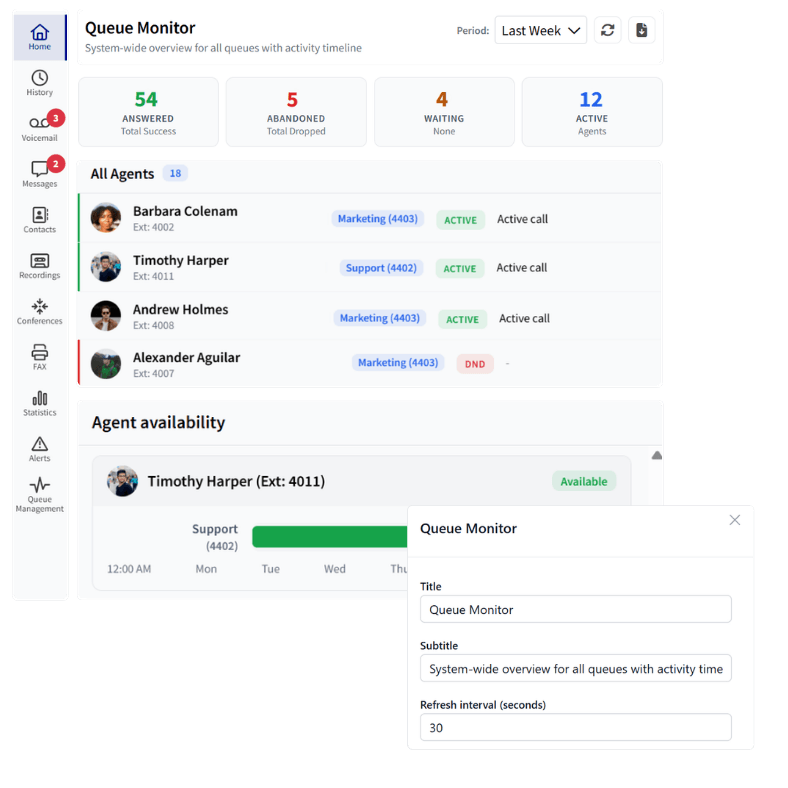
A branded service should reflect more than visual identity. Configure what users see when they open the User Portal, apply one experience across a tenant or tailor the home screen to the responsibilities of a specific extension.
User Portal templates
Multiple templates
Choose a branded welcome page or a purpose-built home screen for agent activity, recordings, analytics and queue performance.

Simple configuration
Complete only the options required by the selected template. Vodia generates the home-screen configuration automatically.

Designed for each role
Give managers, agents and other users a relevant starting point while keeping access controlled by their existing permissions.
Carry your brand to the desk phone
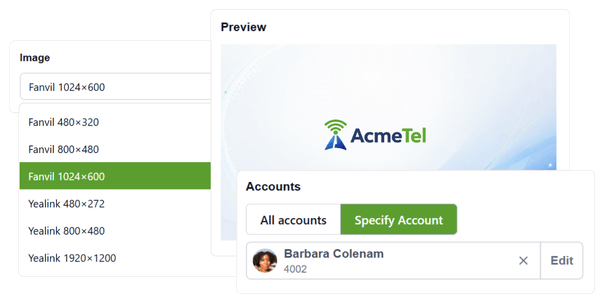
Extend the customer identity to supported provisioned phones. Upload a source logo, configure the background and let the PBX generate the correctly sized branding assets for different phone models.
Desk-phone branding documentationGenerated phone branding
Configure separate light and dark logos, choose a background color or image and preview how the identity will appear before generating the assets.
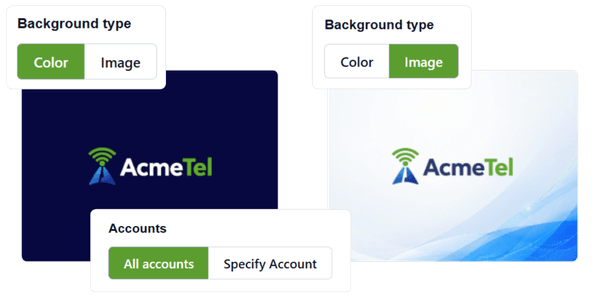
Model-specific control
Override the generated image for a particular phone model, image slot or extension when a device needs a more precise result.
Go deeper when the standard settings are not enough
Appearance settings handle the most common branding requirements. When a customer needs something more specialized, Vodia keeps the underlying templates, styling and home-screen code available for further customization.
Advanced customization documentationAdmin pages
Modify selected administrator web templates when the standard Appearance controls do not cover a specific requirement.
User Portal
Adjust User Portal templates and assets to create a more tailored customer-facing experience.
Email templates
Edit the content and layout of PBX-generated emails and send test messages before using the updated template.
Phone PnP templates
Adapt provisioning templates when supported devices require customer-specific configuration.
Custom CSS
Fine-tune interface styling that is not covered by the standard V70 appearance controls.
JavaScript
Extend custom User Portal home screens or modify the code generated from a guided template.
Advanced customizations should be reviewed and tested when upgrading the PBX to ensure compatibility with interface changes.
Strengthen your brand without building another platform
Deliver a customer-facing communications service around your own identity while Vodia provides the maintained PBX foundation underneath.

Brand recognition
Keep your identity visible throughout the customer experience instead of placing another technology provider between you and your customers.

Customer loyalty
Deliver a consistent service under your own brand and strengthen the relationship customers already have with your business.

Flexible tenant branding
Maintain one service-provider identity across your platform or give individual customers their own branding.

Centralized control
Manage branding across multiple customer environments without operating a separate PBX platform for each one.
Vodia’s built-in white-label and branding controls are available without an additional branding charge.
Frequently asked questions
What parts of the Vodia PBX can I brand?
Can every tenant have different branding?
Can a tenant use its own domain?
Can individual extensions have different branding?
Can Android, iOS and desktop users see the customer’s branding?
Do I need to edit code?
Can I customize PBX-generated emails?
What happens to customizations after an upgrade?
Will end users see the Vodia name?
Put your brand at the center of every customer experience
Whether you operate one communications brand or manage distinct identities across multiple tenants, Vodia gives you the control to deliver each environment under your own identity.
Prefer to explore on your own? Launch a prepaid instance on:


