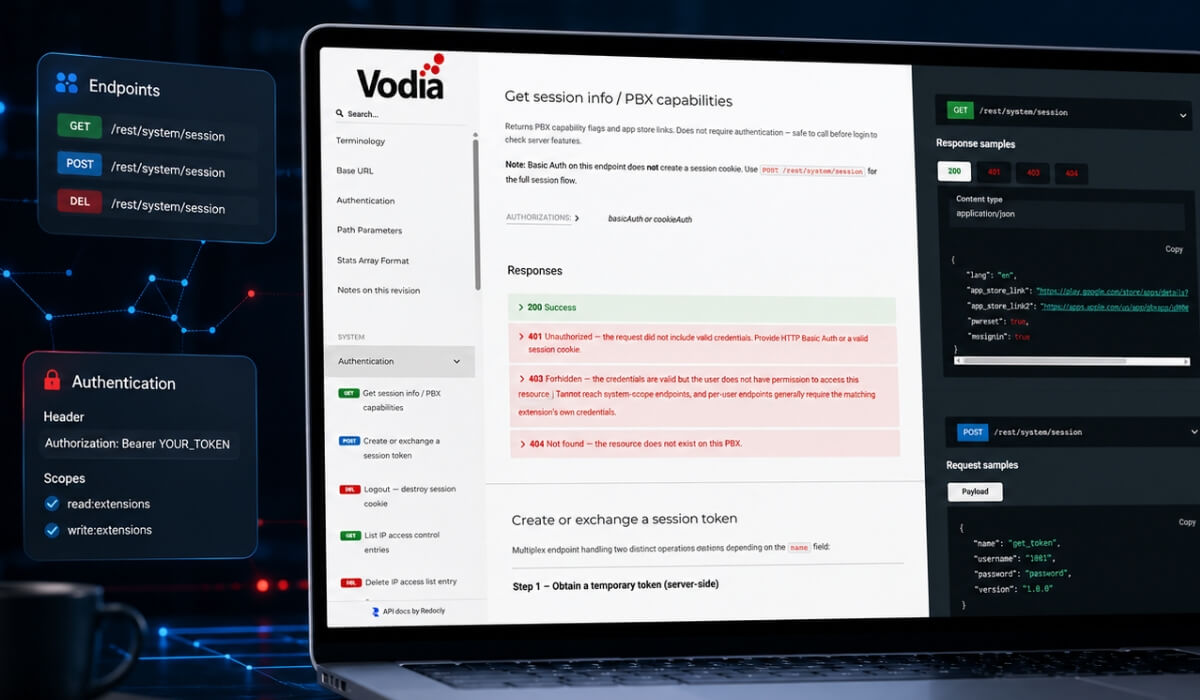
The Vodia REST API gives service providers, enterprises, and developers a flexible way to connect the Vodia PBX with the systems they already use. From CRM integrations and automated provisioning to reporting and workflow automation, the API helps organizations extend their PBX environment and build processes around real business needs.
The API supports common integration and automation use cases, including:
- CRM integration
- automated provisioning
- advanced reporting
- advanced analytics
- workflow automation
- call data
- fax, SMS, and voicemail-related workflows
Updated Documentation for V70 Onward
Vodia has recently updated its documentation for the Vodia API for V70 and later with a clearer structure, easier navigation, and response samples that help developers understand how API calls behave in real-world use.
The updated API reference also includes an OpenAPI specification, giving developers a structured way to review available endpoints, request formats, parameters, and response behavior for the Vodia PBX REST API.
The updated documentation is available here: https://doc.vodia.com/api-reference/
Why This Matters
This API documentation update is part of Vodia’s broader effort to make technical information easier to access and more useful for partners, service providers, and developers working with the Vodia PBX.
Clear documentation helps teams move faster, reduce guesswork, and build integrations with more confidence. Whether partners are automating provisioning, connecting CRM systems, building custom reports, or streamlining customer workflows, the updated API reference provides a stronger starting point for development.
We welcome feedback on the new format and would be happy to hear what else would make the documentation more useful. Please contact your Vodia representative or reach us at support@vodia.com.
Whether deployed on-prem or in the cloud, the Vodia PBX gives organizations a flexible, reliable and scalable phone system for modern communications. Our PBX integrates with platforms such as Jitsi Meet, Microsoft Teams, and WhatsApp Business, and supports advanced call center features, inbound and outbound AI voice agents and automation tools for service providers and businesses of all sizes. We’d love to tell you all about it; contact us at sales@vodia.com or +1 (617) 861-3490.
About Vodia
Vodia Networks, Inc. provides B2B cloud communications solutions for enterprises, contact centers, and service providers. Its PBX software offers a broad range of business telephony features for on-premise and cloud deployments on Windows, Linux, and Mac. Fully SIP-compliant, Vodia integrates with numerous SIP devices and trunking providers for flexible telephony. Its multi-tenant platforms support desk phones, softphones, APIs, and third-party CRM integrations. Vodia empowers partners and users with world-class cloud PBX and personalized support to ensure success. The company operates globally, with offices in Boston, USA, and Berlin, Germany. Visit Vodia on LinkedIn, X, and YouTube.
.svg)