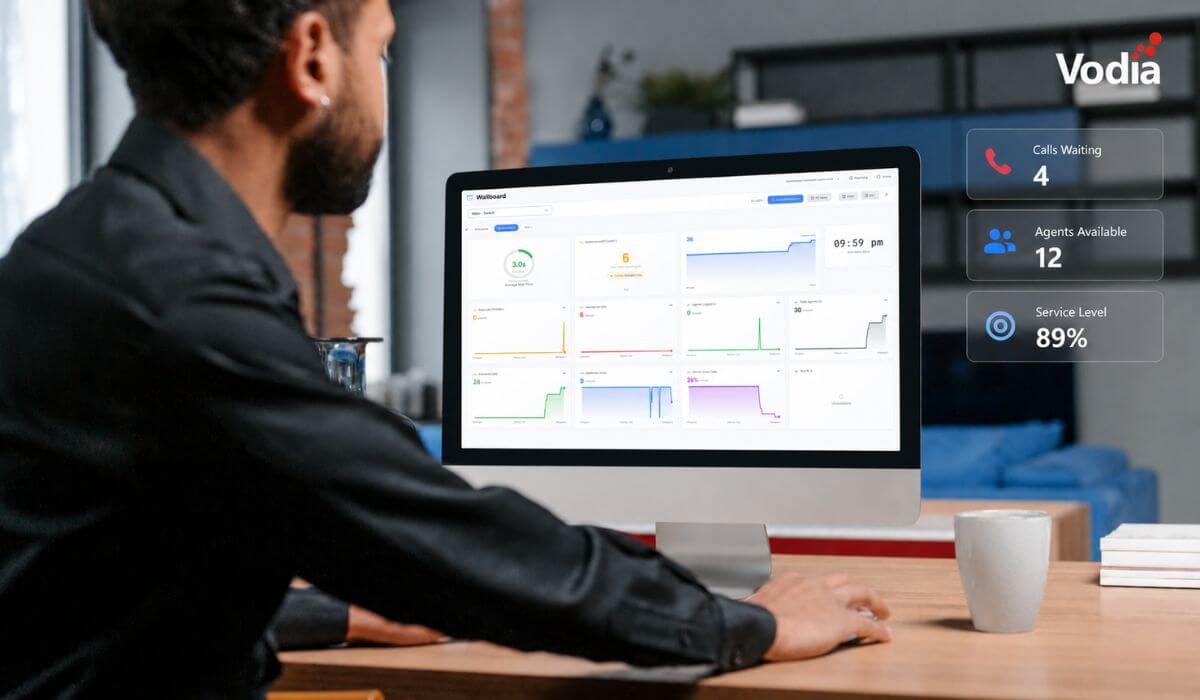
We were thrilled to announce the official release of V70 of our industry-leading cloud PBX on March 19, 2026, the latest milestone along our journey to provide enterprises, contact centers, service providers, and SMBs with a feature-rich communication system.
With custom dashboards, emergency alerts, external presence sharing, and skills-based routing (SBR), V70 provides greater control and flexibility for real-world deployments.
In tandem with the release of V70, we’re taking a closer look at one of its key integrations: WhatsApp Business Services.
WhatsApp Business Services
WhatsApp has become the voice and messaging platform of choice around the world, with 3.3 billion active users in more than 180 countries. WhatsApp Business Services enable rich, conversational experiences between businesses and WhatsApp users for more personal interactions along each customer’s journey.
With V70, WhatsApp can be connected directly to the PBX, allowing businesses to manage messaging and calls from a single platform. Messages can be sent and received, calls can be routed through the PBX, and conversations can be handled alongside existing voice infrastructure.
WhatsApp Business Calling in V70
With the WhatsApp Business Calling API, businesses can manage when and how to connect with customers when voice is required. The API enables both inbound and outbound calls with WhatsApp users via VoIP, using a single verified WhatsApp number for calling and messaging and it even makes it possible to chat while on a call.
V70 supports direct SIP integration with the WhatsApp Business Calling API. WhatsApp users can call your business number, and those calls are routed directly into the PBX to extensions, queues, or IVRs, without requiring middleware or additional gateways, reducing deployment complexity and eliminating the need for external integration layers.
This allows businesses to handle WhatsApp voice interactions using the same routing logic and infrastructure as traditional telephony.
WhatsApp Business Messaging in V70
According to WhatsApp, 73.3 percent of consumers worldwide prefer messaging when communicating with a business. This is a shift from legacy communication channels to conversational commerce, which uses chatbots, voice assistants, and other tools to provide interactive shopping experiences to customers. It combines the convenience and immediacy of real-time messaging to create dynamic, personalized conversations.
V70 integrates with the WhatsApp Business Platform to support both incoming and outgoing messaging via the PBX. Text and image messages are supported, allowing teams to manage customer communication within the same system used for voice.
Documentation
For implementation details, see:
What V70 adds to your communication environment
While WhatsApp integration extends communication channels, V70 also introduces core improvements across the PBX itself:
- Redesigned admin interface for faster navigation and management
- Support for more than a thousand concurrent calls per server
- Integrated AI voice agents for inbound and outbound communication
- Custom dashboards for real-time visibility
- Emergency alerts and external presence sharing
- Skills-based routing (SBR) for more precise call handling
These capabilities provide greater control, scalability, and flexibility across deployments.
Unifying voice and messaging with V70
V70 extends the role of the PBX from a voice system. By integrating channels like WhatsApp directly into the PBX, businesses can manage voice and messaging within a single environment, without adding external layers of complexity.
Want to find out what V70 can do for your organization? We’re here to tell you all about it. Contact us at sales@vodia.com or +1 (617) 861-3490.
About Vodia
Vodia Networks, Inc. provides B2B cloud communications solutions for enterprises, contact centers, and service providers. Its PBX software offers a broad range of business telephony features for on-premise and cloud deployments on Windows, Linux, and Mac. Fully SIP-compliant, Vodia integrates with numerous SIP devices and trunking providers for flexible telephony. Its multi-tenant platforms support desk phones, softphones, APIs, and third-party CRM integrations. Vodia empowers partners and users with world-class cloud PBX and personalized support to ensure success. The company operates globally, with offices in Boston, USA, and Berlin, Germany. Visit Vodia on LinkedIn, X, and YouTube.
.svg)