Mobile Apps, Desk Phones, and Browser Calling: Choosing the Right Endpoint by Role
Published on:
July 30, 2026
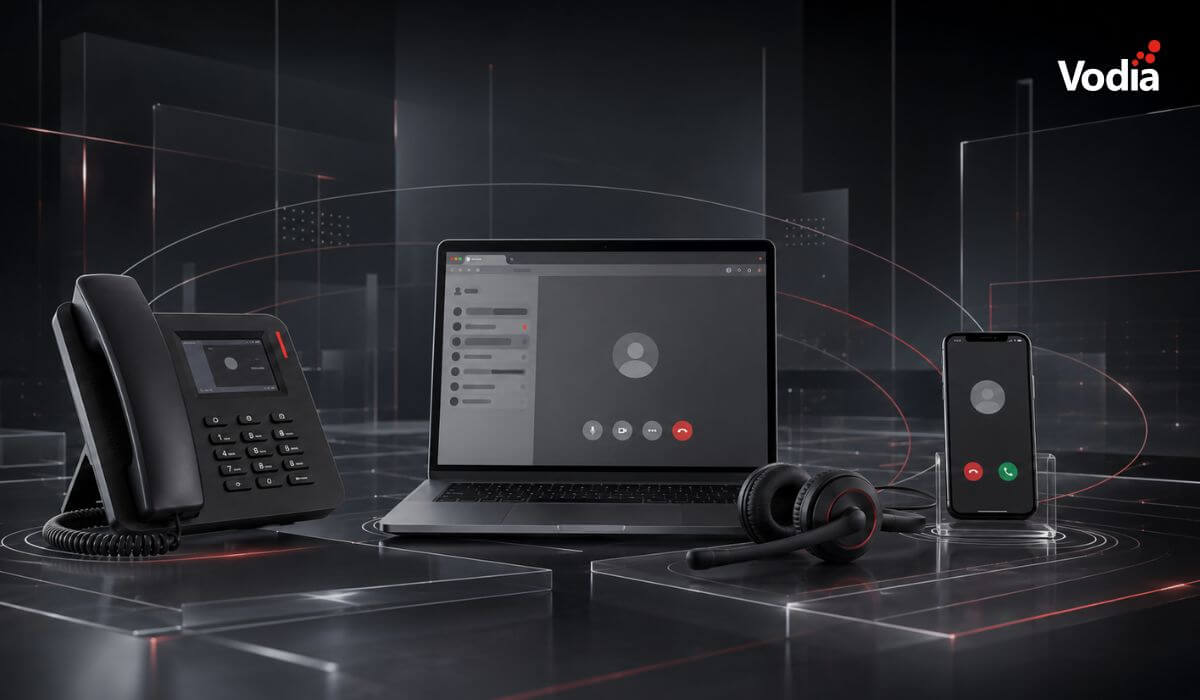
Business communication is no longer tied to a single device. Desk phones remain valuable for employees who manage high call volumes, mobile apps give remote and travelling teams access to business calling wherever they work, and browser calling fits naturally into computer-based workflows. This article looks at the strengths and limitations of each endpoint, explains which roles they suit best and shows why most organizations benefit from building the right mix rather than selecting one option for everyone.
Business communication used to be simpler: larger companies had switchboards, receptionists, and desk phones, while SMBs and sole practitioners had to wear a haberdashery of hats - greeting customers, answering phones, opening (and sending mail)...
Up until the mid-90s, the desk phone was still the frontline of business communication. Perhaps augmented with an answering machine with those miniature cassettes, and later voicemail, it was simple and sturdy, easy to use and indefatigable. There was no battery to charge and no application to update
What happened next? As the 21st century unfurled, digital communication began to roar. VoIP, mobile connectivity, Wi-Fi, smartphones, and bring your own device (BYOD) policies made business communication increasingly mobile. Employees were no longer tied to a physical phone on a desk, and the tried-and-true desk phone began to look somewhat like an artifact.
Spoiled for choice
Or did it?
We’re still using desk phones alongside desktop computers, laptops, smartphones, and tablets. When it comes to endpoints for business communication, it seems we’re spoiled for choice.
So what are the right endpoints for your business? For most organizations, the answer isn’t one device, and it isn’t necessarily every device. It’s the right mix.
Selecting the best endpoints is more about the individual role of each of your team members, rather than a “one device fits all” solution. It’s about customization, and about giving everyone on your staff the perfect tool for what they do.
Let’s break it down and examine which endpoints typical employees might need to thrive in your organization’s communication ecosystem.
The trusty desk phone
That loyal soldier on your desk hasn’t given up the ghost just yet – it’s still an excellent endpoint for team members who handle high call volumes and need consistent audio, immediate access to call controls, and a device dedicated entirely to communication.
Desk phones are particularly well-suited to customer support agents, front-desk staff, receptionists, and employees who regularly manage multiple calls. They also remain useful in conference rooms, warehouses, and shared workspaces where numerous employees either participate in group calls or need to be reached immediately within a larger facility.
The key benefits of desk phones include:
Can be used without headsets, eliminating headset battery concerns
Dedicated buttons for multiple lines, call parking, transfers, and other common actions
No device battery (so no charging)
A wired connection that doesn’t depend on Wi-Fi
Calls are not affected by the workload or performance of an employee’s computer
Always available in a fixed and familiar location
Desk phones still require power and a reliable network connection, but they provide a consistent calling experience for roles in which speed, availability, and physical call controls matter.
A business calling app enables a smartphone to function as an extension of the company phone system. It’s an ideal option for employees who are either hybrid or remote, field technicians, salespeople, and anyone on your team who travels or frequently works away from the desk.
The benefits include:
Supports BYOD policies without requiring employees to carry an additional phone
Displays the organization’s business number instead of the employee’s private number (when outbound caller ID is properly configured)
Keeps business calling activity separate from personal calls within the business app
Works across Wi-Fi and cellular data
Gives employees access to business calls, voicemail, messages, contacts, and call history while away from the office
Allows employees to remain reachable via a business extension from different locations
Mobile apps provide flexibility, but they depend on the smartphone’s battery, permissions, and network connection. This makes them ideal for mobile roles, although they may not always be the best primary endpoint for employees handling calls continuously throughout the day.
Browser calling on desktops and laptops
Browser calling enables employees to make and receive calls directly through a web client on a desktop or laptop. Click-to-call can also make it easier to start a call from a phone number displayed in a browser or business platform.
It’s an excellent solution for employees who need instant access to data and want calling to fit naturally into an existing workflow. It can be particularly useful for customer experience and support agents working with CRM platforms, hybrid and remote employees, and temporary contractors who need calling access without a dedicated desk phone or locally installed application.
Web Real-Time Communication (WebRTC) is what makes this possible by enabling real-time audio within a web browser. This can reduce the need to install and update separate calling software on the computer.
The basic requirements are simple: a supported browser, a microphone or headset, a reliable internet connection, and an authorized account on the company phone system.
Matching the endpoint to the role
There is no single endpoint that is automatically right for every employee. A practical starting point might look like this:
Receptionists and front-desk employees: A desk phone or desktop application with fast access to transfers, parking, and multiple calls
Customer support and CX agents: A browser or desktop application with a headset, especially when they also work within CRM and support platforms
Sales representatives and field technicians: A mobile app for calling while travelling, supported by browser or desktop access when working at a desk
Hybrid and remote employees: A combination of browser calling and a mobile app
Warehouse and shared-space employees: A fixed desk phone or another shared endpoint that’s always available in a known location
Executives and managers: A mix of desk, browser, and mobile calling, depending on where and how they work
These are starting points rather than rigid rules. Call volume, mobility, network conditions, security requirements, application workflows, and employee preferences should all influence final device selections.
It’s in the mix
The cloud is a dynamic and evolving space. The takeaway here is that most businesses should expect to combine multiple types of endpoints within their communications environment. This provides flexibility, particularly as a company grows and scales.
Choosing from a menu of endpoints allows an organization to give employees the devices they need to do their jobs effectively. The objective is to put together the right mix, and expect that mix to change over time as roles, working practices, and business requirements evolve.
At Vodia, we’ve been providing cloud phone systems to enterprises and small businesses for over a decade. Our PBX supports IP desk phones and integrates third-party software alongside native mobile, desktop, and browser-based clients, giving businesses the flexibility to build their communications environment around the way their employees actually work.
Our MSP partners can help your organization evaluate each role, select compatible endpoints, and create the right mix for your company. Find out more by contacting us at sales@vodia.com or +1 (617) 861-3490.
Switching phone systems doesn’t have to mean rebuilding everything from scratch. The Vodia PBX migration tool imports key configuration data from backups, including extensions, ring groups, queues, desk phones, and basic auto-attendant settings. Built into the Vodia Admin Portal, it guides administrators through the import process and reduces repetitive manual work, whether you’re moving 10 extensions or 1,000. Explore what transfers, what needs manual setup, and how the built-in tool reduces repetitive work when moving to Vodia.
Apps have changed how businesses communicate and work, but every digital experience still depends on physical hardware. From smartphones, desk phones, and headsets to networking equipment and cloud servers, reliable infrastructure supports productivity, security, and call quality. Here’s why hardware still matters in an app-first world and what businesses should consider when choosing dependable devices and secure connectivity for the office, hybrid teams, and remote work, while preparing for evolving technology.
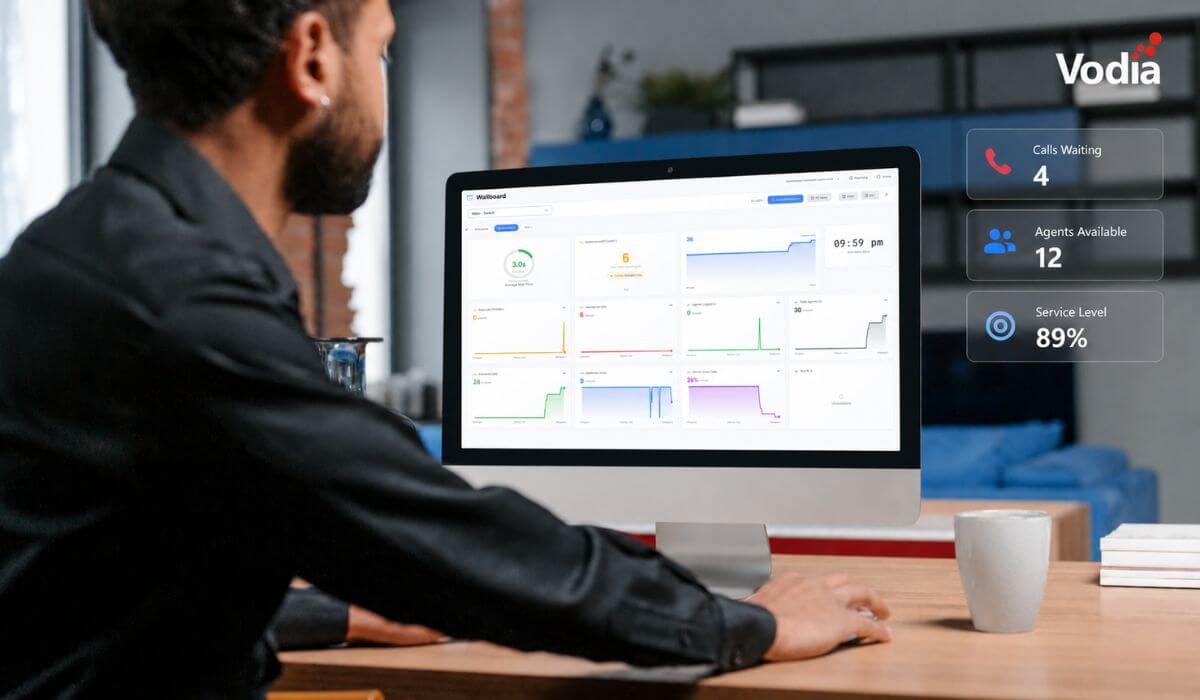
Vodia Wallboards gives supervisors, contact centers, service providers, and operations teams a self-hosted, real-time view of Vodia call queue activity. Monitor waiting, ringing, and active calls; agent availability; service levels; abandoned calls; and queue trends across one or more Vodia PBX systems. Start with a ready-made layout or build a custom wallboard using queue filters, live widgets, AI summaries, and alerts. Display the information your teams need in a browser, on an operations dashboard, or on a dedicated TV screen.
.svg)