As everyone knows by now, on Friday the 13th a global Microsoft outage left millions of users without Outlook and Teams. Microsoft has apologized for the outage, which might end up costing billions in lost productivity. Microsoft said the outage was a “technical issue” and not a cybersecurity breach: “the incident was introduced by an issue during an earlier network capacity upgrade that surfaced following a recent network change.”
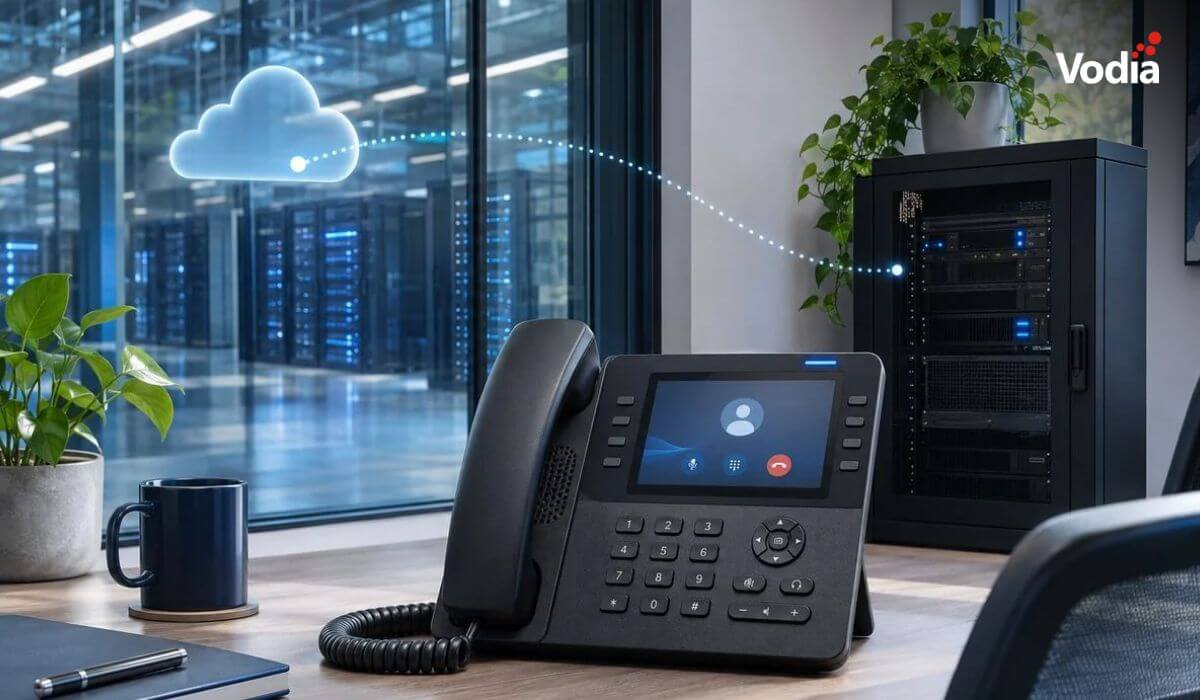
While I’m sure a lot of users enjoyed a day without the daily email grind, at least for a few “fun” hours, once again this incident raises an important question: how can something like this be avoided? There’s also another question the outage poses: does every service need to be in the cloud, or is safer and more effective on-premises? The answer? It depends.
It depends, a lot, on the team running the servers and the equipment that’s available on-premises (it’s usually very good in the cloud). With poorly trained staff installing and maintaining on-premises software, most organizations are better off using SaaS; the same is true if there’s no available backup on-premises.
But it’s possible to run software like a PBX on-premises quite reliably. When staff can work on the PBX remotely, this combines the advantages of SaaS with on-premises servers. Today’s firewalls can easily isolate the PBX from unauthorized access so as to rule out a huge amount of potential threats; even when Internet access is interrupted, a local PBX can still provide reliable communication within a building.
The other advantage here is, if there is a failure, the damage is much less than it is with centralized services. When running PBX on multiple locations, the damage is most likely contained at that particular location.
Let’s keep in mind that even with very professional teams, accidents do happen, and it’s best to be aware of this when building your communication infrastructure. As grandma used to say, don't put all your eggs into one basket.
The Vodia PBX is your best choice, whether you want to run it from the cloud or on-premises. Whatever you choose, our mission is to give you a world-class foundation for an easy-to-use, robust, secure business communication ecosystem. To find out what we can do for you, get in touch with us, sales@vodia.com, +1 (617) 861-3490.