Every business handles calls differently, and its phone system should support those differences. Vodia PBX gives businesses and service providers the flexibility to shape call flows, configure individual tenants and extensions, and build a branded experience for their customers. Queues, ring groups, schedules, forwarding, and AI agents can work together around each team’s requirements, while the REST API connects the phone system with wider business workflows.
If you’ve ever tried to set up a phone system and found yourself thinking, “that’s almost what I need, but not quite,” you understand why flexibility is crucial to your business communications platform.
A business might want calls to ring one team first, then another, then route to an AI team, or it might want AI agents to route to sales agents when certain criteria have been met. It might need a different route after hours or on specific days of the week, a queue that works a certain way, or separate settings for each customer it serves from a single admin console. It may need access to its backups, to make onsite copies, or to clone existing templates for quick customer setups. Those details aren’t unusual edge cases, but core to how real businesses work.
Vodia PBX gives you the flexibility to manage all of them.
With the Vodia PBX, instead of being boxed into a fixed set of options, administrators can shape call flows around a company’s specific needs. Auto attendants (AI and standard), queues, ring groups, schedules, and forwarding can work together to create a setup that feels deliberate and useful. When the business changes, the phone system evolves with it.
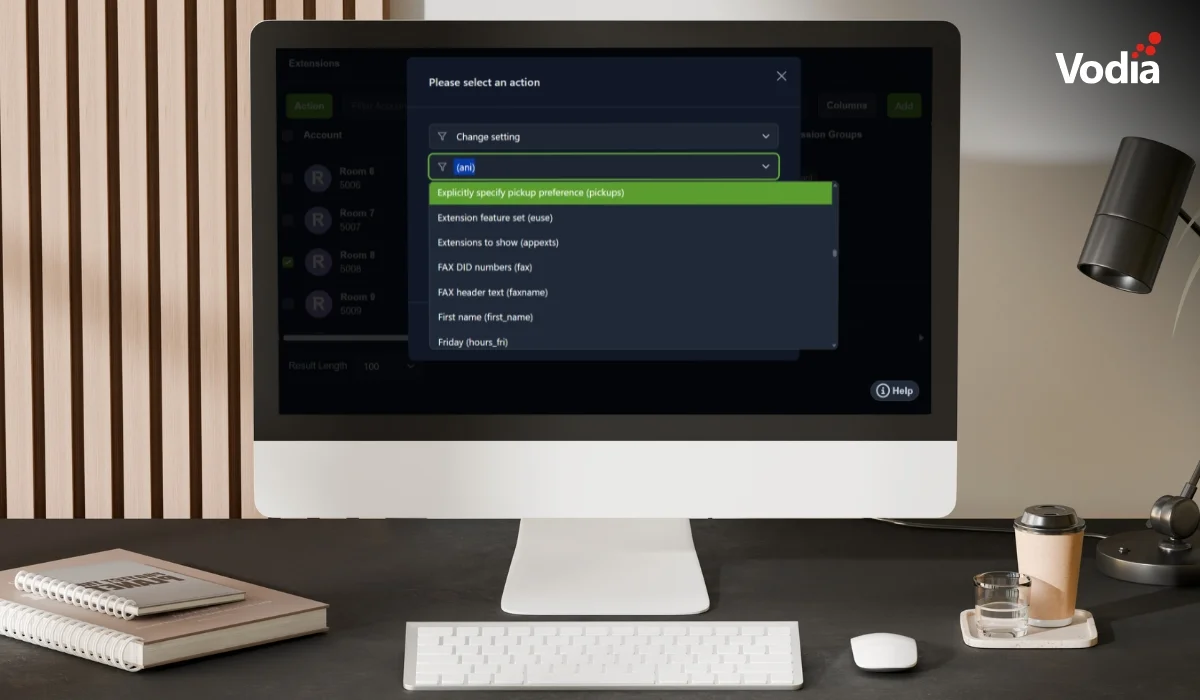
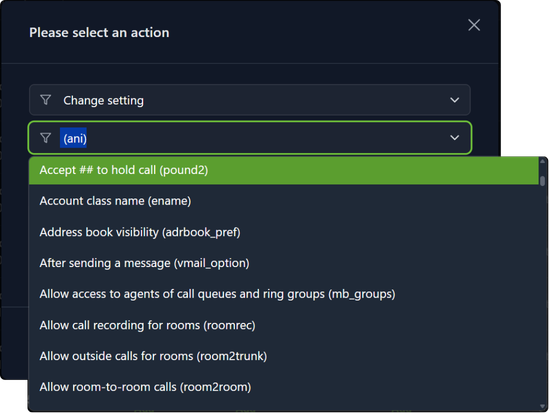
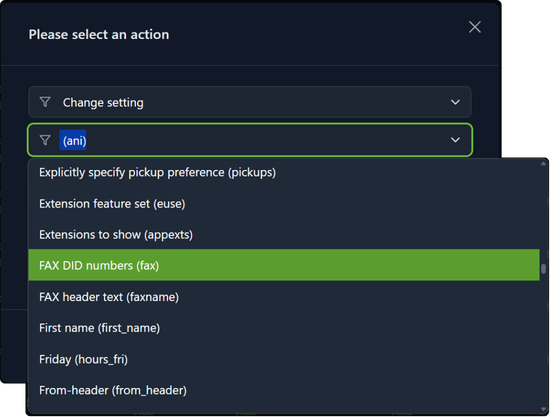
These features aren’t what make Vodia the industry’s best cloud phone system, however - what makes it truly something amazing is the ease with which it can be customized. Admins can change just about anything on the system and anything on an extension.
While this may seem somewhat complex, I see it as having a comprehensive toolbelt when the situation calls for it. This is far better than not having this sort of toolbelt, then finding out you need something your PBX doesn’t provide.
This freedom is especially valuable to service providers: each tenant can be domiciled on its own setup, while administrators still have the tools they need to manage the wider platform. Each tenant’s extension can have its own setup, too, so admins can decide how customers handle calls, adapt supported phone provisioning, and build a branded experience.
When the PBX needs to connect with other systems, Vodia’s REST API gives you another way to make it happen - it can be part of a wider workflow, instead of sitting off to the side as just a repository for calls.
More options gives you more to explore - more functionalities, more refinements. For teams that need control, this is a true positive. You can start with a straightforward setup and add the detail your customers need, rather than later on discovering the system has hit its limits. Vodia is always ready to support your business by tailoring bespoke integrations, qualifying SIP trunks, or simply providing assistance with your projects.
Vodia is built for businesses and providers who want their phone systems to fit the way they work. When every customer, team, and call flow is a little different, having the freedom to configure the details makes all the difference.
To find out more about how we can help you create a branded, flexible, robust, scalable, and secure phone system for your customers, reach out to us, sales@vodia.com, +1 (617) 861-3490. We’ll make sure you have it your way.
Vodia PBX now supports xAI’s Grok, giving partners another option for building AI voice agents for their customers. Using Grok’s speech-to-speech API, a Vodia Voice Agent can greet callers, ask who they’d like to speak with and transfer them to the appropriate extension. For example, a caller can simply say they’d like to speak with sales and be connected to the sales team. The article walks through what you need to connect Vodia PBX to Grok and includes a sample call transfer script you can adapt to your own call flow.
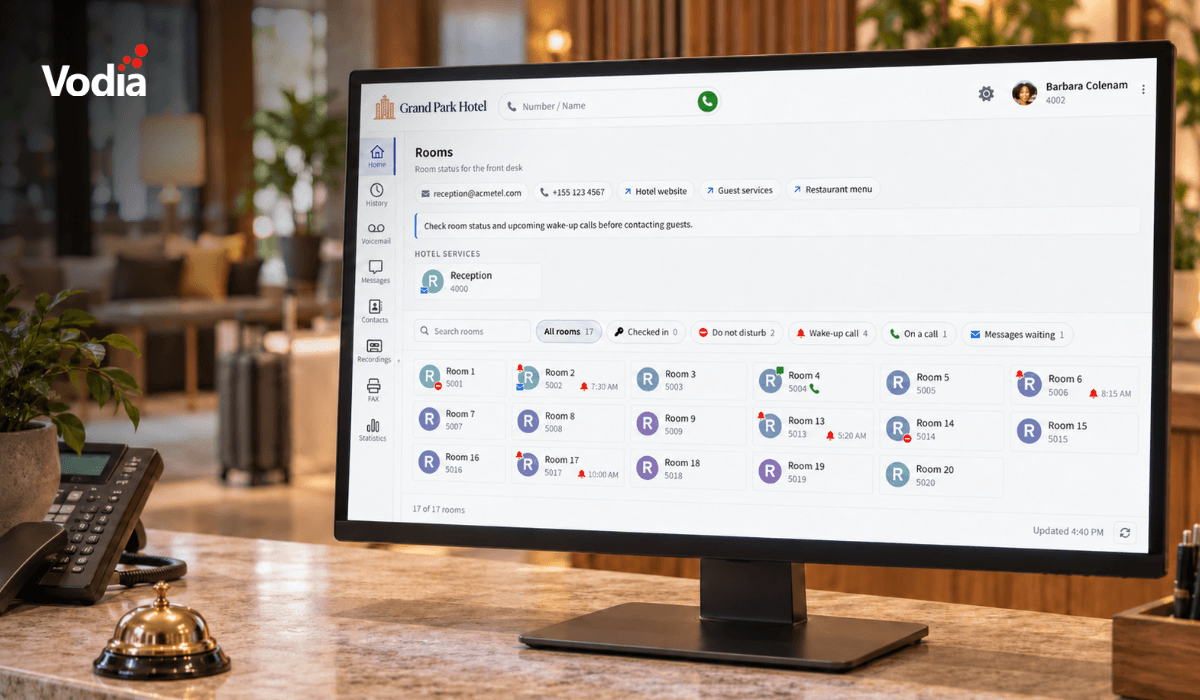
Vodia PBX 70.7 brings practical improvements to hotel operations, call quality troubleshooting, outbound dialing, and device provisioning. A new Hotel Front Desk template puts room status, wake-up calls, and guest services in one place, while additional call quality metrics help teams investigate audio issues. Updates to the User Web Portal, reporting schedules, hardware support, and integrations give MSPs, resellers, and service providers more tools to manage deployments and support their customers’ everyday communications.
Vodia is heading to CVx EXPO26, November 17–18 in Glendale, Arizona. Visit Booth 2009 to meet the Vodia team, learn more about our business communications platform, Partner Program, white-label capabilities and the latest V70 developments, and discuss how Vodia can support your customers. The event brings together MSPs, VARs, technology advisors, service providers and other channel professionals, making it a great opportunity to connect directly with the team, ask questions and explore how Vodia can support your business.