Vodia V70.4: Faster Setup, Smarter Administration, and a Refined User Experience
Published on:
June 23, 2026
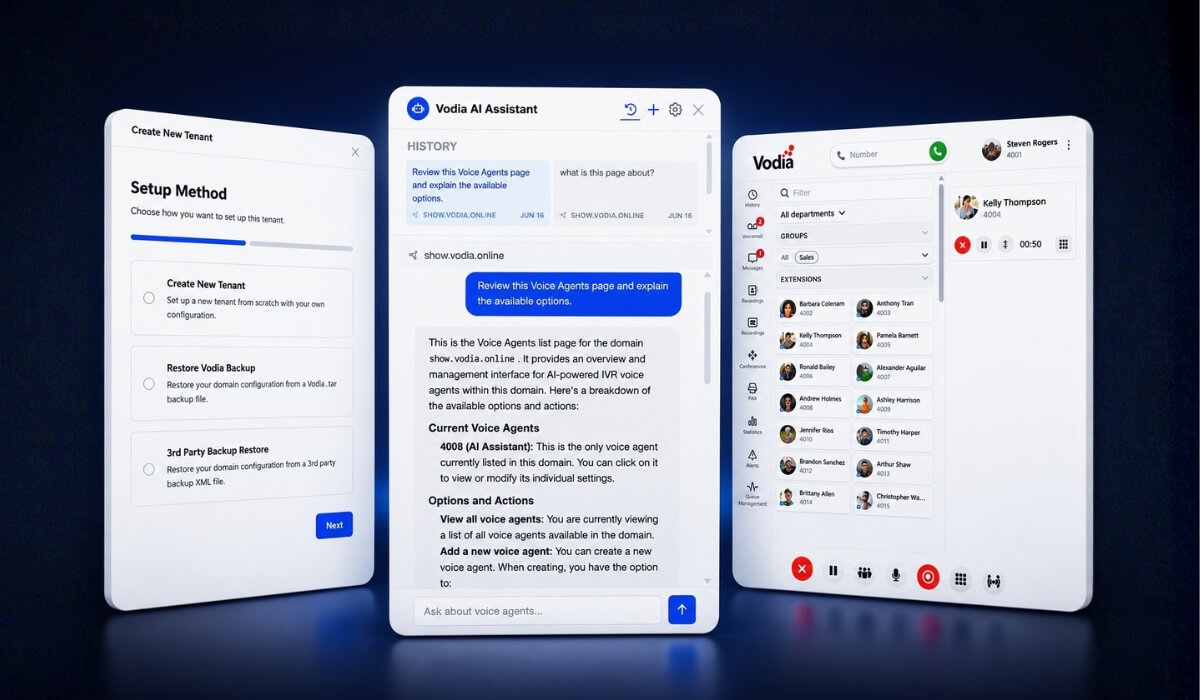
Vodia V70.4 continues the evolution of the Vodia PBX with improvements that make the platform easier to deploy, easier to manage, and easier to use every day. The release introduces a new guided setup experience, context-aware AI assistance in the Admin Portal, a refreshed User Web Portal, a new directory panel with quick links and notes, and backend enhancements across provisioning, troubleshooting, call handling, device support, registration management, and platform reliability.
Version 70.4 continues the evolution of the Vodia PBX V70 with improvements across administration, onboarding, user experience, and platform reliability.
This release introduces a new guided setup experience, context-aware AI assistance in the Admin Portal, a redesigned directory panel with quick links and notes, and a series of enhancements that simplify day-to-day management for administrators and users alike.
Faster onboarding with the new setup wizard
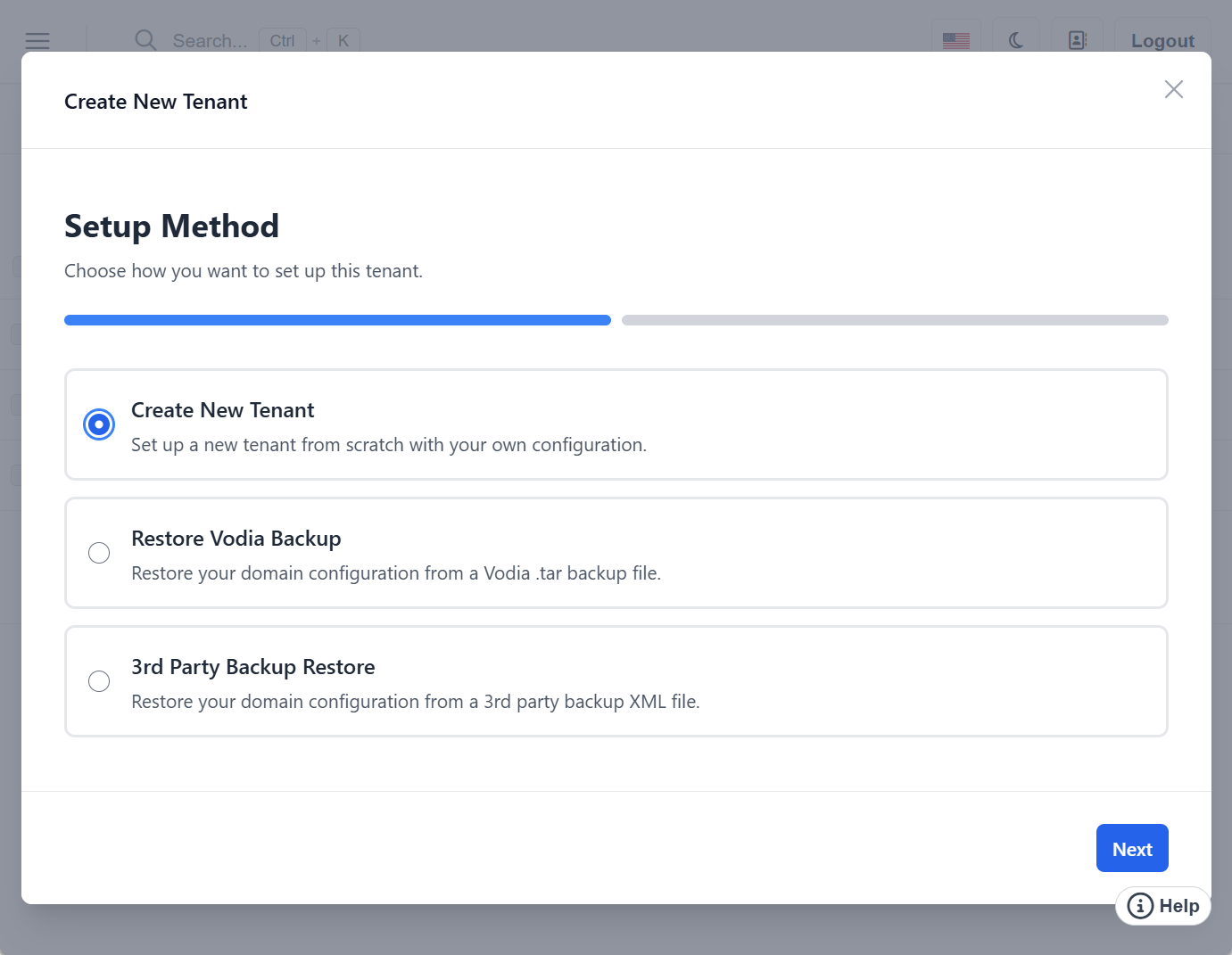
Getting a new PBX up and running is now faster and easier with our redesigned setup experience. V70.4’s new step-by-step installation wizard guides administrators through the initial configuration process, while the expanded tenant creation wizard walks through essential setup tasks, including:
System configuration
Licensing and country settings
SIP trunk setup
DNS configuration
Email testing
The goal is simple: reduce setup complexity and help administrators move from installation to production faster.
Context-aware AI assistance in the Admin Portal
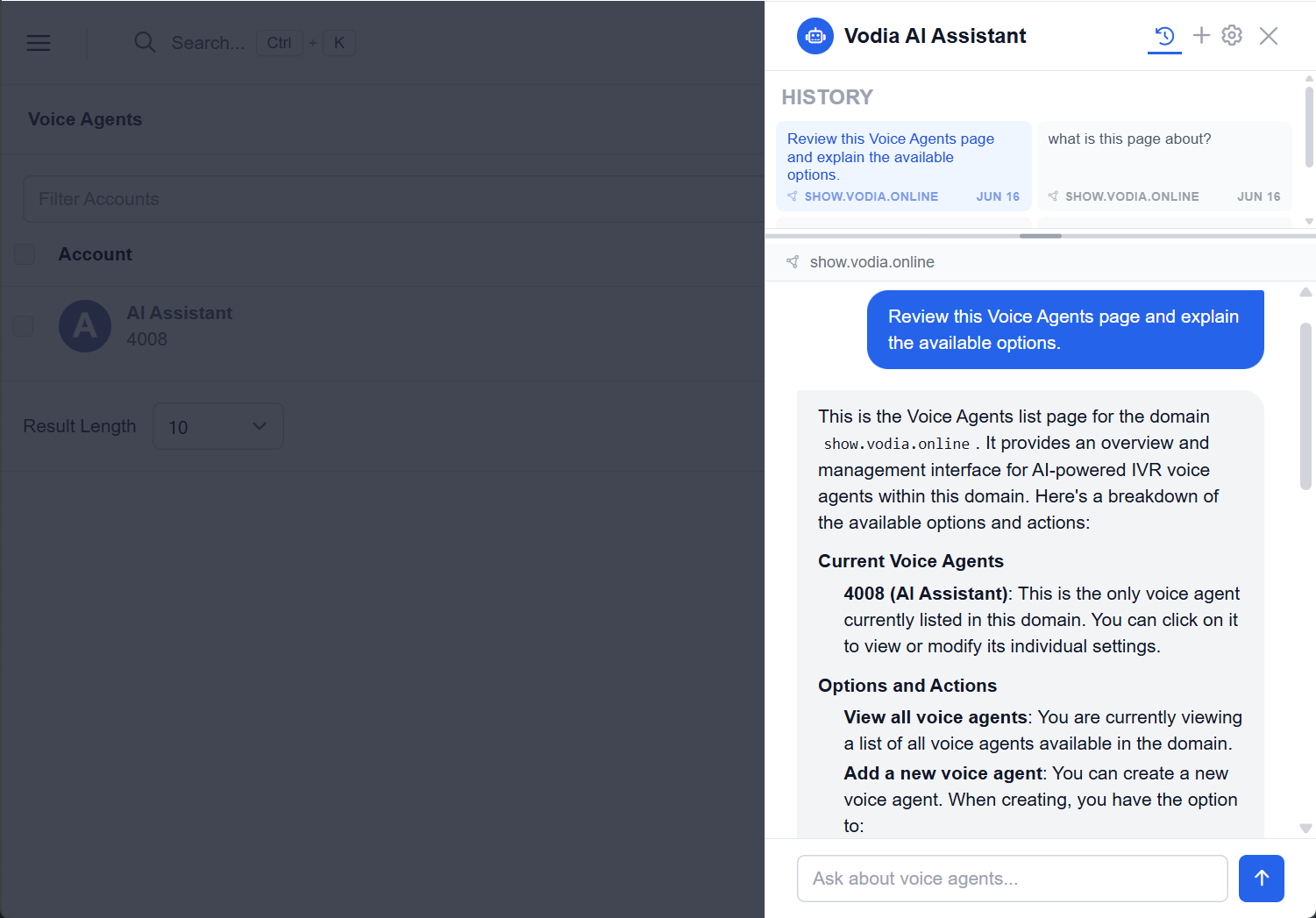
V70.4 introduces a redesigned help experience with an AI assistant built into the Admin Portal. The assistant uses the administrator’s selected AI provider, such as Anthropic Claude, OpenAI GPT, Google Gemini, or a custom endpoint, providing page context so the AI can deliver relevant help.
Unlike traditional help systems, the assistant understands the page you're currently viewing and the settings with which you're working. It provides contextual guidance, explains configuration options, surfaces relevant documentation, and helps troubleshoot issues, all without requiring administrators to leave the page.
Whether you're configuring SIP trunks, reviewing logs, or adjusting tenant settings, the assistant provides answers based on the current context of your work.
A redesigned User Web Portal
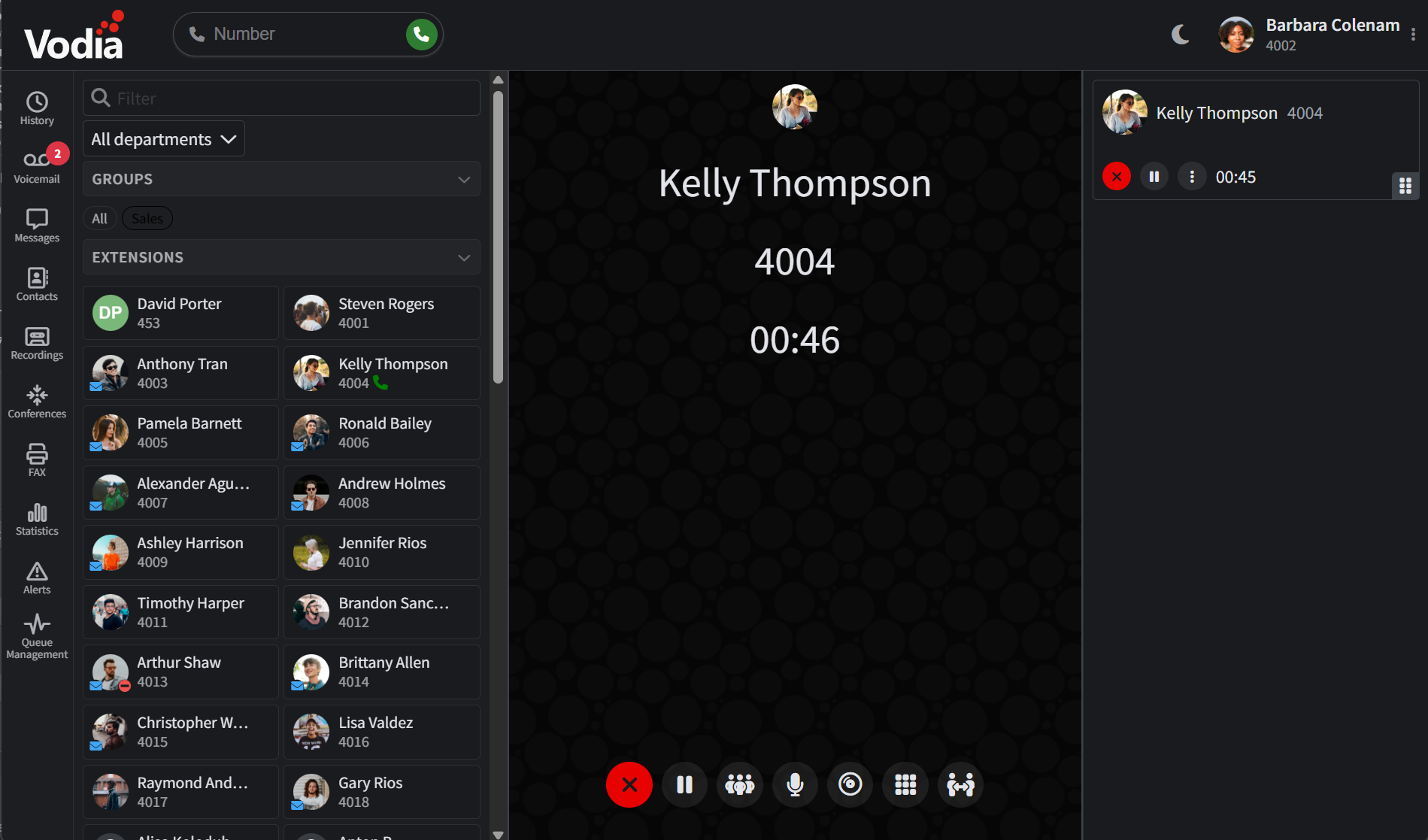
End users also benefit from a more modern and responsive experience:
New left-side navigation rail
Improved panel resizing and collapsible layouts
New audio player for recordings and voicemail
Department filtering
Cleaner voicemail, call history, and recording views
Improved responsiveness across desktop and mobile devices
Improved dark mode
These updates help users navigate more efficiently while keeping important communication tools easily accessible.
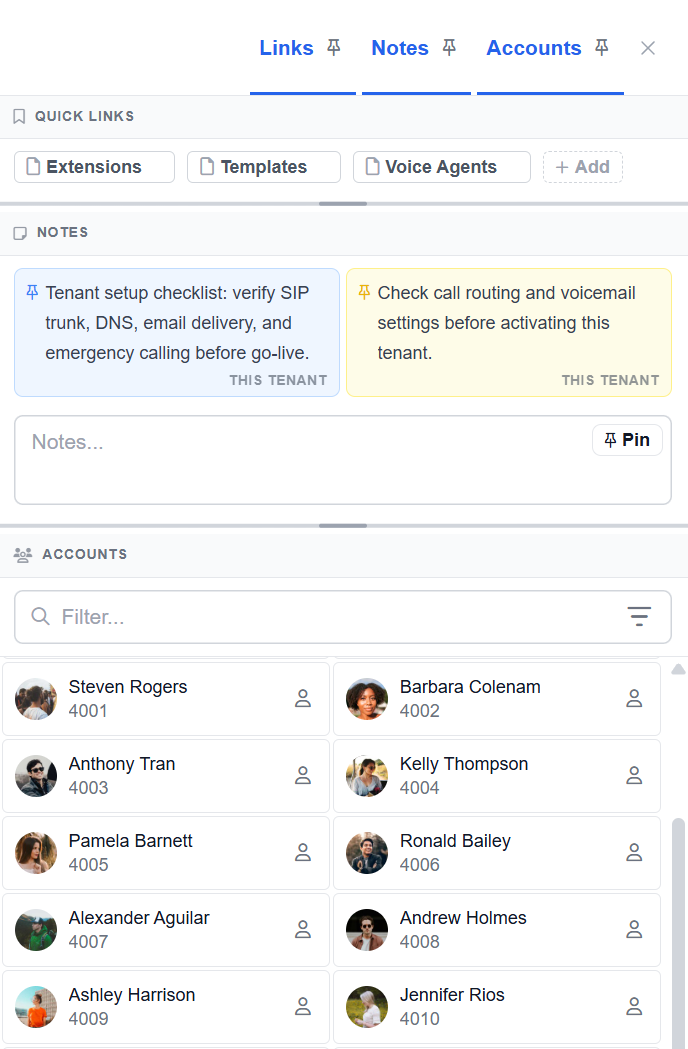
New directory panel with quick links and notes
The new directory panel brings quick links, notes, and account navigation together in a single location.
Thanks to an improved panel customization, administrators can:
Create quick links to frequently accessed pages
Pin notes for future reference
Search and navigate accounts more efficiently
Keep important operational information visible while working
The result is a faster workflow with fewer clicks and less time spent navigating through menus.
Improvements throughout the Admin Portal
V70.4 includes numerous refinements designed to make administration more efficient:
Test email templates and send test emails directly from the interface
New blacklisting and bulk whitelisting controls
Redesigned account-type selector
Full tenant table available from the dashboard
Additional date and time format options
Improved wording and interface consistency
Better dark mode support and visual polish
Improved table handling, scrolling, and resizing
Reliability and platform enhancements
Behind the scenes, V70.4 introduces a wide range of improvements across provisioning, authentication, call handling, integrations, and device support:
DID-based user login
Improved address book search
Simplified snom provisioning
Enhanced SAML compatibility with PingOne
Better connection tracking for troubleshooting
EPOS headset improvements
Smarter registration management
Additional number support for Egypt and Morocco
Support for the Snom D787
Updated call recording announcements and tones
Expanded Vodia Hub callback and blocking controls
Together, these improvements strengthen the reliability and flexibility of the Vodia platform.
In summary
V70.4 makes Vodia easier to deploy, easier to manage, and easier to use. From guided onboarding and context-aware AI assistance to workflow improvements throughout the Admin Portal and User Web Portal, this release helps administrators and users get more done with fewer clicks and reduced complexity.
For a complete breakdown of all enhancements, fixes, and platform updates included in this release, review the V70.4 release notes.
For existing customers, V70.4 is available now - this release gives you an even smoother path from deployment to daily operation. If you want to find out more about everything you can achieve with Vodia V70.4, we’re here to help: sales@vodia.com, +1 (617) 861-3490.
Following a critical PHP security advisory affecting installations worldwide, we temporarily restricted public access to some of our backend services while carrying out necessary upgrades. Access has now been restored, and the affected services are operating normally. The Vodia PBX itself does not use PHP and was not directly affected. We explain what happened, the changes to legacy licensing and TLS support, and why customers running older PBX versions should contact us for upgrade guidance.
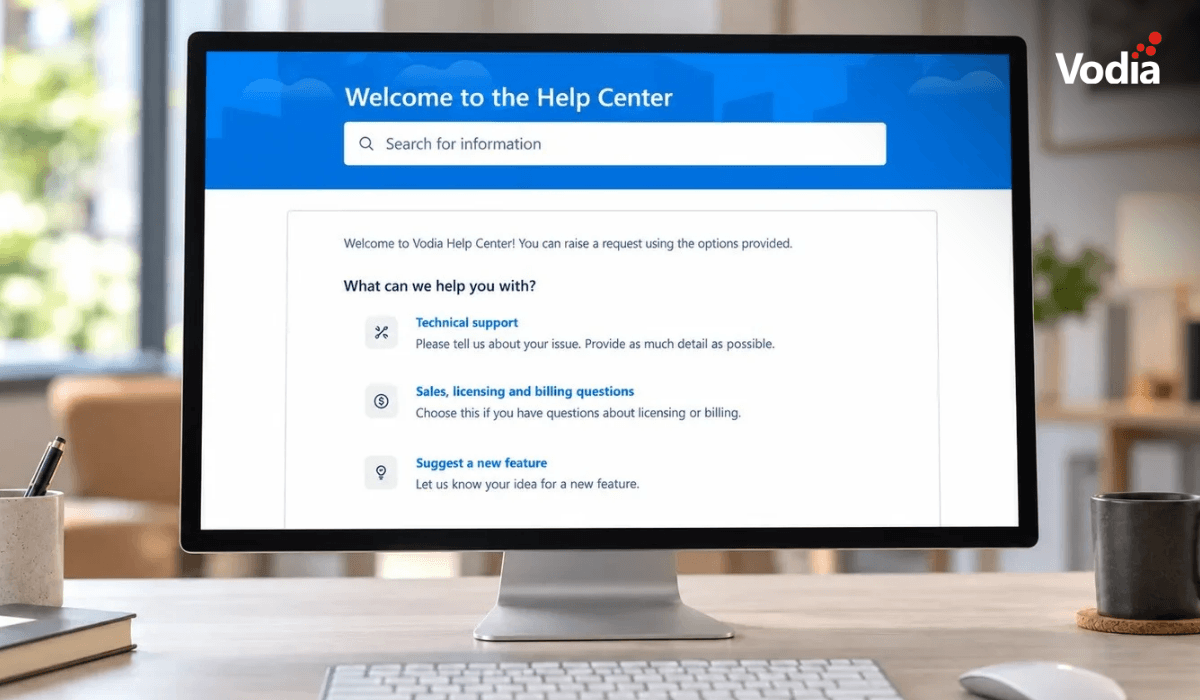
Submitting a support ticket with the right information helps our team understand your issue and reduces follow-up questions. This step-by-step guide walks you through the Vodia Help Center, from describing the problem and attaching diagnostic files to setting the business impact and providing your PBX details. You’ll also learn which call details and timestamps to include, alongside practical tips to keep troubleshooting focused and help our support team investigate your issue more efficiently.
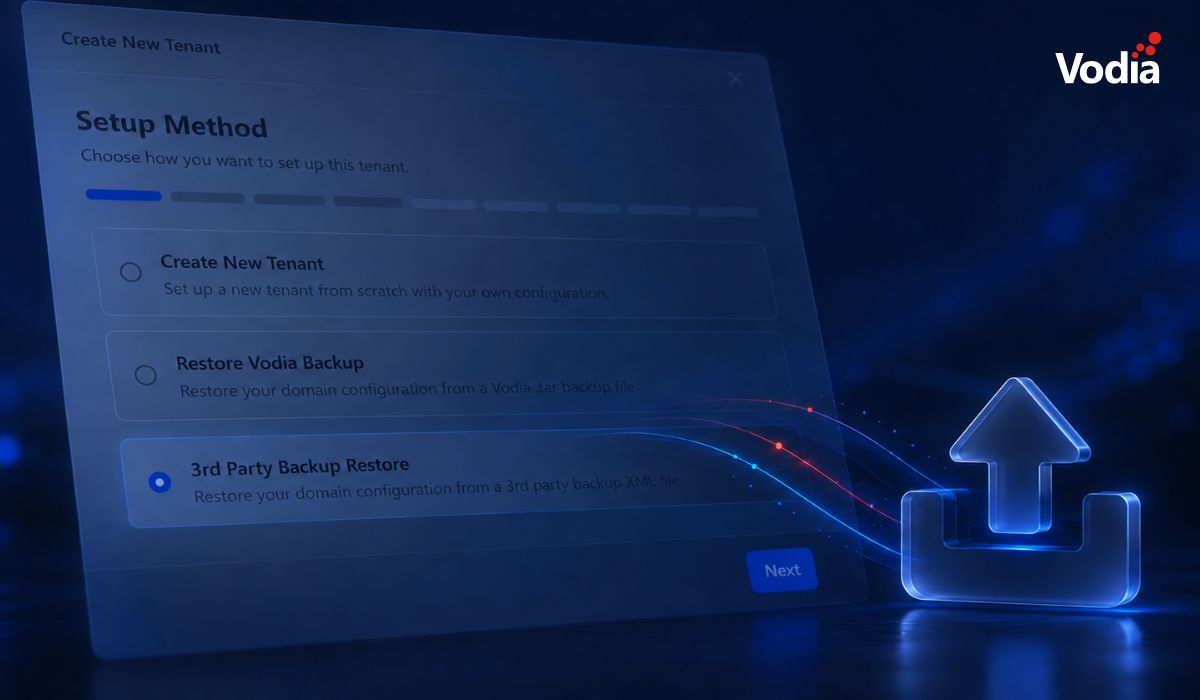
Switching phone systems doesn’t have to mean rebuilding everything from scratch. The Vodia PBX migration tool imports key configuration data from backups, including extensions, ring groups, queues, desk phones, and basic auto-attendant settings. Built into the Vodia Admin Portal, it guides administrators through the import process and reduces repetitive manual work, whether you’re moving 10 extensions or 1,000. Explore what transfers, what needs manual setup, and how the built-in tool reduces repetitive work when moving to Vodia.
.svg)