Vodia V70.4: Faster Setup, Smarter Administration, and a Refined User Experience
Published on:
June 23, 2026
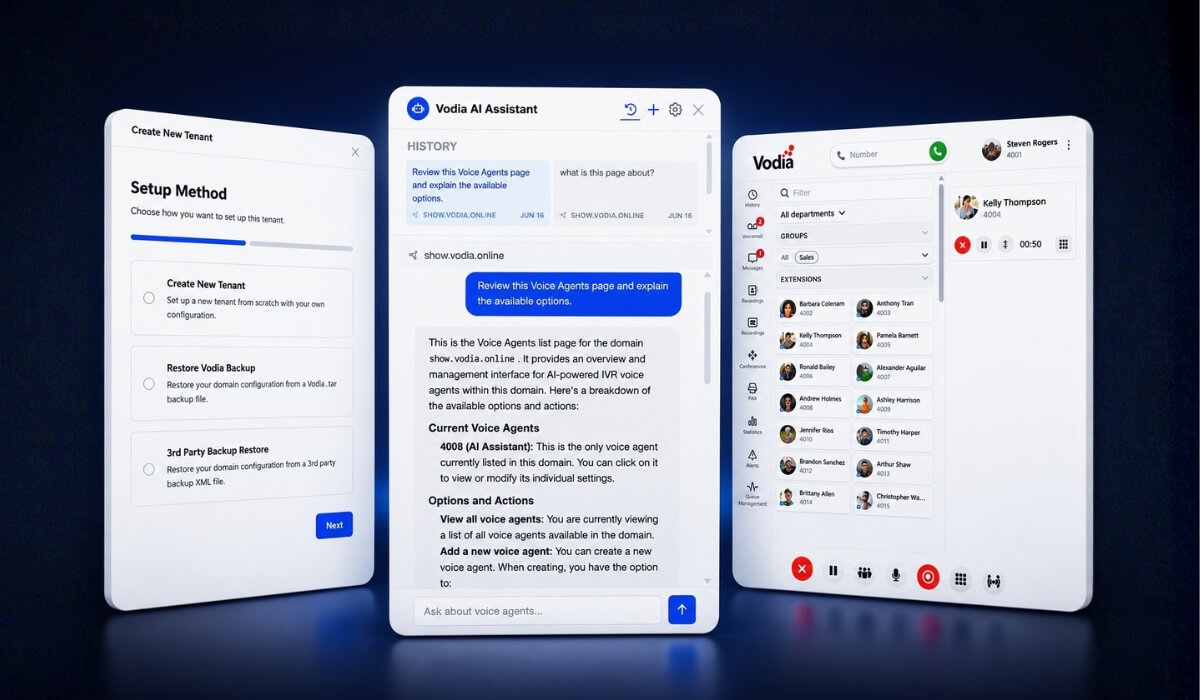
Vodia V70.4 continues the evolution of the Vodia PBX with improvements that make the platform easier to deploy, easier to manage, and easier to use every day. The release introduces a new guided setup experience, context-aware AI assistance in the Admin Portal, a refreshed User Web Portal, a new directory panel with quick links and notes, and backend enhancements across provisioning, troubleshooting, call handling, device support, registration management, and platform reliability.
Version 70.3 continues the evolution of the Vodia PBX V70 with improvements across administration, onboarding, user experience, and platform reliability.
This release introduces a new guided setup experience, context-aware AI assistance in the Admin Portal, a redesigned directory panel with quick links and notes, and a series of enhancements that simplify day-to-day management for administrators and users alike.
Faster onboarding with the new setup wizard
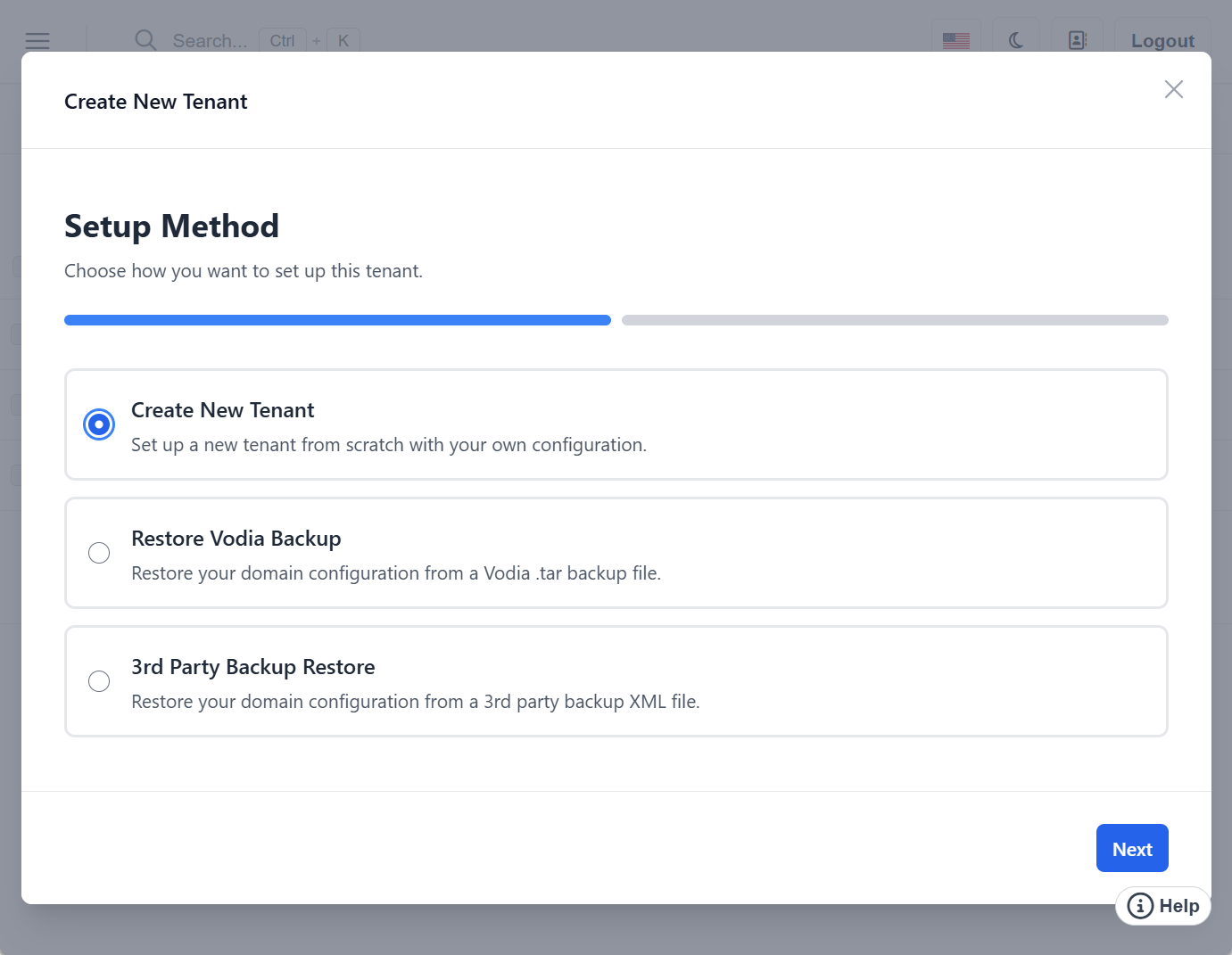
Getting a new PBX up and running is now faster and easier with our redesigned setup experience. V70.3’s new step-by-step installation wizard guides administrators through the initial configuration process, while the expanded tenant creation wizard walks through essential setup tasks, including:
System configuration
Licensing and country settings
SIP trunk setup
DNS configuration
Email testing
The goal is simple: reduce setup complexity and help administrators move from installation to production faster.
Context-aware AI assistance in the Admin Portal
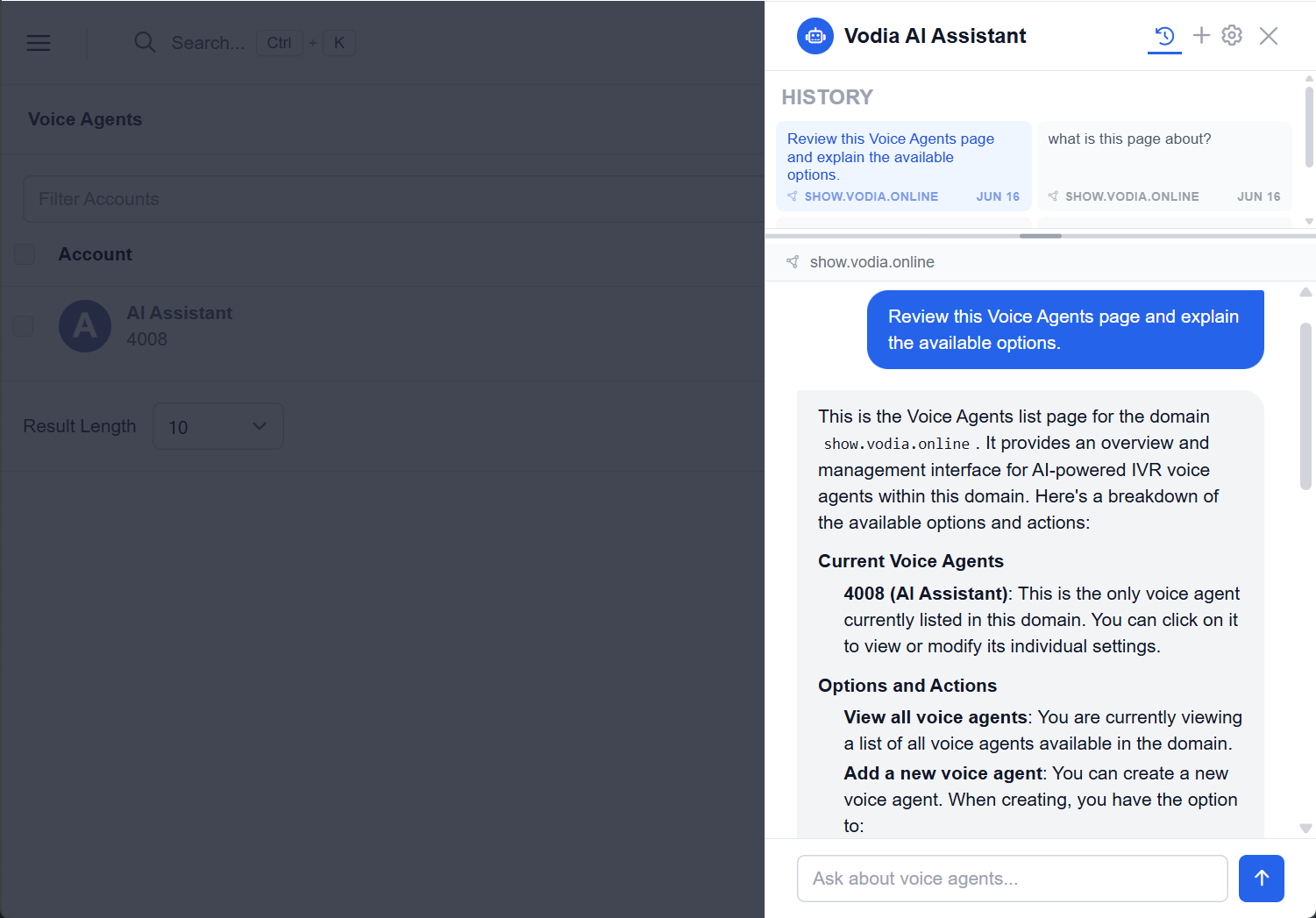
V70.3 introduces a redesigned help experience with an AI assistant built into the Admin Portal. The assistant uses the administrator’s selected AI provider, such as Anthropic Claude, OpenAI GPT, Google Gemini, or a custom endpoint, and provides page context so the AI can deliver relevant help.
Unlike traditional help systems, the assistant understands the page you're currently viewing and the settings with which you're working. It provides contextual guidance, explains configuration options, surfaces relevant documentation, and helps troubleshoot issues, all without requiring administrators to leave the page.
Whether you're configuring SIP trunks, reviewing logs, or adjusting tenant settings, the assistant provides answers based on the current context of your work.
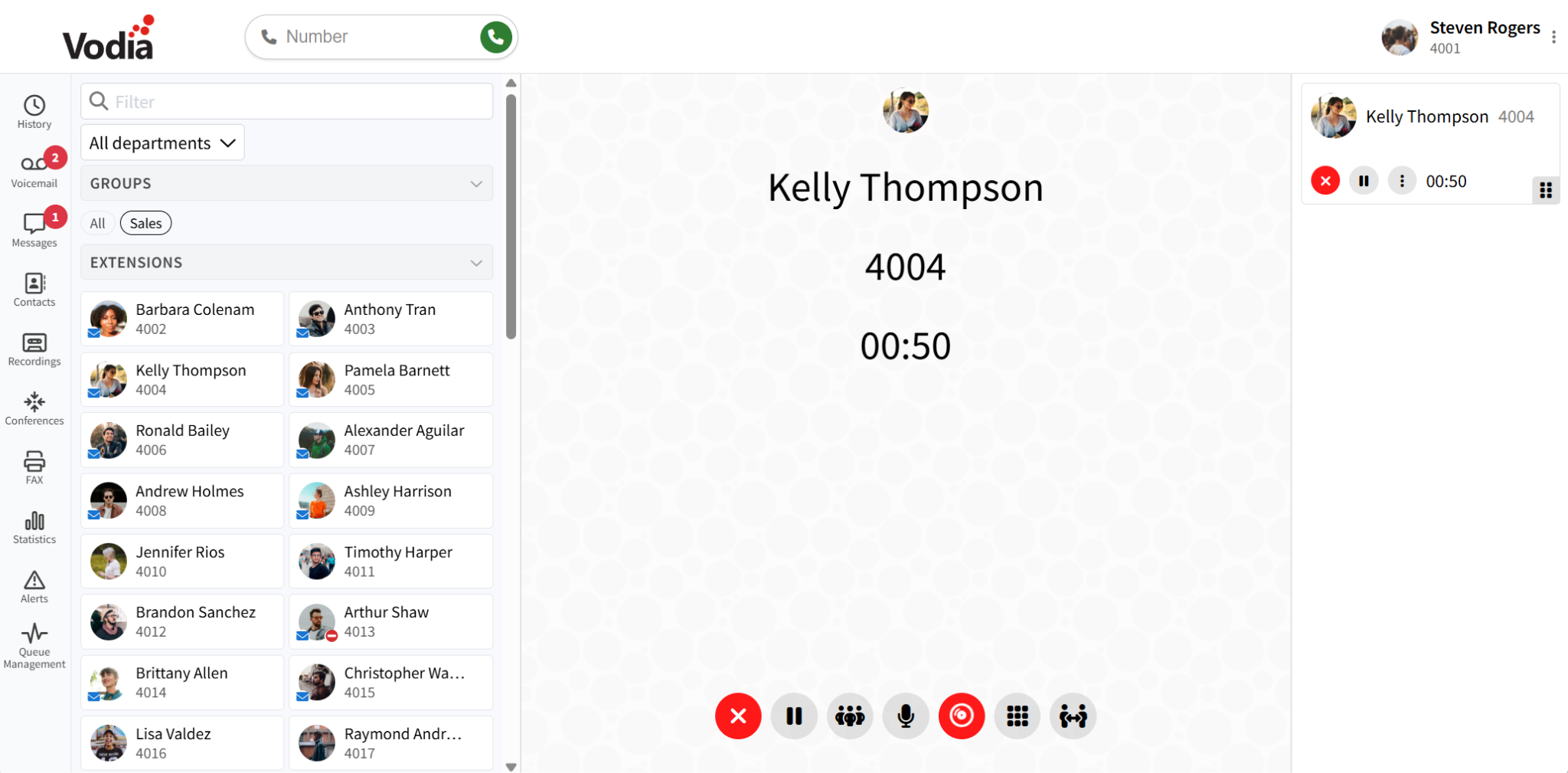
A redesigned User Web Portal
End users also benefit from a more modern and responsive experience:
New left-side navigation rail
Improved panel resizing and collapsible layouts
New audio player for recordings and voicemail
Department filtering
Cleaner voicemail, call history, and recording views
Improved responsiveness across desktop and mobile devices
These updates help users navigate more efficiently while keeping important communication tools easily accessible.
New directory panel with quick links and notes
The new directory panel brings quick links, notes, and account navigation together in a single location.
Administrators can:
Create quick links to frequently accessed pages
Pin notes for future reference
Search and navigate accounts more efficiently
Keep important operational information visible while working
The result is a faster workflow with fewer clicks and less time spent navigating through menus.
Improvements throughout the Admin Portal
V70.3 includes numerous refinements designed to make administration more efficient:
Test email templates and send test emails directly from the interface
New blacklisting and bulk whitelisting controls
Redesigned account-type selector
Full tenant table available from the dashboard
Additional date and time format options
Improved wording and interface consistency
Better dark mode support and visual polish
Improved table handling, scrolling, and resizing
Reliability and platform enhancements
Behind the scenes, V70.3 introduces a wide range of improvements across provisioning, authentication, call handling, integrations, and device support:
DID-based user login
Improved address book search
Simplified Snom provisioning
Enhanced SAML compatibility with PingOne
Better connection tracking for troubleshooting
EPOS headset improvements
Smarter registration management
Additional number support for Egypt and Morocco
Support for the Snom D787
Updated call recording announcements and tones
Expanded Vodia Hub callback and blocking controls
Together, these improvements strengthen the reliability and flexibility of the Vodia platform.
In summary
V70.3 makes Vodia easier to deploy, easier to manage, and easier to use. From guided onboarding and context-aware AI assistance to workflow improvements throughout the Admin Portal and User Web Portal, this release helps administrators and users get more done with fewer clicks and less complexity.
For a complete breakdown of all enhancements, fixes, and platform updates included in this release, review the V70.3 release notes.
For existing customers, V70.3 is available now - this release gives you an even smoother path from deployment to daily operation. If you want to find out more about everything you can achieve with Vodia V70.3, we’re here to help: sales@vodia.com, +1 (617) 861-3490.
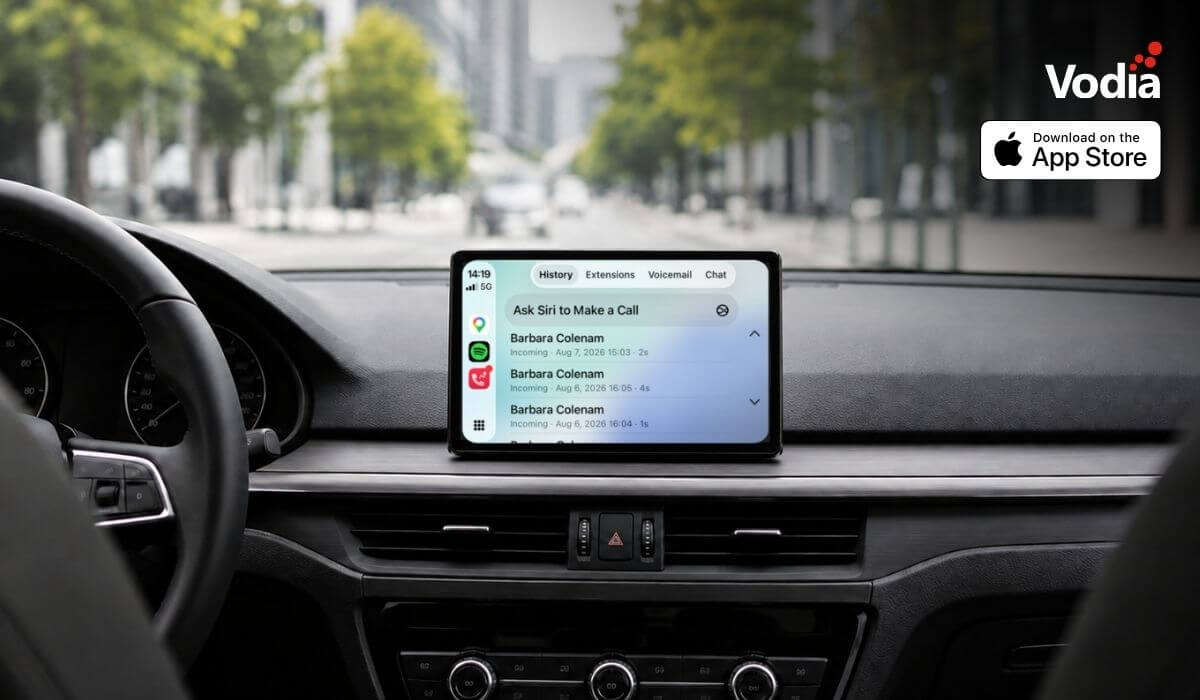
Apple CarPlay support is now available with the Vodia iOS app, bringing essential PBX communication features to the vehicle display through Apple’s native in-car interface. Users can access recent calls, browse the extension directory, view colleague presence, listen to voicemail, use Siri for calls and PBX messages, and receive communication alerts, while built-in readiness checks and automatic recovery help maintain reliable access when network conditions change. The experience supports compatible wired and wireless CarPlay systems.
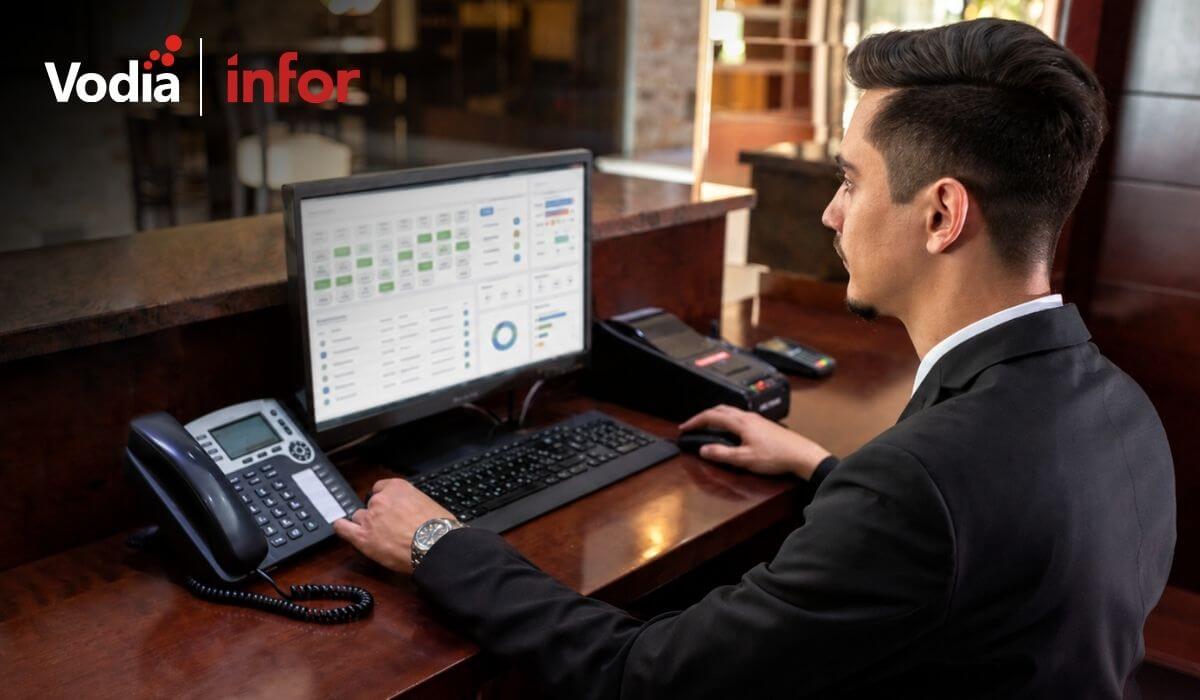
The certified integration between the Vodia PBX and the Infor Hospitality Platform brings hotel operations and guest communications together. Through support for UHLL and FIAS, the two systems can exchange essential guest and room information, helping hotels automate extension activation at check-in, room resets at check-out, guest moves, calling permissions, call billing, Do Not Disturb settings, housekeeping updates, and wake-up calls. This reduces manual work for hotel staff and keeps telephone services synchronized throughout each guest’s stay.
Digital autonomy gives MSPs control over how customer communications, data and infrastructure are deployed, managed, processed and stored. With Vodia, MSPs can build a flexible, branded communications service across cloud and on-premise environments while retaining control of pricing, service delivery, support and the customer relationship. This independence helps protect long-term account value, reduce reliance on third-party vendors and create more opportunities to expand services over time.
.svg)