


Hotel communications built around your property
Connect guests with the right team, manage room phones and add AI to your call handling if you need it. Vodia integrates with supported property management systems (PMS) and gives you a choice of where to run your hotel phone system.
Let’s talk about your hotel
Tell us what you’d like to improve, from reception call handling to room phones and PMS integration. Our team will contact you to discuss your requirements.
Practical features for guests, reception and housekeeping
Manage room calling permissions, wake-up calls and housekeeping updates through dedicated hospitality settings.

Room calling controls
Set guest calling permissions for room phones and update them when guests check in or out.

Wake-up calls
Schedule wake-up calls for guest rooms. With a supported PMS integration, notify staff when a wake-up call is missed.

Housekeeping updates
Let housekeeping staff use room-phone codes to update room status in a supported PMS.

Do not disturb
Allow authorized staff to manage room DND settings and exchange DND status with a supported PMS.
Room status at a glance
Check room status for guest check-ins, Do Not Disturb and waiting messages. The Hotel Front Desk dashboard in the User Web Portal also shows active room calls and scheduled wake-up times. Group rooms by building or department so staff can quickly find the rooms they cover.

Group hotel rooms
Group rooms by building or department so staff can quickly find the rooms they cover.

Check wake-up calls
View wake-up times on room tiles and filter the grid to find the next scheduled call.

Access hotel services
Keep links, contacts and notes handy, with live tiles for extensions and call queues.
Start the conversation before your team picks up
Configure an AI Voice Agent to greet callers, identify their needs and connect them to the appropriate hotel department. For reservation enquiries, it can collect guest details and stay preferences before connecting the caller to your reservations team.
Collect reservation details
Gather the guest’s name, travel dates, number of guests and room preference through a natural conversation.

Connect the right department
Direct callers to reservations, reception, the restaurant or other departments using your configured extensions.

Connect external workflows
Send collected details to an external booking system through a configured webhook and use its response to guide call routing.
Adapt call handling to the way your hotel works
Your IT team or technology partner can customize AI instructions, department destinations and integration logic. Define how callers are greeted, what information is collected and where each request goes.

Your greeting
Shape the introduction and conversational instructions around your hotel.
Your departments
Map caller requests to the extensions and teams responsible for handling them.
Your fallbacks
Define an alternative destination when an integration fails or a call reaches its timeout.
Give reception calls a clear next step
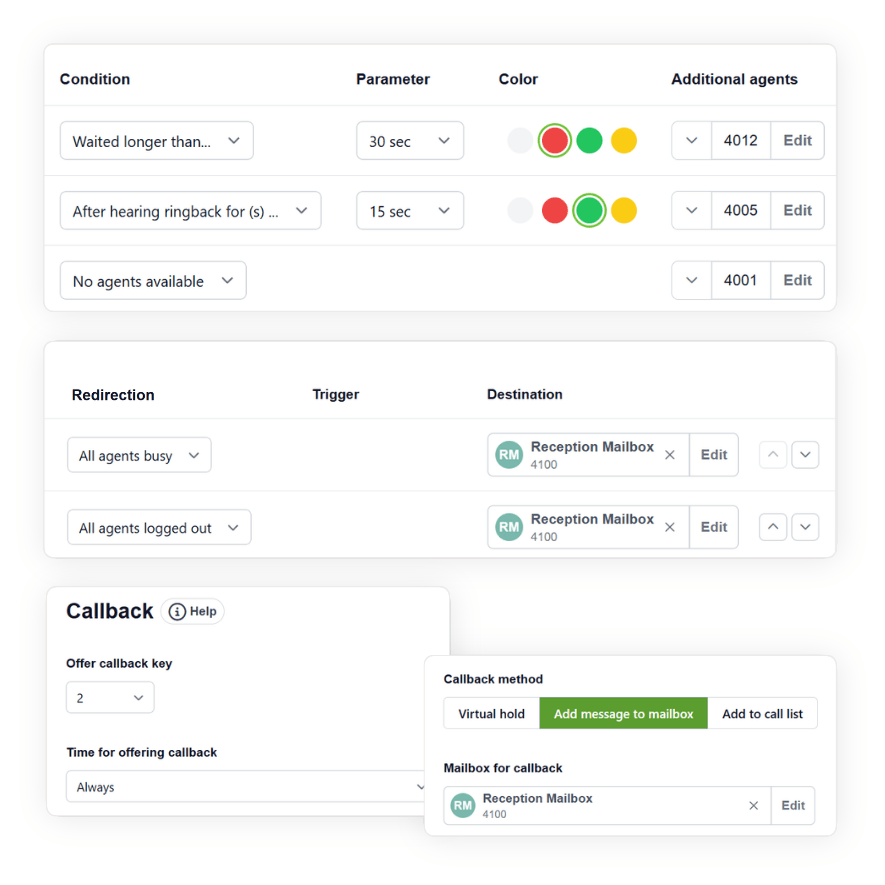
Configure your reception queue to bring in additional staff or send unanswered calls to voicemail. Your team can return calls from messages guests leave.
Overflow routing
Bring additional staff or managers into the call flow after a configured timeout.
Shared voicemail
Route unanswered calls to a mailbox accessible to the reception team.
Return guest calls
Let callers leave their name and number so reception can call them back.
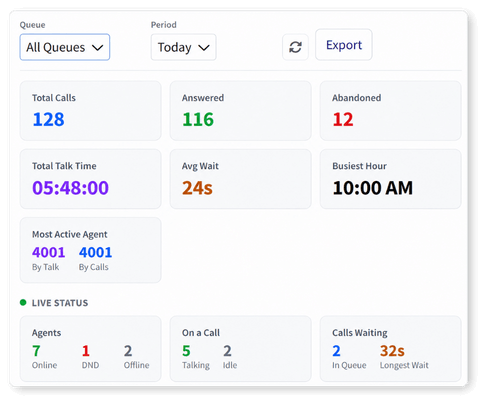
Track wait times and abandoned calls
Review answered calls, abandoned calls and average wait time across your call queues. Compare queues and agent activity to identify busy periods and assess how your reception or reservations team handles demand.
Answered calls
Abandoned calls
Average wait time
Agent performance
Link room telephony with your property management system
Vodia integrates with Shiji and is certified for integration with the Infor Hospitality Platform. Vodia also supports the FIAS and UHLL interfaces. Available workflows depend on your property management system and how it’s connected.

Check-in and check-out
Sync check-in and check-out events from a supported PMS with the room’s phone extension.

Room changes
Move guest details, voicemail, DND settings and wake-up calls to the new room’s extension through a supported PMS integration.
Guest call charges
Post outbound room-call charges to a supported PMS using your configured call rates.
Choose where your phone system runs
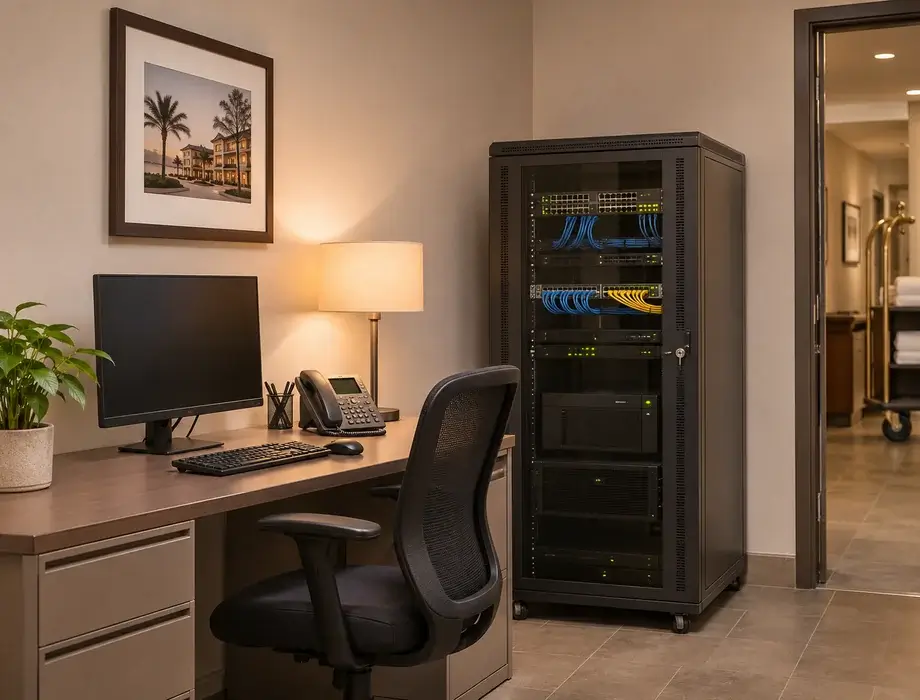
Deploy Vodia in the cloud, on private infrastructure or on-premises. Choose the environment that fits your hotel’s infrastructure and operational requirements.
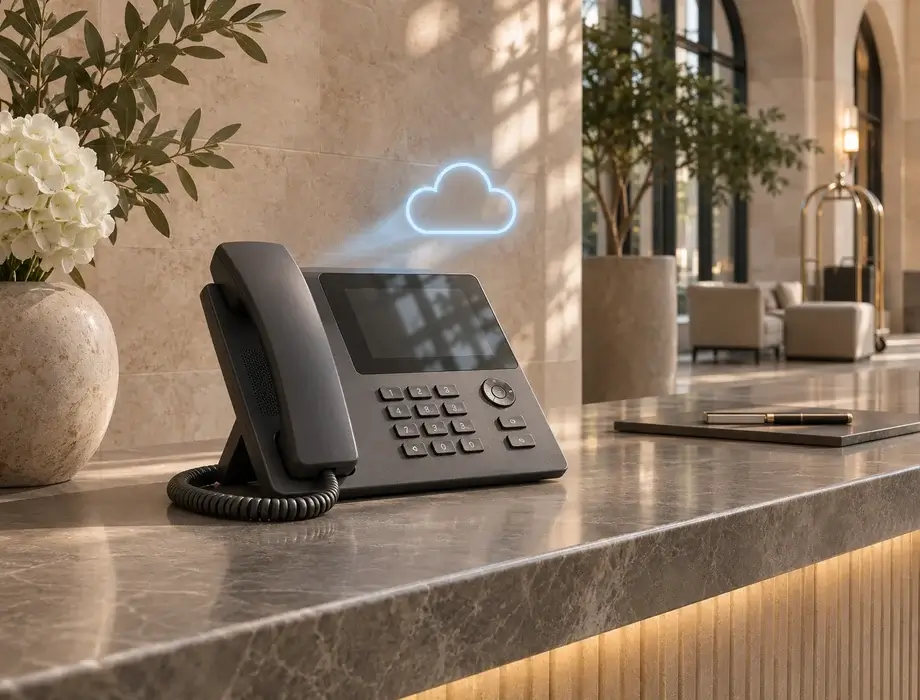
Cloud deployment
Run Vodia in a public cloud environment, including AWS, Microsoft Azure or DigitalOcean.
Private infrastructure
Deploy within a dedicated environment managed by your IT team or technology provider.
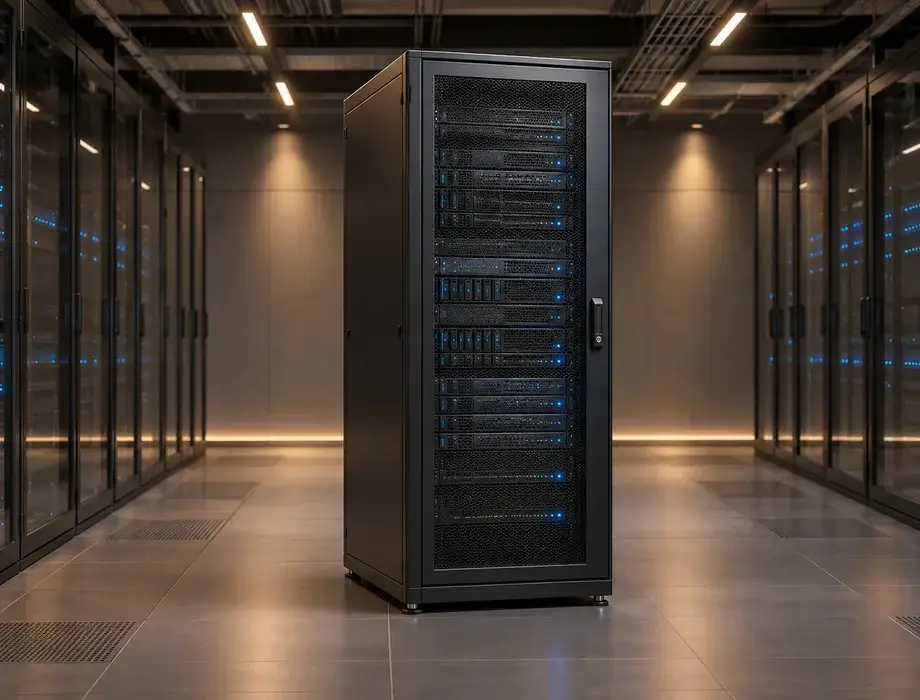
On-premises deployment
Operate the phone system locally at your property on your own infrastructure.
Keep guest communications protected
Vodia supports encrypted SIP signaling and media using TLS and SRTP. If you add AI Voice Agents, you can choose what information is shared and whether to use a public AI provider, a private deployment or a self-hosted model.
Questions about Vodia for your hotel
Can Vodia connect to our property management system?
Can AI handle reservation enquiries?
Can we customize the AI receptionist?
Do we need to use AI?
What happens when reception cannot answer?
Can Vodia run on-premises?
Can we customize the Hotel Front Desk screen?
Can we manage hotel phone operations without a PMS?
Let’s find the right setup for your hotel
Discuss your room phones, reception workflows, PMS and deployment requirements with our team.