Routing calls to the right person the first time remains one of the biggest challenges in call handling, especially as systems scale across teams, languages, and departments. On March 19, 2026, we released the newest iteration of our PBX, V70, designed to address this challenge.
V70 addresses this through improved call handling and routing, introducing skills-based routing to ensure calls are matched with the most qualified available agents.
What is Skills-Based Routing?
Skills-Based Routing (SBR) is a system, usually for call centers, to route incoming calls to agents/employees with the language fluency, relevant skills, and technical expertise for the best management of each call and to provide appropriate CX to each customer.
How Skills-Based Routing works
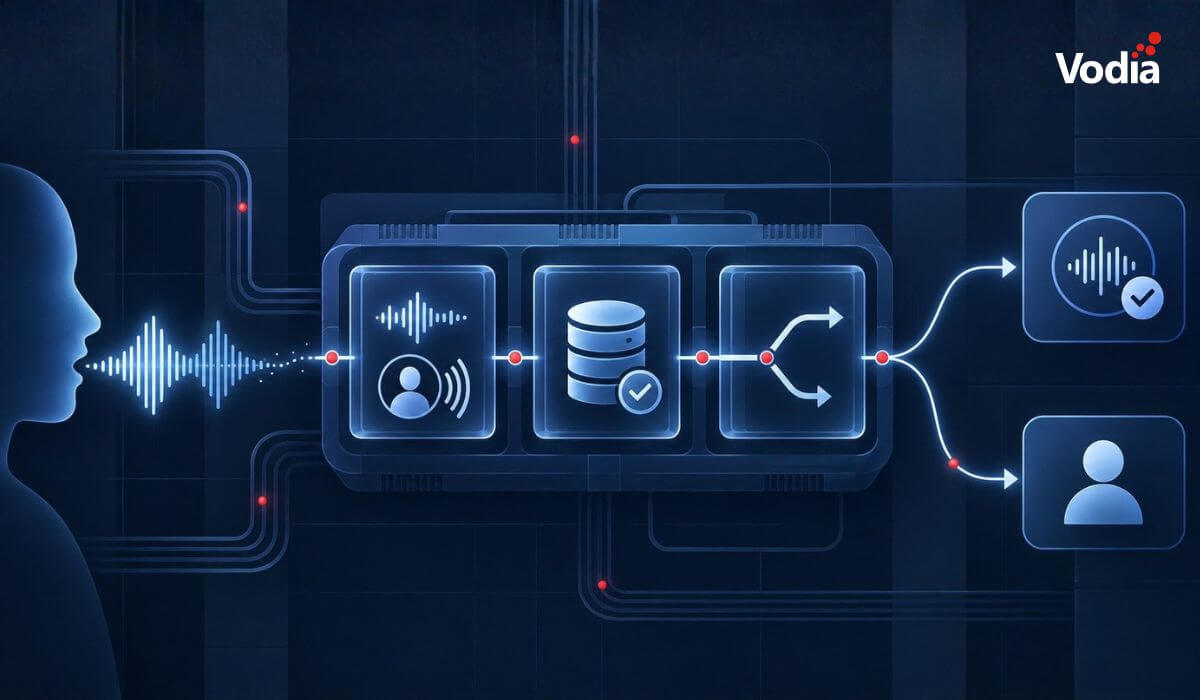
When a company receives a call, it begins its journey in what is known as the “qualifying phase,” which is when the call is sent through interactive voice response (IVR). During this phase, IVR assists the caller in getting his or her call to the appropriate agent or department by providing the caller with a choice of menus (“press ‘1’ for Spanish” is a typical IVR option). In more complex environments, this step may also capture the type of request, such as billing, technical support, or sales, helping narrow down how the call should be handled.
After the qualifying phase, an automated call distribution system (ACD) adds the incoming call to the proper queue. With SBR, the ACD will process the caller’s menu choices and assign the call based on an agent's skills. Some of the benefits of SBR for both agents and customers include:
- fewer unnecessary call transfers between agents
- higher first-contact resolution by matching expertise upfront
- shorter average handling time
- more efficient use of specialized agents
- a more consistent experience for callers
This allows organizations to control how calls are matched with agents directly within the PBX, without relying on external routing logic or complex integrations.
Skills-Based Routing in V70
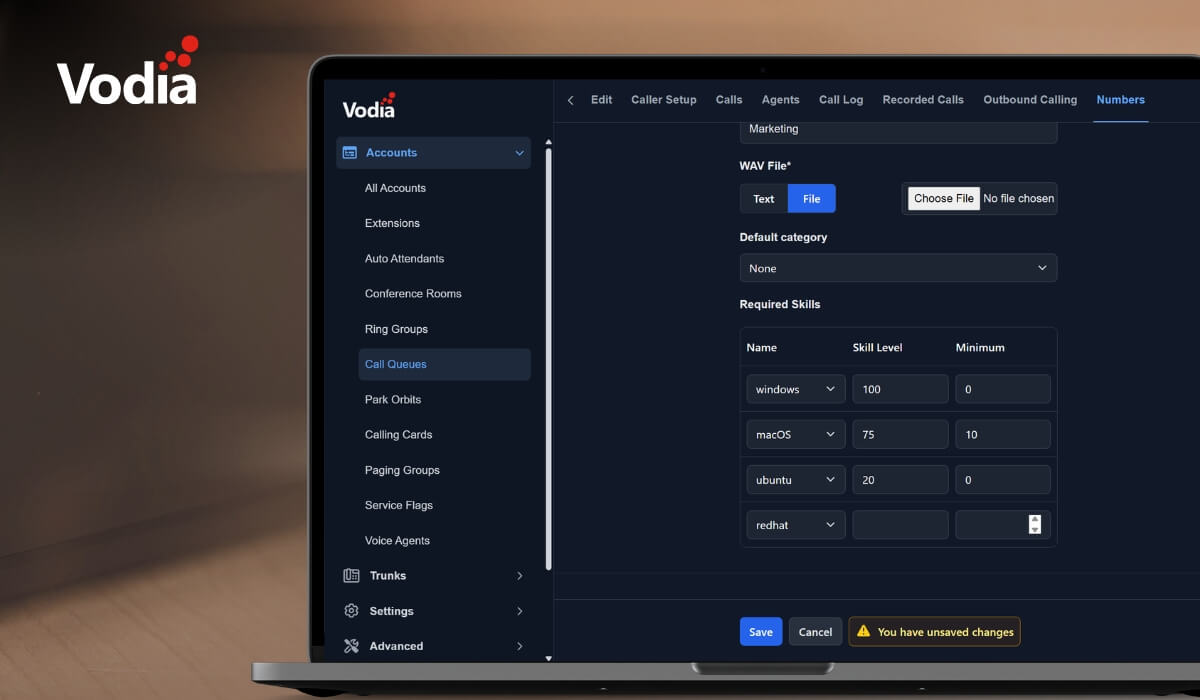
Every organization can use V70 SBR to assign skills to numbers. For each configured number in the call queue, a specific skill, including language, can be assigned. Each number is associated with a defined language, skill, or area of expertise.
- Descriptive name: a name that identifies the purpose of this number (e.g., "Windows Support Line," "Mac Help Desk")
- Comment: optional notes about the number's purpose or any special handling instructions
- Skill: select which skill is required for calls coming to this number
- Skill level: the target skill level for this number can be set (0-100); this represents the ideal expertise level for handling calls to this number
- Minimum skill level: the minimum acceptable skill level for agents to receive calls from a particular number can be set; agents with skill levels below this threshold won’t be selected to handle calls from this number
The system evaluates agents based on their skill levels and selects the most qualified available agent for each incoming call. Once a call arrives at a specific number, the system:
- Identifies the required skill and minimum level for this number
- Filters agents who meet the minimum skill requirement
- Ranks qualified agents by skill level (highest first)
- Presents the call to agents in order of qualification
Documentation
Detailed configuration and examples are available in the skill-based routing documentation.
SBR is one of the new features introduced in V70. We can walk you through everything V70 brings to the table across different environments and deployment scenarios. V70 is designed to support a wide range of communication environments with the flexibility expected from a modern PBX.
For more information about V70, and for anything and everything else Vodia, please get in touch with us at sales@vodia.com or call +1 (617) 861-3490.
.svg)