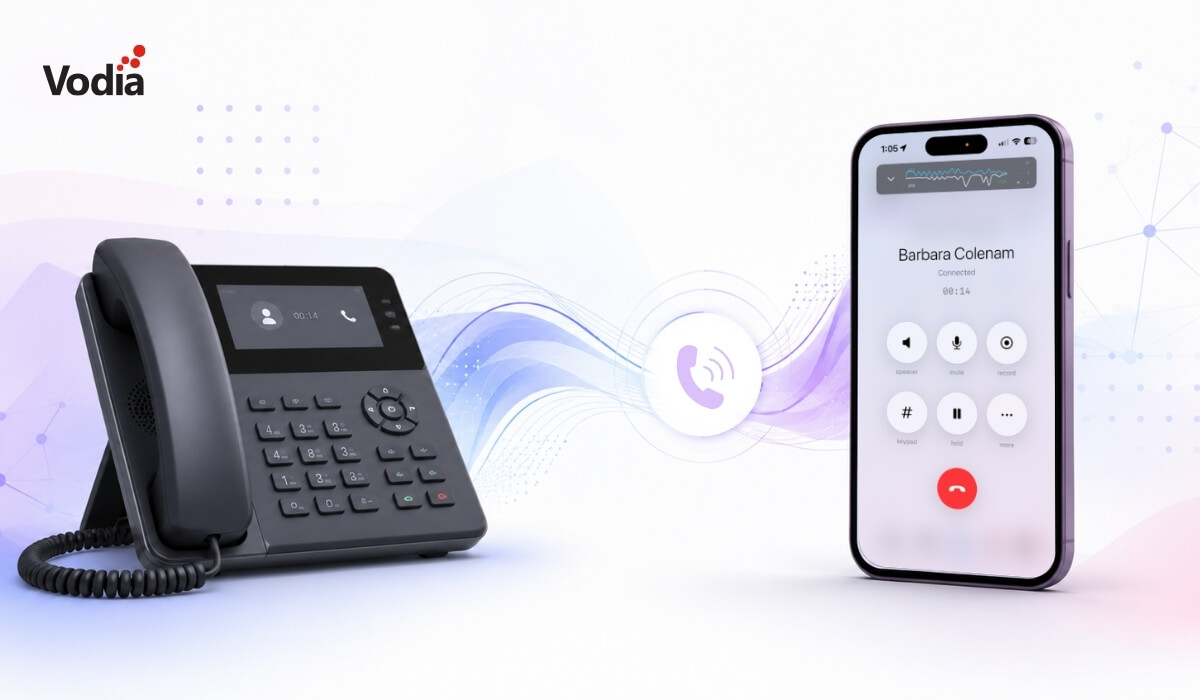
As a business owner or employee, which makes you happier? A solid, dependable IP phone on your desk, or the convenience of an app on your phone for all of your inbound and outbound work calls? Today, businesses have more choices than ever for handling calls: desk phones, mobile apps, browser-based calling, or a combination.
For high-volume call roles, such as receptionists and customer service agents, an IP desk phone can still be the easier tool. Dedicated headsets, transfer buttons, BLF keys, and a fixed device at the desk can make call handling faster and more natural.
Mobile apps give users access to their business extension while they are away from the office. They can make and receive calls using their work number, check voicemail, review call history, access company contacts, and, where configured, use messaging channels such as WhatsApp. For hybrid teams, remote employees, field staff, and companies with bring your own device (BYOD) policies, mobile apps can be a practical extension of the business phone system.
Let’s dive a bit deeper and see what each option provides - and what it doesn’t.
We’ll always be hung up on IP phones
For many of us, a desk just seems “naked” without a phone. Companies large and small - even small office, home office (SOHO) - worldwide still use desk phones, and manufacturers such as Fanvil, Htek, snom, and Yealink, among many others, continue to manufacture outstanding, cutting-edge devices. For many employees, there is still comfort in picking up a handset when a desk phone rings. In a properly configured office network, desk phones can offer a reliable, familiar calling experience, especially for users who spend most of the day handling calls from the same location. And if a company doesn’t have a BYOD policy in place, then team members only answer work calls when they are at their desks or somewhere else on-site.
- Desktop IP phones are dedicated devices - they’re always on
- HD audio with a louder speaker than most laptops
- One-button conference, hold, park, and transfer (no menus)
- Physical, desktop handset plugged into the organization’s network (Ethernet)
- Programmable BLF keys
- Top-shelf brands continue to manufacture high-quality devices
- Works without requiring a computer
Mobile apps make our smartphones smarter
With a mobile app, users can make and receive work calls from almost anywhere using their business number. They can access call history, voicemail, presence, company contacts, and, where configured, messaging channels such as WhatsApp. And while the separation between personal and business calls may not feel as physical as it does with a desk phone, the app still keeps work communication tied to the user’s business extension. Outside business hours, those calls can be routed to the company IVR or AI receptionist instead of ringing the user directly.
- Complete PBX features within the app - call history, conference, presence, transfer, etc.
- Easy separation of personal and professional calls
- No hardware purchases
- Serves as your business extension - same number, voicemail, directory
- Mobile apps for iOS and Android
- Work from anywhere
Maybe using both is best?
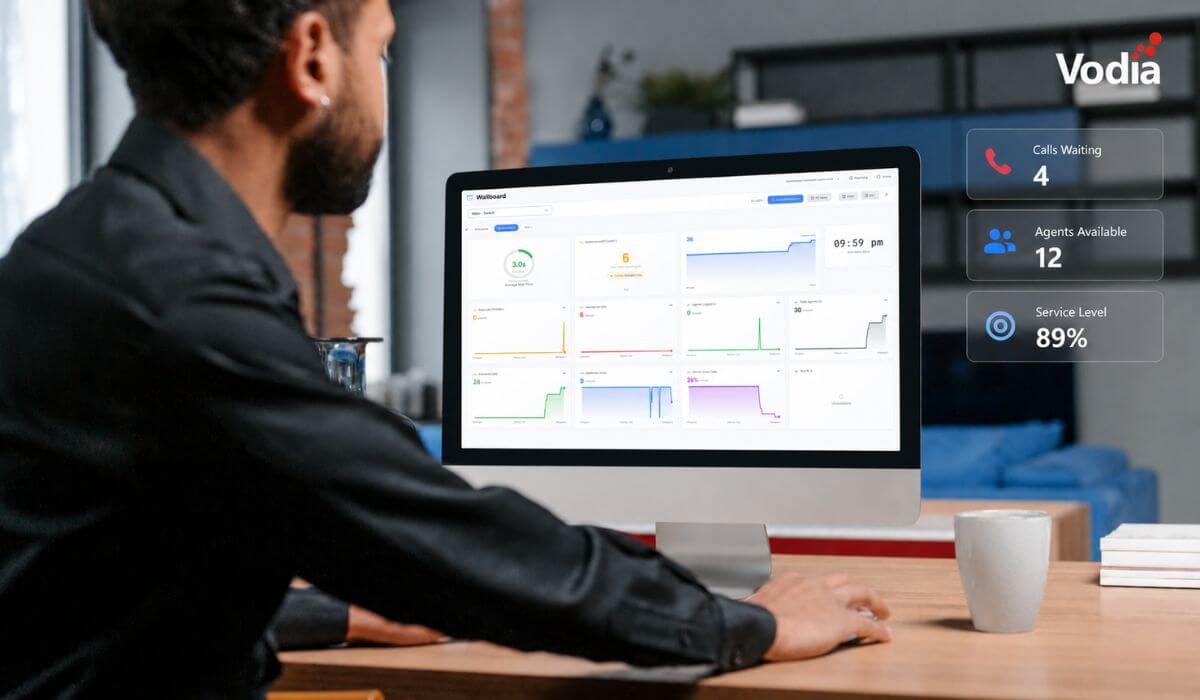
The right telephone system? An exact ratio isn’t necessary - your system needs to address all of your communication needs. Perhaps the best decision is a blended system, with both IP desktop phones and mobile apps on smartphones to provide a comprehensive solution. In larger organizations, a blend of devices can help reduce missed calls by giving each user the right tool for their role. Regardless of how many people are on staff, some of them will need desk phones, some of them will use their own devices exclusively. A combination of IP desk phones, web apps and mobile apps gives you a robust setup, one that’s as dependable as it is flexible - and feature-rich.
Whatever you decide, the Vodia PBX works with IP desk phones and smartphones (thanks to our Vodia phone apps), so your team can collaborate and communicate seamlessly. Whether your model is on-site, remote, or hybrid, our cloud phone system makes it work - it supports a wide range of VoIP devices and, in most deployments, you can keep your existing IP desk phones.
Vodia gives businesses the flexibility to support desk phones, mobile apps, and browser-based calling from the same PBX environment. Find out everything it can do for your organization. Call us, from your desk phone or your smartphone, and let’s talk, +1 (617) 861-3490 (you can also email us, too, sales@vodia.com).
.svg)