VodiaHub brings click-to-call and call control to every Windows workspace
Published on:
July 7, 2026
VodiaHub brings click to call and desktop call control to Windows, making it easier for users to place, answer, manage, and automate calls from the applications they already use every day. With system wide tel: link handling, inbound call screen pops, queue details, and automation support, VodiaHub helps connect the Vodia PBX with Outlook, CRMs, browsers, documents, and other Windows tools. Users can keep working without manually copying phone numbers, opening the user portal, or switching between applications just to handle a call.
At Vodia, we’ve spent much of 2026 building on V70 and improving the everyday experience for administrators, partners, and users of the Vodia PBX. We continue to innovate in our quest to provide enterprises and SMBs with a business communication solution that’s feature-rich, robust, secure, and easy-to-use.
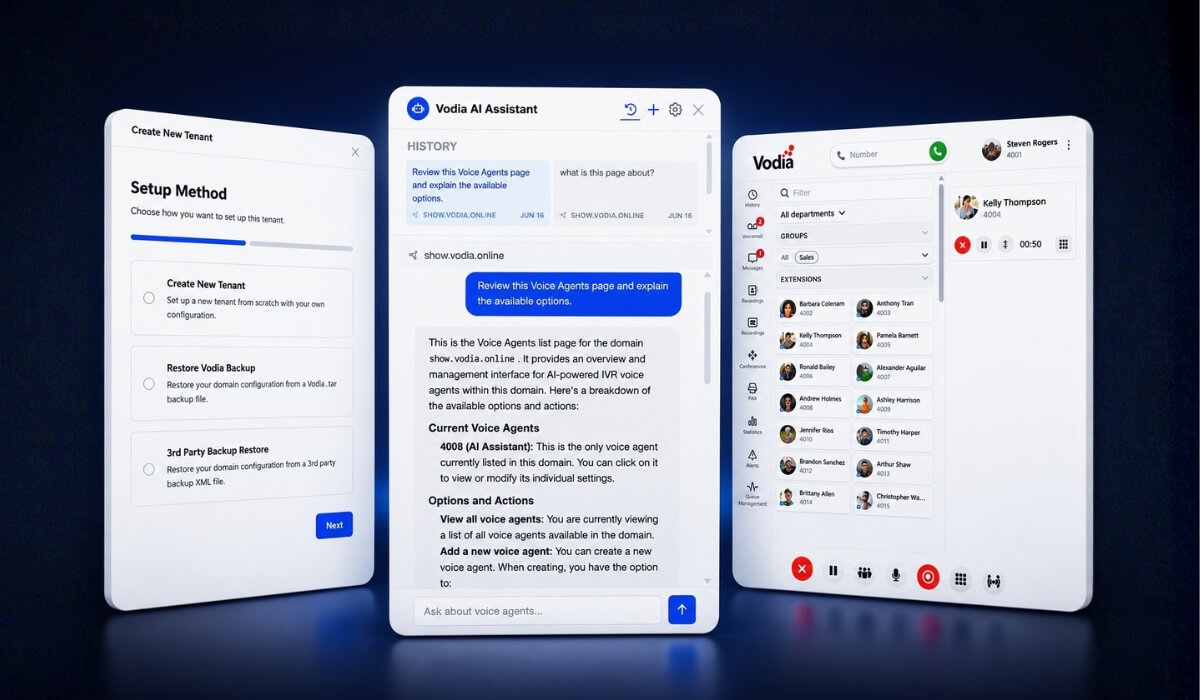
With V70.4, we introduced several improvements across the platform, including a guided setup experience, context-aware AI assistance in the Admin Portal, a refreshed User Web Portal, a new directory panel with quick links and notes, and backend enhancements across provisioning, troubleshooting, call handling, device support, registration management, and platform reliability.
What is VodiaHub?
VodiaHub is a Windows companion app that lives in the system tray and stays connected to a single Vodia PBX extension. Its main purpose is simple: make calling easier from anywhere on the desktop.
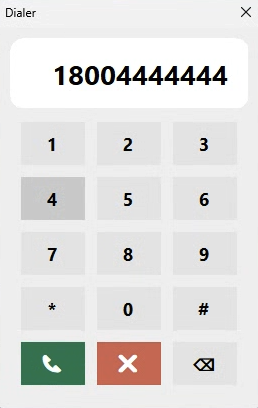
Instead of opening the Vodia user portal, switching applications, or manually copying and pasting phone numbers, users can click a phone number in a Windows application and place the call through their Vodia extension.
That means phone numbers in browsers, CRMs, documents, Microsoft Outlook, and other Windows applications can become part of the calling workflow. VodiaHub handles tel: links system-wide, so calls can start from the tools users already work in every day.
VodiaHub isn’t a replacement for the Vodia user portal, but a desktop companion that lets users control their calls without keeping the portal open or visible.
Click-to-Call
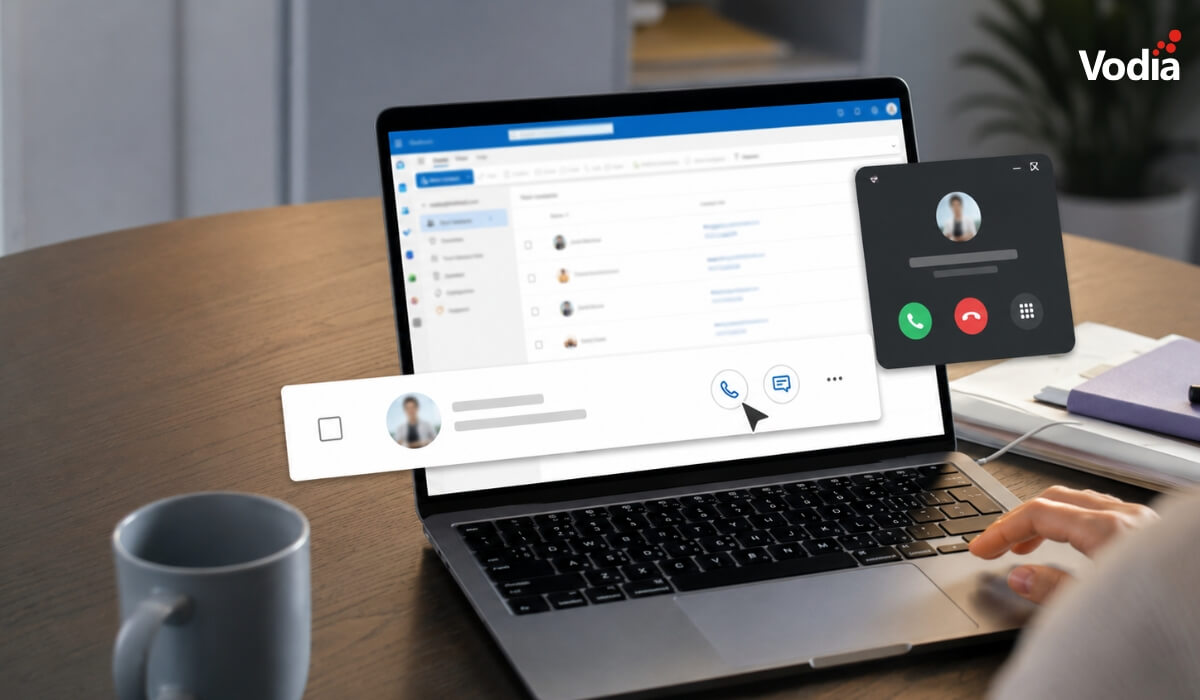
VodiaHub registers itself as the system-wide handler for tel: URIs on Windows. This means any application that presents a phone number as a tel: link, not only browsers, will route the call via VodiaHub.
Outlook is the most common example. When a user opens a contact in Outlook, including the desktop app, the phone number in the contact card is already a tel: link. Clicking it dials through the user’s Vodia extension immediately, without opening a browser or switching to the user portal.
The same workflow can apply to CRMs, websites, documents, and other Windows applications that support clickable phone numbers. For users who make calls throughout the day, VodiaHub removes extra steps and keeps calling closer to the work they are already doing.
Inbound call control
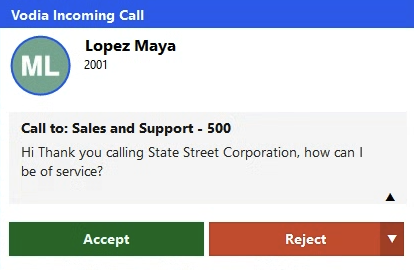
VodiaHub also improves the inbound call experience. When a call comes in, users get a desktop screen-pop with caller information and call controls, so they can answer, reject, manage, or act on the call without leaving the application they are working in.
For queue calls, VodiaHub can also display queue call details, helping agents understand the context of the call before or while they answer. This gives users more information at the right moment, without forcing them to switch back to the PBX interface.
For teams that handle customer calls while working in Outlook, CRMs, support systems, browsers, or internal tools, this helps keep the call experience connected to the rest of the workday.
Automations
VodiaHub also gives users the ability to fire automations from the desktop. This makes it possible to connect inbound calls with other business workflows, such as CRM lookups, customer records, internal tools, or other actions that help users respond faster.
For example, an incoming call can be used to support a lookup, open a related record, or trigger another workflow connected to the caller’s number. This makes VodiaHub more than a click-to-call tool. It becomes a practical bridge between the Vodia PBX and the Windows applications teams use every day.
We continue to build out V70 as the foundation for a flexible and powerful business communications ecosystem. To find out more about V70.4, VodiaHub, and the Vodia PBX, please get in touch at sales@vodia.com or +1 (617) 861-3490.
Desk phones and mobile apps both have a place in modern business communications. IP desk phones remain a strong choice for receptionists, support teams, customer service agents, and employees who handle a high volume of calls from a fixed location. Mobile apps, on the other hand, give remote, hybrid, and field-based users access to their business extension wherever they work. For many organizations, the best answer is not choosing one over the other, but using both through the same PBX environment so every user has the right calling tool for their role.
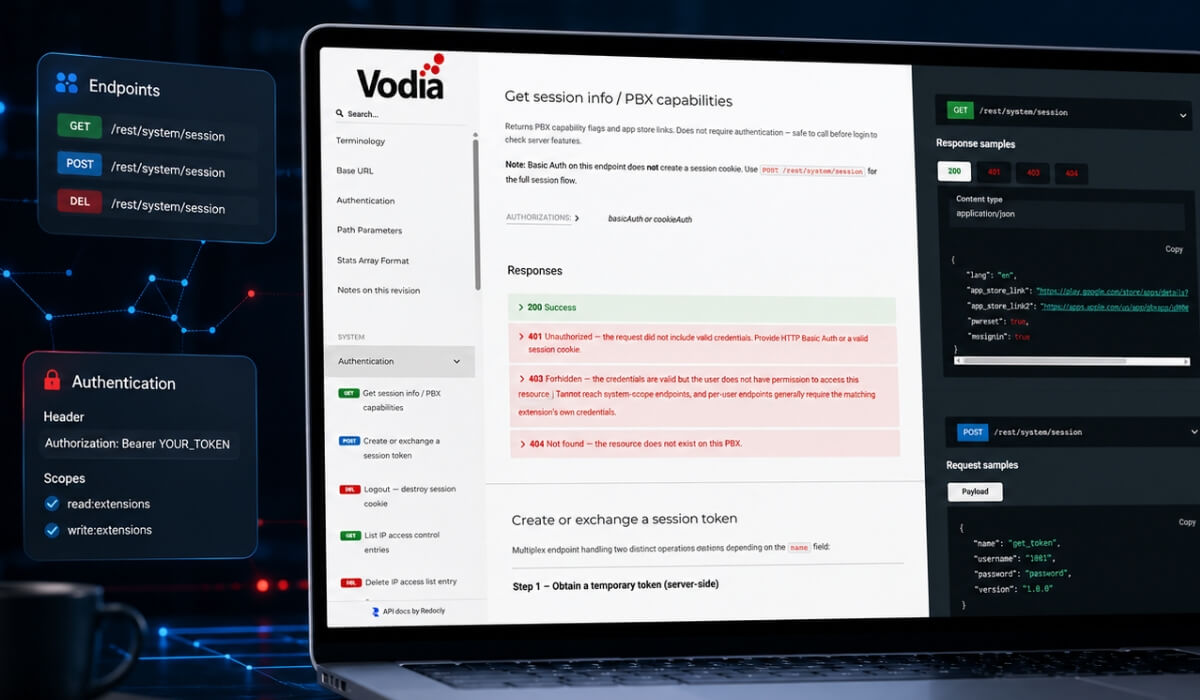
Vodia has updated its PBX REST API documentation for V70 and later with a clearer structure, easier navigation, response samples, and an OpenAPI specification. The updated API reference gives service providers, enterprises, partners, and developers a more practical starting point for exploring available API calls, understanding request and response behavior, and building integrations around real PBX workflows, including CRM connectivity, automated provisioning, reporting, analytics, call data, and workflow automation.
Vodia V70.4 continues the evolution of the Vodia PBX with improvements that make the platform easier to deploy, easier to manage, and easier to use every day. The release introduces a new guided setup experience, context-aware AI assistance in the Admin Portal, a refreshed User Web Portal, a new directory panel with quick links and notes, and backend enhancements across provisioning, troubleshooting, call handling, device support, registration management, and platform reliability.
.svg)