In the telecommunications world, we're constantly faced with a familiar dilemma: should we upgrade? Many organizations operate by a tried and true: "if it ain't broke, don't touch it." While this approach can work for a while, it's not a sustainable long-term strategy.
The Reality of Forced Upgrades
Eventually, external factors will force your hand. Here are some recent real-world examples:
When these changes happen, you suddenly have to upgrade at the worst possible time—often reactively, under pressure, and without proper planning.
What's New? Version 70 Preview
Vodia recently released version 70 preview, featuring a complete rewrite of the admin interface. This exciting release includes:
- Alert system for proactive monitoring
- Multiple core support for better performance
- Modern, redesigned administrator front end focused on enhanced usability
- Skill-based routing for advanced call distribution
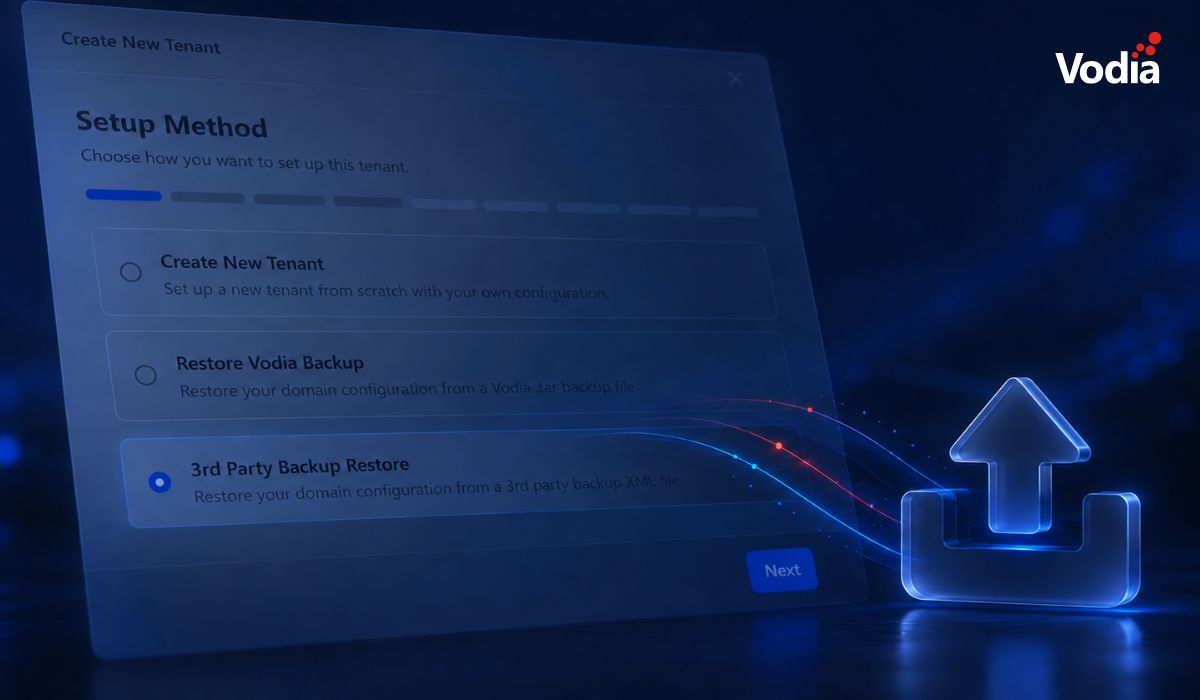
- Snapshots for easier backup and recovery
- Universal search across the entire system
The preview release gives our partners early exposure to the new version and provides valuable feedback opportunities before general availability. We will provide further details in future announcements.
What are Vodia’s Current Production Recommendations?
As of today, the production version is 69.5.18. While we do backport critical fixes to version 68.0.x, we strongly recommend upgrading to version 69.5.18.
The Risk of Staying Behind
Running very old versions means you're missing out on:
Finding the Right Balance
We understand you may not want to run the bleeding-edge version, and that's perfectly fine, but you shouldn’t continue with “outdated” versions of the Vodia phone system.
Best practice: Stay a couple of versions behind the latest release. This gives you stability while keeping you current enough to avoid compatibility issues and security vulnerabilities.
Do OS Requirements Matter?
Keep in mind version 70 of the Vodia PBX requires newer GLIBC versions and is only supported on modern operating systems:
- Older Linux distributions may not support newer PBX versions
- You'll eventually need to upgrade your underlying OS
- Planning OS upgrades alongside PBX upgrades will save you headaches
As with your PBX, we recommend keeping your operating system updated with critical security patches and updates.
Conclusion
While it’s tempting to adhere to the "if it ain't broke", proactive upgrades are far better than reactive ones. Staying reasonably current, even if you haven‘t deployed the absolutely latest version, helps you:
- Maintain security and compliance
- Access powerful new features
- Avoid forced emergency upgrades
- Keep compatibility with modern devices and services
- Benefit from ongoing improvements and optimizations
If you’ve got questions about version 70, or any of our older versions, get in touch: sales@vodia.com, or call +1 (617) 861-3490 (United States), +61 2 7201 0788 (APAC), or +49 30 555 78749 (Europe).
.svg)