Vodia now integrates its industry-leading PBX with Microsoft Dynamics 365, enabling automatic synchronization of call data with the CRM to enhance customer interaction tracking and streamline communications. This integration offers features such as automatic contact creation for unknown numbers, comprehensive call activity logging including direction, duration, and outcomes, and seamless user matching for accurate call attribution. Designed to empower businesses, this connection supports more efficient and scalable communication workflows within the Microsoft ecosystem.
Microsoft Dynamics 365 is a suite of AI-powered applications to drive better business outcomes by enhancing customer engagement and streamlining operations. These apps connect with Azure, Microsoft 365, and Microsoft Power Platform to create scalable, secure, unified collaboration and communications ecosystems. Microsoft Dynamics 365 automates workflows, eliminates disconnections between data sets, and rapidly adapts to evolving business needs to provide companies with greater value, faster.
Who Uses Microsoft Dynamics 365?
Retailers use Microsoft Dynamics 365 to manage inventory and personalize CX; manufacturers use the platform to improve quality control, manage supply chains, and optimize production, and financial firms use it to automate onboarding and gain insights. Some of the world’s best companies depend on the platform, including ABN AMRO, Lenovo, Michelin, and Nestle.
The Vodia Microsoft Dynamics 365 Integration
The Microsoft Dynamics 365 integration automatically synchronizes your Vodia PBX call data with your Dynamics 365 CRM. This integration helps you track all customer interactions, maintain accurate contact records, and ensure the complete visibility of your communication history.
At Vodia, our goal is to integrate with world-class business software so our customers can create cost-effective, efficient, scalable communications ecosystems to better serve their customers. To find out more about our growing list of integrations, visit our integrations hub or get in touch at sales@vodia.com, or call us at +1 (617) 861-3490 (United States), +61 2 7201 0788 (APAC), or +49 30 555 78749 (Europe).
About Vodia
Vodia Networks, Inc. is a pioneering provider of B2B Cloud Communications Solutions catering to enterprises, contact centers and service providers. Vodia's PBX software boasts an extensive suite of business telephony features for on-premise and cloud-based systems and operates seamlessly across Windows, Linux or Mac platforms. Fully compliant with SIP industry standards, the Vodia phone system integrates effortlessly with a wide range of SIP-based devices and trunking providers, granting ultimate freedom in telephony. Vodia’s multi-tenancy platforms are compatible with an unprecedented number of technologies, including desk phones, softphones and APIs, for myriad third-party software and CRM systems. Our mission is to empower our partners and end-users with the world's best cloud PBX and personalized support to ensure their success at every turn. Our US headquarters are in Boston and our European headquarters are in Berlin; we also maintain offices in Beijing, Hong Kong, Nicosia (Cyprus) and Sydney, Australia. Visit Vodia on LinkedIn, X and YouTube.
Switching phone systems doesn’t have to mean rebuilding everything from scratch. The Vodia PBX migration tool imports key configuration data from backups, including extensions, ring groups, queues, desk phones, and basic auto-attendant settings. Built into the Vodia Admin Portal, it guides administrators through the import process and reduces repetitive manual work, whether you’re moving 10 extensions or 1,000. Explore what transfers, what needs manual setup, and how the built-in tool reduces repetitive work when moving to Vodia.
Apps have changed how businesses communicate and work, but every digital experience still depends on physical hardware. From smartphones, desk phones, and headsets to networking equipment and cloud servers, reliable infrastructure supports productivity, security, and call quality. Here’s why hardware still matters in an app-first world and what businesses should consider when choosing dependable devices and secure connectivity for the office, hybrid teams, and remote work, while preparing for evolving technology.
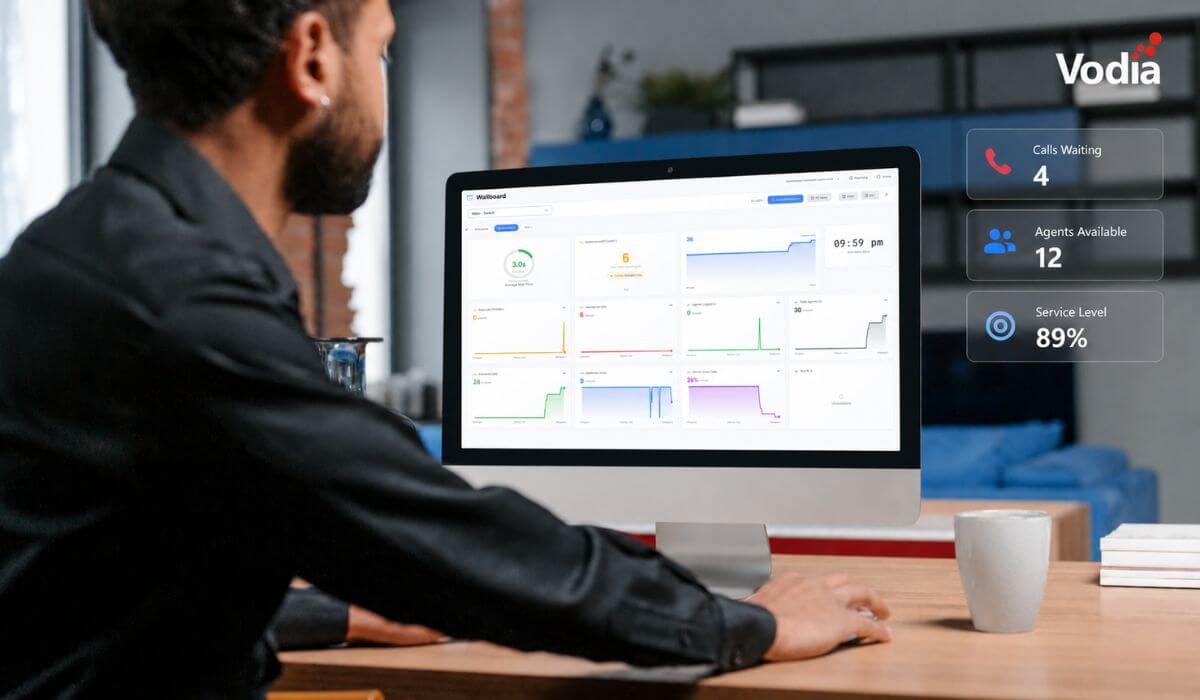
Vodia Wallboards gives supervisors, contact centers, service providers, and operations teams a self-hosted, real-time view of Vodia call queue activity. Monitor waiting, ringing, and active calls; agent availability; service levels; abandoned calls; and queue trends across one or more Vodia PBX systems. Start with a ready-made layout or build a custom wallboard using queue filters, live widgets, AI summaries, and alerts. Display the information your teams need in a browser, on an operations dashboard, or on a dedicated TV screen.
.svg)