Announcement

The Vodia-Jitsi Meet Integration: Some Thoughts on Content Privacy

Published on:

August 13, 2026

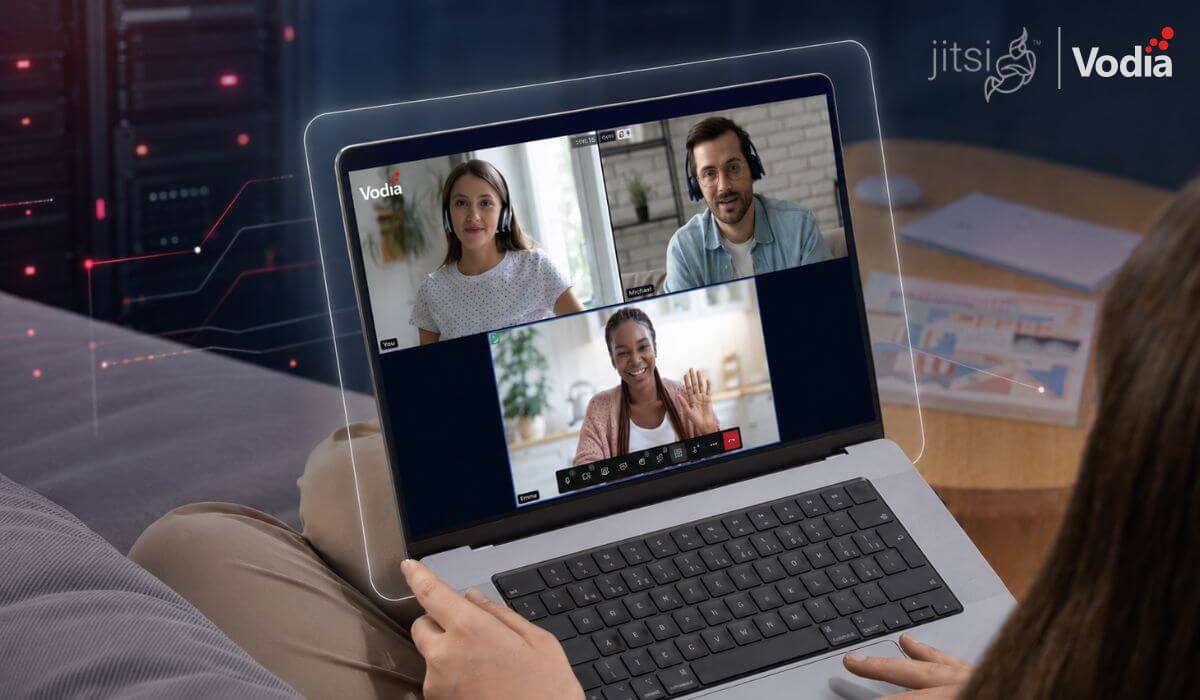
The Vodia integration with Jitsi Meet brings secure, self-hosted video conferencing directly into the Vodia PBX web portal. Users can launch meetings with a single click, while organizations maintain control over their infrastructure, meeting content and access. With JWT-based authentication, automatic room creation tied to extensions and controlled guest access, the integration offers a private, scalable alternative to conventional hosted video conferencing platforms while bringing voice and video together in one communications environment.

We released V70 of the Vodia PBX in March of this year, and we’re excited about what we’ve accomplished. V70 features a cleaner Admin Portal, faster setup, smarter AI assistance, real-time dashboards, and an impeccable user experience into one modern release. We continue to refine our cloud phone system, and we’re already up to V70.4

One of the things we’re most excited about with V70 is our integration with Jitsi Meet, which we announced just prior to the release of V70. Jitsi Meet brings secure, self-hosted video conferencing directly into the PBX web portal, so users can launch meetings with a single click; it also includes built-in features like JWT-based authentication, automatic room creation tied to extensions, and controlled guest access. By combining voice and video within one system, businesses and service providers gain greater control over their communication environment, reduce reliance on external platforms, and scale more efficiently. I’d like to explain this integration a bit further. 

When it comes to video conferencing, there’s Microsoft, there’s Google, Zoom and probably a few other providers. My feeling is they cover 99 percent of the video conferencing market, and their solutions are without a doubt, excellent. 

The catch with these solutions is you can't be sure where the content of your conversation ends up. Some providers will openly tell you everything you discuss is being recorded and fed into the AI machine (and usually milked for maximum future profit). After all, what’s discussed in business meetings is very useful information! 

What’s important here is our integration with Jitsi isn’t run by Vodia - it’s run by your organization. This means your content is on your servers exclusively, so only you have access, and full control over this access, to your content. 

For many companies it’s not worth the extra effort, so they’re better off with the standard hosted solutions. If your company is very sensitive about privacy, however, then the Vodia integration with Jitsi is something to look into. 

To find out more about our integration with Jitsi, and our other integrations with third-party business communications software, please reach out, sales@vodia.com, +1 (617) 861-3490. And feel free to reach out to me on LinkedIn

Latest Articles

View All

Turn Your Android Phone into a Vodia Extension with the Vodia Android App

Vodia Phone 2 turns your Android device into an extension of your Vodia Phone System, making it easier to stay connected wherever you work. Native Android integration lets users make and receive business calls using their office number and identity, even when the app is running in the background. From one mobile app, they can hold, transfer and park calls, access voicemail, messages and contacts, review call history, view extension activity and manage important settings such as Do Not Disturb and call forwarding.

August 7, 2026

Introducing the Vodia PBX Installer Wizard for Windows

The new Vodia PBX Installer Wizard makes it easier for administrators to deploy Vodia PBX on Windows. It automatically detects the latest supported version, while still letting admins choose a specific V68, V69, or V70 build. The wizard downloads the required files, creates the Windows service, sets up the installation folder, and generates the access details needed to open the PBX. A download-only option is also available for preparing and inspecting the files without completing the installation.

August 4, 2026

Mobile Apps, Desk Phones, and Browser Calling: Choosing the Right Endpoint by Role

Business communication is no longer tied to a single device. Desk phones remain valuable for employees who manage high call volumes, mobile apps give remote and travelling teams access to business calling wherever they work, and browser calling fits naturally into computer-based workflows. This article looks at the strengths and limitations of each endpoint, explains which roles they suit best and shows why most organizations benefit from building the right mix rather than selecting one option for everyone.

July 30, 2026