Vodia PBX now integrates Google Gemini with JavaScript IVR and Voice Agents, enabling real-time, AI-driven call handling and intelligent routing. By combining Gemini’s multimodal large language models with Vodia’s programmable IVR framework, organizations can build voice agents that stream audio in real time, make routing decisions through function calls, and handle both basic and attended transfers with AI-assisted screening. This integration allows businesses to automate call flows, reduce hold times, and improve productivity using conversational AI that works directly inside the PBX.
Vodia Networks is pleased to announce the integration of Google Gemini (“Gemini”) with Vodia Javascript IVR capabilities. Gemini enables users to directly collaborate with generative AI, with direct access to current Google AI models. It’s an interface to a multimodal Large Language Model (LLM), one that handles audio, images, and text.
Personalize experiences with insights about individual users and their preferences/relationships
Make recommendations derived from user preferences
Create bespoke itineraries
Discover and summarize information from a user’s Google apps, i.e., what did I search for on Google last week, etc.
Access Gmail and Google Photos content
Vodia JavaScript IVR
Vodia's JavaScript brings the full power of a modern programming language to telephone interactions, creating immeasurable flexibility for customized call flows and integration with external systems. Our simple IVR script contains the IVR system’s core capabilities: Text-to-Speech (TTS) output, DTMF (touch-tone) input collection, and communication with external applications. This framework provides dynamic responses based on real-time API calls, enabling intelligent call routing.
Voice Agents JS - Gemini Basic Call Transfer
The integration of the Vodia phone system with Gemini brings impeccable call transfer functionality to any cloud communication ecosystem.
Basic Voice Agents script can leverage the power of Gemini, thanks to an integration with Vodia's JavaScript Voice Agents capabilities. This integration uses the Gemini bidirectional audio streaming WebSocket API to manage both real-time voice conversations and intelligent call routing:
Configure the session with model parameters, voice settings, and system instructions
Define function tools Gemini can call for call routing (transfer_call)
Establish a WebSocket connection to Gemini's bidirectional streaming API endpoint
Manage error conditions and timeout scenarios with fallback transfers
Parse Gemini's function call responses to determine appropriate call routing
Play audio responses from Gemini back to callers
Stream PCM audio from the caller to Gemini in real-time
Once integrated with the Vodia PBX, Gemini functions as an intelligent screening assistant for attended transfers. Rather than manually calling other users to confirm availability, users have access to the system’s AI Voice Agents to screen and connect calls automatically.
One-Button Screening
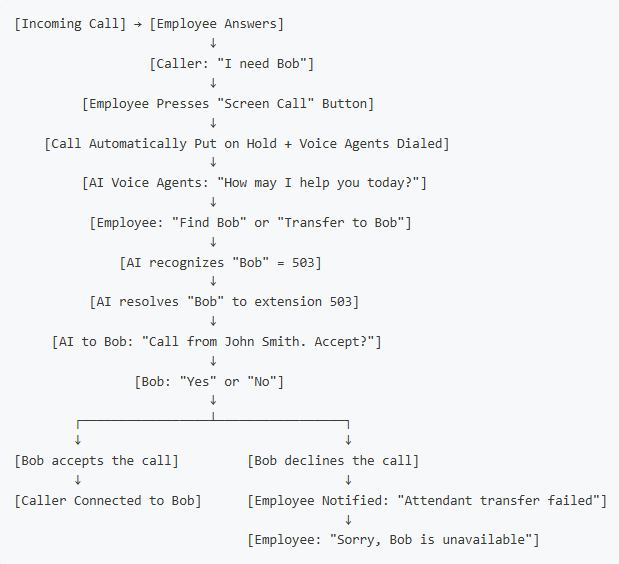
The integration of the Vodia PBX with Gemini enables attended transfer with AI screening with a single button on a user’s desk phone. How does it work?
Caller requests someone: "I need to speak with Bob"
Press the programmed button: automatically places the caller on hold and dials the Voice Agents
Tell the AI: "Find Bob" or "Is Bob available?"
AI handles screening: Calls Bob, asks if he wants to accept, gets response
Automatic result: Call connects to Bob, or agent is notified Bob is busy
Almost all VoIP desk phones support programmable buttons that can put an active call on hold and dial the extension for the Voice Agents.
Benefits
The benefits of Gemini Attended Call Transfer include:
One-Button operation: manage everything with a single button
Increased efficiency: no manual dialing or waiting for colleagues to answer
Professional screening: AI provides context (caller name)
Increased productivity: employees can decline calls when busy or in meetings
Reduced hold times: faster resolution for callers
Universal: for anyone with a desk phone, including assistants, receptionists, team members, etc.
Following a critical PHP security advisory affecting installations worldwide, we temporarily restricted public access to some of our backend services while carrying out necessary upgrades. Access has now been restored, and the affected services are operating normally. The Vodia PBX itself does not use PHP and was not directly affected. We explain what happened, the changes to legacy licensing and TLS support, and why customers running older PBX versions should contact us for upgrade guidance.
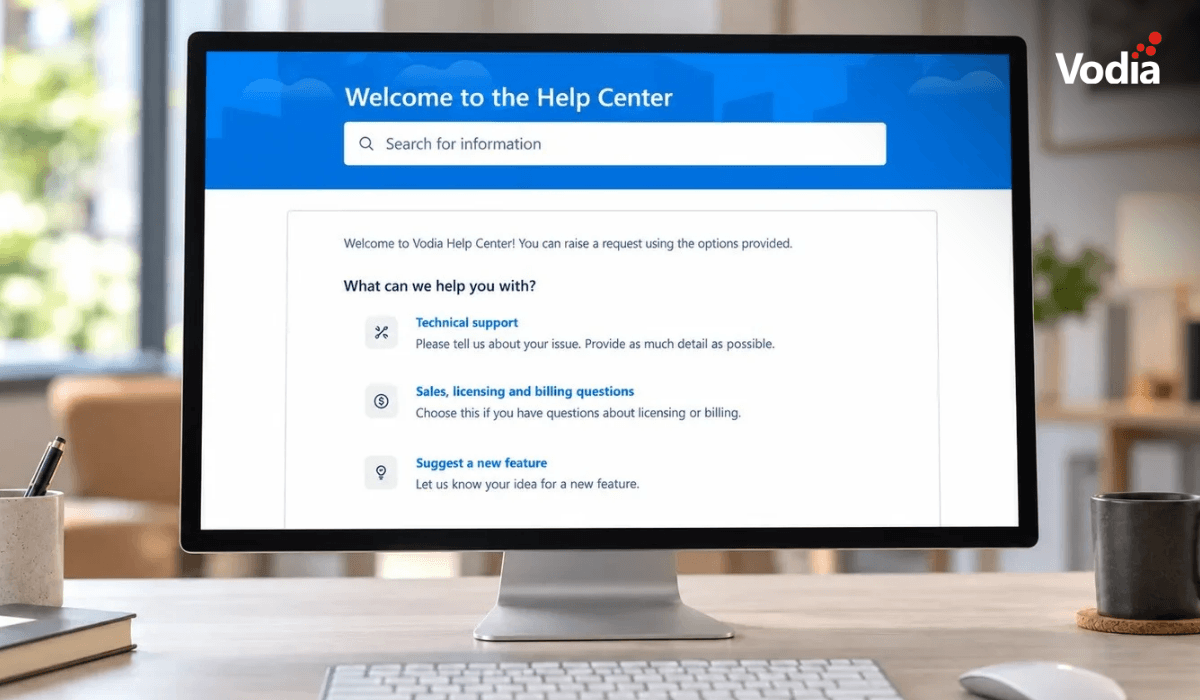
Submitting a support ticket with the right information helps our team understand your issue and reduces follow-up questions. This step-by-step guide walks you through the Vodia Help Center, from describing the problem and attaching diagnostic files to setting the business impact and providing your PBX details. You’ll also learn which call details and timestamps to include, alongside practical tips to keep troubleshooting focused and help our support team investigate your issue more efficiently.
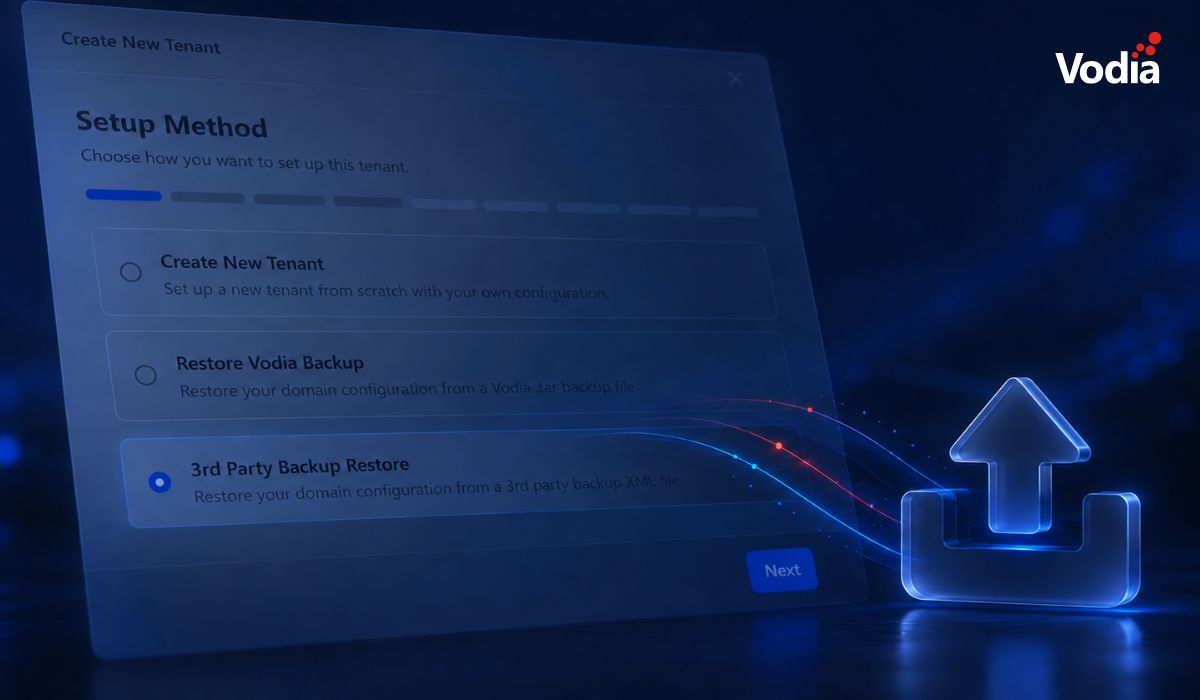
Switching phone systems doesn’t have to mean rebuilding everything from scratch. The Vodia PBX migration tool imports key configuration data from backups, including extensions, ring groups, queues, desk phones, and basic auto-attendant settings. Built into the Vodia Admin Portal, it guides administrators through the import process and reduces repetitive manual work, whether you’re moving 10 extensions or 1,000. Explore what transfers, what needs manual setup, and how the built-in tool reduces repetitive work when moving to Vodia.
.svg)