Flowroute SMS and MMS With Vodia PBX | Video Tutorial
Published on:
June 16, 2025
Vodia PBX integrates seamlessly with Flowroute to enable SMS and MMS messaging within your VoIP system. This video tutorial guides you through the entire process - from setting up your Flowroute account and configuring SMS and MMS in the Flowroute portal to webhook setup for message delivery and thorough testing to ensure everything runs smoothly. Designed for businesses and service providers alike, this comprehensive guide helps you quickly and efficiently add reliable, scalable text messaging features to your communication infrastructure, enhancing your overall VoIP experience.
Flowroute, a self-service SIP Trunking and SMS platform, serves enterprise customers running mission-critical voice applications - including contact centers, CPaaS, and on-premises or virtualized PBX systems - that want full control via an advanced web portal or API access.
Flowroute is part of BCM One, a provider of comprehensive, managed technology solutions to help businesses streamline their networks to make communications, collaboration, and connectivity simpler and more cost-effective. The company has more than 17K clients worldwide.
Vodia’s industry-standard PBX, the perfect phone system for enterprises, integrates with Flowroute, and we’ve created a video tutorial explaining how to use Flowroute’s SMS feature.
This video walks you through the complete setup of Flowroute SMS and MMS messaging with our phone system. It will help you enable text messaging capabilities in your VoIP setup, whether you’re running a business or supporting clients. Watch the video to learn:
Flowroute account configuration
SMS & MMS setup in the Flowroute portal
Testing and troubleshooting tips
Webhook configuration for SMS delivery
For more integration videos, podcast and webinar recordings, and tutorials, please visit the Vodia YouTube channel.
Following a critical PHP security advisory affecting installations worldwide, we temporarily restricted public access to some of our backend services while carrying out necessary upgrades. Access has now been restored, and the affected services are operating normally. The Vodia PBX itself does not use PHP and was not directly affected. We explain what happened, the changes to legacy licensing and TLS support, and why customers running older PBX versions should contact us for upgrade guidance.
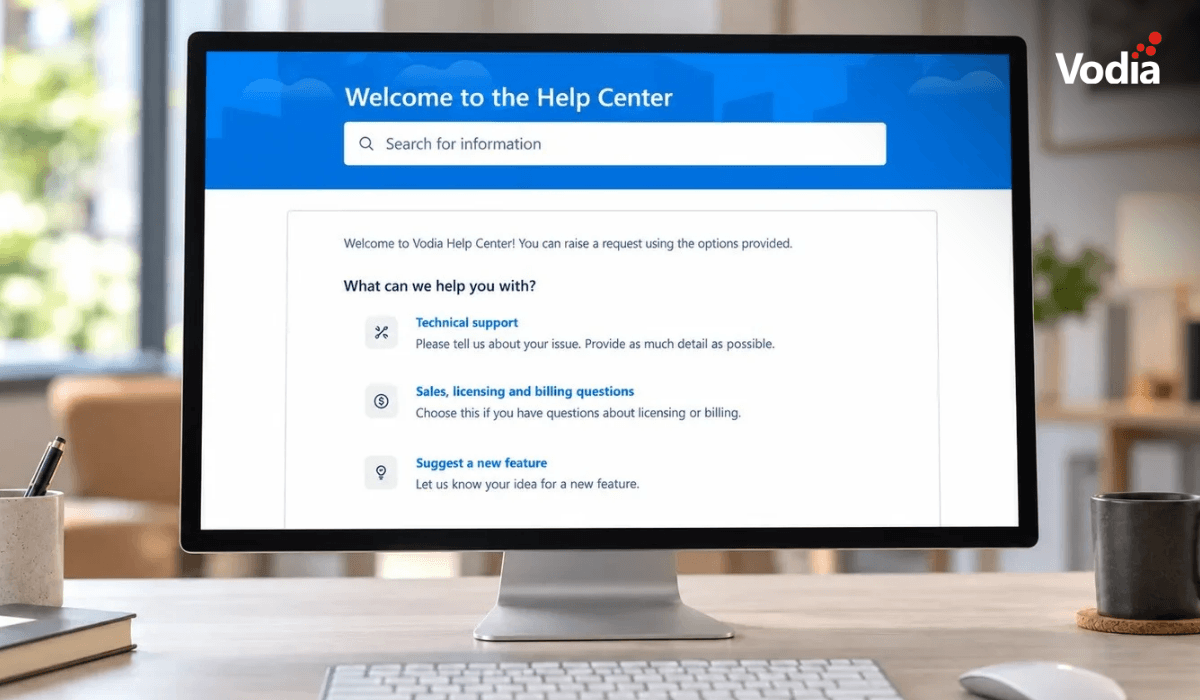
Submitting a support ticket with the right information helps our team understand your issue and reduces follow-up questions. This step-by-step guide walks you through the Vodia Help Center, from describing the problem and attaching diagnostic files to setting the business impact and providing your PBX details. You’ll also learn which call details and timestamps to include, alongside practical tips to keep troubleshooting focused and help our support team investigate your issue more efficiently.
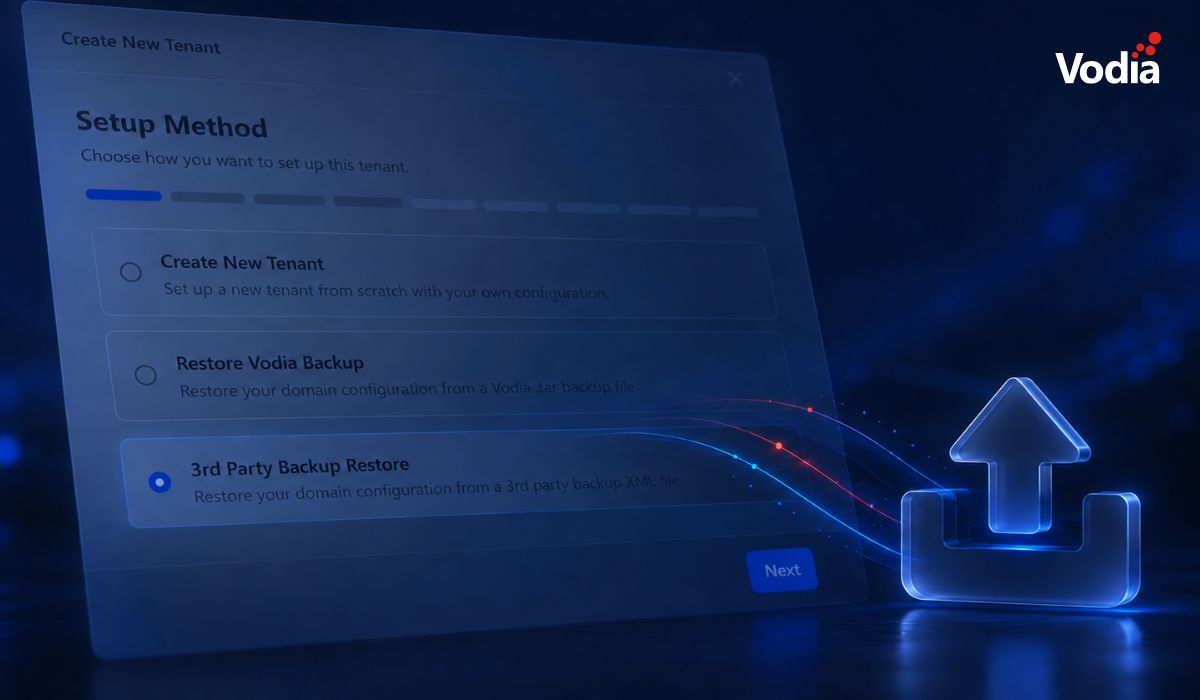
Switching phone systems doesn’t have to mean rebuilding everything from scratch. The Vodia PBX migration tool imports key configuration data from backups, including extensions, ring groups, queues, desk phones, and basic auto-attendant settings. Built into the Vodia Admin Portal, it guides administrators through the import process and reduces repetitive manual work, whether you’re moving 10 extensions or 1,000. Explore what transfers, what needs manual setup, and how the built-in tool reduces repetitive work when moving to Vodia.
.svg)