Flowroute SMS and MMS With Vodia PBX | Video Tutorial
Published on:
June 16, 2025
Vodia PBX integrates seamlessly with Flowroute to enable SMS and MMS messaging within your VoIP system. This video tutorial guides you through the entire process - from setting up your Flowroute account and configuring SMS and MMS in the Flowroute portal to webhook setup for message delivery and thorough testing to ensure everything runs smoothly. Designed for businesses and service providers alike, this comprehensive guide helps you quickly and efficiently add reliable, scalable text messaging features to your communication infrastructure, enhancing your overall VoIP experience.
Flowroute, a self-service SIP Trunking and SMS platform, serves enterprise customers running mission-critical voice applications - including contact centers, CPaaS, and on-premises or virtualized PBX systems - that want full control via an advanced web portal or API access.
Flowroute is part of BCM One, a provider of comprehensive, managed technology solutions to help businesses streamline their networks to make communications, collaboration, and connectivity simpler and more cost-effective. The company has more than 17K clients worldwide.
Vodia’s industry-standard PBX, the perfect phone system for enterprises, integrates with Flowroute, and we’ve created a video tutorial explaining how to use Flowroute’s SMS feature.
This video walks you through the complete setup of Flowroute SMS and MMS messaging with our phone system. It will help you enable text messaging capabilities in your VoIP setup, whether you’re running a business or supporting clients. Watch the video to learn:
Flowroute account configuration
SMS & MMS setup in the Flowroute portal
Testing and troubleshooting tips
Webhook configuration for SMS delivery
For more integration videos, podcast and webinar recordings, and tutorials, please visit the Vodia YouTube channel.
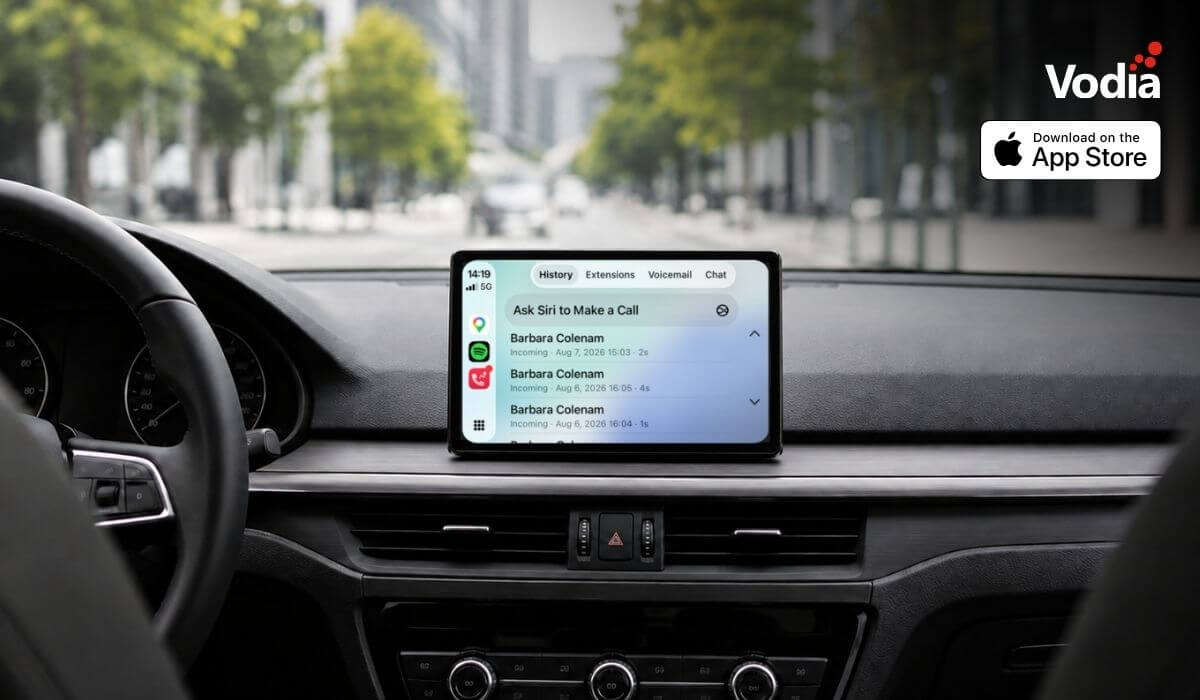
Apple CarPlay support is now available with the Vodia iOS app, bringing essential PBX communication features to the vehicle display through Apple’s native in-car interface. Users can access recent calls, browse the extension directory, view colleague presence, listen to voicemail, use Siri for calls and PBX messages, and receive communication alerts, while built-in readiness checks and automatic recovery help maintain reliable access when network conditions change. The experience supports compatible wired and wireless CarPlay systems.
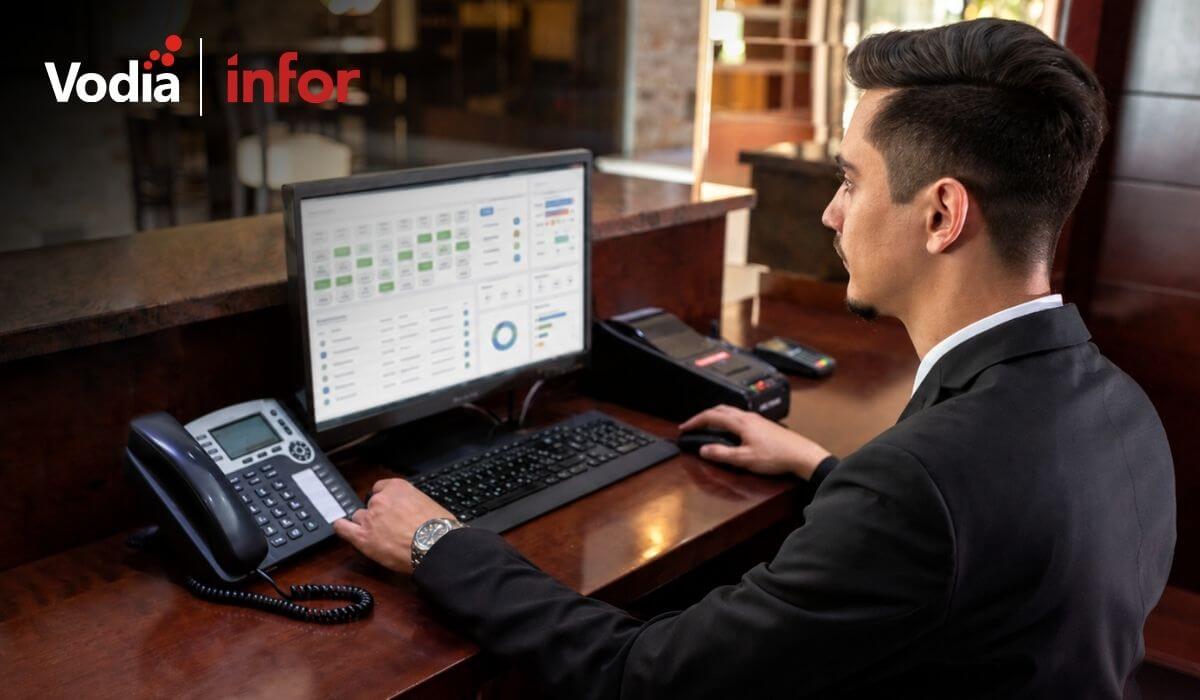
The certified integration between the Vodia PBX and the Infor Hospitality Platform brings hotel operations and guest communications together. Through support for UHLL and FIAS, the two systems can exchange essential guest and room information, helping hotels automate extension activation at check-in, room resets at check-out, guest moves, calling permissions, call billing, Do Not Disturb settings, housekeeping updates, and wake-up calls. This reduces manual work for hotel staff and keeps telephone services synchronized throughout each guest’s stay.
Digital autonomy gives MSPs control over how customer communications, data and infrastructure are deployed, managed, processed and stored. With Vodia, MSPs can build a flexible, branded communications service across cloud and on-premise environments while retaining control of pricing, service delivery, support and the customer relationship. This independence helps protect long-term account value, reduce reliance on third-party vendors and create more opportunities to expand services over time.
.svg)