In the world of telephone systems, there is always a discussion around the available features. In addition to this, it’s important to know whether these features will be available to everyone, built into the system or for just a select few, since there may be additional costs. To determine whether it’s worth reaching down into their pockets to pay for added features, your customers need to carefully consider if these features apply to their business; apply being the key word here: apply = application.
Anyone out there looking for a phone system quickly learns that, from a feature standpoint, almost all of the systems out there have almost all of the same features. And of the features available, most customers probably make use of less than 50 percent of them. So if you’re paying extra to use additional features, it doesn’t make sense to buy them unless you can see how they apply to your business.
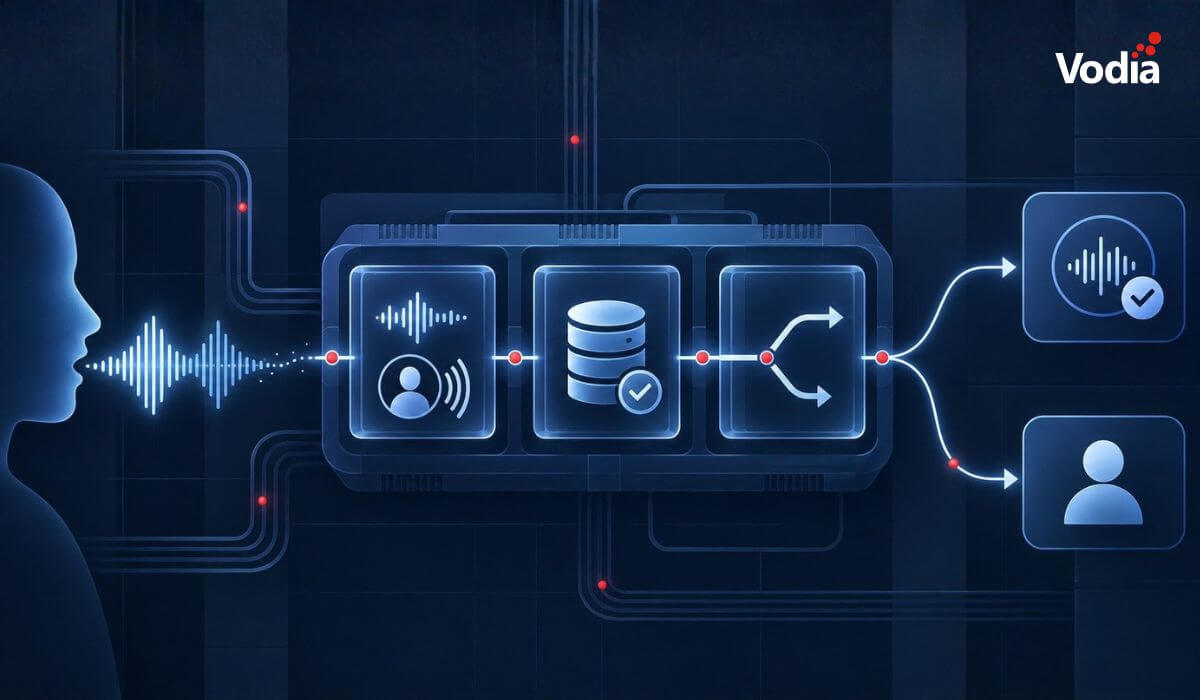
Let’s take recording for example. Being able to record calls automatically and/or on demand is a popular feature in many phone systems, sometimes included and sometimes for an extra cost - using these recordings to monitor how your employees are handling phone calls can be applied to any business. The same is true for using personal recordings in place of taking notes on a call. In any business where transactions are done over the phone, a recording of that call can resolve the old “he said, she said” argument with 100 percent accuracy.
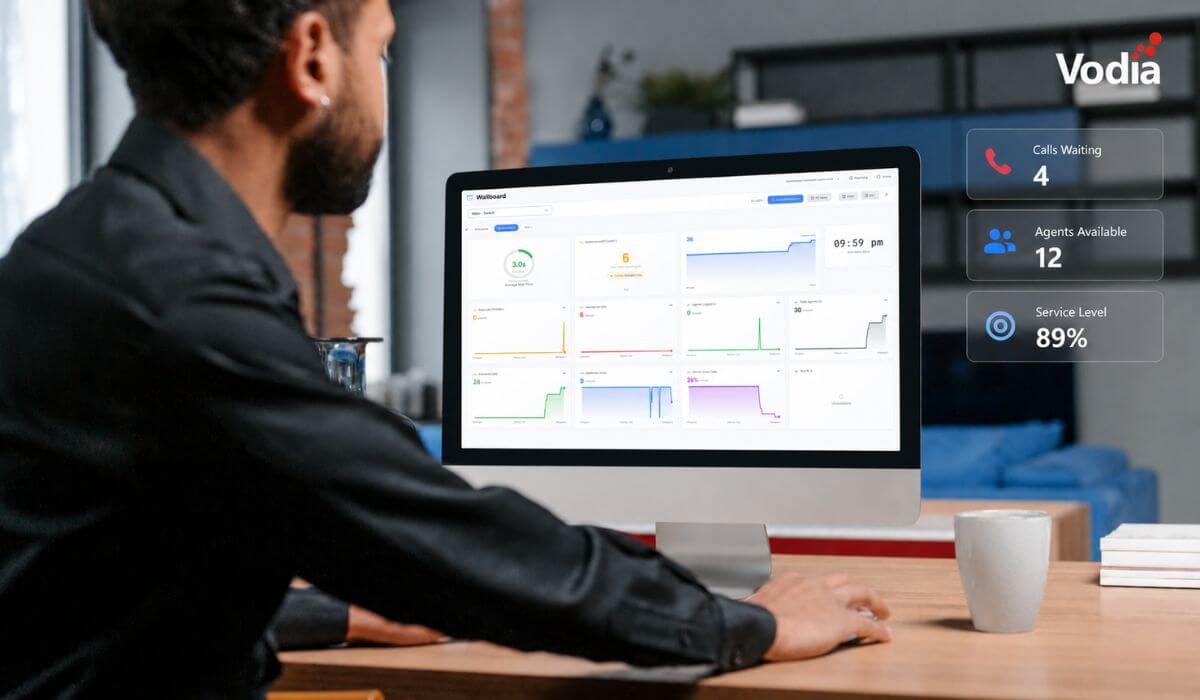
In those same businesses, calls may be distributed to groups of people. Intelligently routing these calls brings us to another feature, ACD/Call Center, which can be applied to any business where calls are sent to groups/departments. Yes, your business is a call center, or at the very least it can make use of call center functionality.
So there we have two applications that can be used by almost any business, even though a lot of customers’ initial reaction would be they have no need for recording or call center.
Then there are those features that can be seen as a benefit to specific industries, things such as “find me follow me,” where calls can be routed to multiple numbers, or sending voicemails to email, which is crucial for businesses with a hybrid/remote workforce. Lawyers and real estate agents can benefit from this application.
Having your system auto-dial a list of numbers for appointment reminders is a great application for medical offices, delivery services and any businesses running marketing campaigns. Having a user interface for real time presence, making and receiving calls and drag and drop transfers can be helpful for all employees, but it’s truly an application for businesses with a live-answer receptionist.
With a little creativity, almost any feature can be seen as an application. The lesson here for the MSPs, VARs and resellers is to take the time to learn about your customer’s business and use that knowledge to present a solution with pertinent applications, rather than a “feature dump.” The lesson here for the end user is to ask, why do I care about that feature, why should I spend extra money on that feature, how does it help my company, what’s in it for me (WIIFM)? If the vendor you’re working with doesn’t have these answers, talk to Vodia Networks, where hosted customers have access to all of the features/applications on the PBX. Vodia and its partners will take the time to show you how the multitude of features we offer can apply to your business.
This reminds me of the sports phrase, “offense wins games, defense wins championships.” In this case, though, it’s “features win deals, applications win customers.. for life.”
.svg)