Why Browser Calling is the Future of Business Communication
Published on:
August 13, 2025
Vodia’s browser calling solution allows businesses to make and receive VoIP calls directly from any web browser, eliminating the need for apps or desk phones. It offers convenience, cost savings, and a wide range of features including chat, voicemail, call transfers, conference calls, video calls, and CRM integration. The system is secure, operating entirely within the browser to reduce exposure to malware, and scalable to support remote and hybrid work environments. With easy setup through the Vodia PBX web interface, organizations can streamline communication, improve productivity, and provide employees with a flexible, reliable, and fully integrated business communication experience.
As a Voice-over-Internet-Protocol (VoIP) pioneer, Vodia has been driving innovation in business communication for enterprises and small businesses for over a decade. With Vodia, you get a fully integrated browser calling solution, without the need for plug-ins, apps, or desk phones. All of our phone system’s robust features, from call transfers to CRM integration, are available right in your browser.
Calling directly from your browser brings significant benefits to any organization working to improve and streamline its communication. Calls can be made from and to any endpoint with a consistent internet connection via the browser. If you’re looking for convenience, ease of use, and reduced costs, Vodia’s browser calling is a dependable, robust, secure solution, one that boosts productivity by streamlining workflows.
Key Benefits of Vodia’s Browser-Based Calling Solution
Convenience and Ease-of-Use
No App installation: Calls are made directly from the browser, with no need to install or manage apps across devices.
Work anywhere: Make or receive calls from any location with a stable internet connection.
Click-to-call: Initiate calls instantly from a webpage or CRM system with a simple click.
Cost Reduction
Lower International calling costs: VoIP calls over the internet are far more cost-effective than traditional phone calls.
Hardware savings: Browser calling eliminates the need for additional hardware (including desk phones).
Simplified maintenance: With browser calling, you no longer have the maintenance and support requirements of physical phone systems.
Expanded Functionality
All the features you need are available via the browser interface:
Chat, SMS, and fax: Send and receive messages seamlessly.
Contacts: Access shared and personal PBX, Google, and Microsoft contacts.
CRM integration: Vodia browser calling seamlessly integrates with CRM systems.
Peerless call quality: With a stable internet connection, the quality of Vodia browser calls equals that of landline calls.
Queue manager: Monitor queues and agent performance statistics in real time.
Transfer and attended transfer: The call control area enables transfers, park/retrieve, and service flag management.
Voicemail via browser: Play, record, and transcribe voicemail messages with ease.
Flexibility and Scalability
Remote/hybrid work environments: Employees, both onsite and remote, can make and receive calls with our browser calling solution.
Scalable: Add or remove users as your business grows or changes.
Security
One of the most significant advantages of our browser calling solution is security - there’s no need to install any third-party apps with access to your computer or storage. The browser functions as a sandbox, limiting access, while the Vodia telephony portal safely runs within it. Once you’re no longer dependent on external apps, you reduce your exposure to potential malware risks.
Getting Started
To get started, log in to your Vodia PBX web interface - you can use Chrome, Firefox, or whichever browser you prefer. From here, you can click-to-call by clicking on a button or telephone number within the browser - no additional software is needed. And that’s it, you’re up and running.
Here’s just some of what you get:
Answer options, including “accept audio,” “accept video,” and “decline”
We’re always happy to discuss anything and everything the Vodia PBX can do to give your organization the absolute best business communication solution available anywhere. Get in touch with us at sales@vodia.com or call +1 (617) 861-3490 (United States), +61 2 7201 0788 (APAC), or +49 30 555 78749 (Europe).
About Vodia
Vodia Networks, Inc. provides B2B cloud communications solutions for enterprises, contact centers, and service providers. Its PBX software offers a broad range of business telephony features for on-premise and cloud deployments on Windows, Linux, and Mac. Fully SIP-compliant, Vodia integrates with numerous SIP devices and trunking providers for flexible telephony. Its multi-tenant platforms support desk phones, softphones, APIs, and third-party CRM integrations. Vodia empowers partners and users with world-class cloud PBX and personalized support to ensure success. The company has headquarters in Boston, USA, and Berlin, Germany. Visit Vodia on LinkedIn, X, and YouTube.
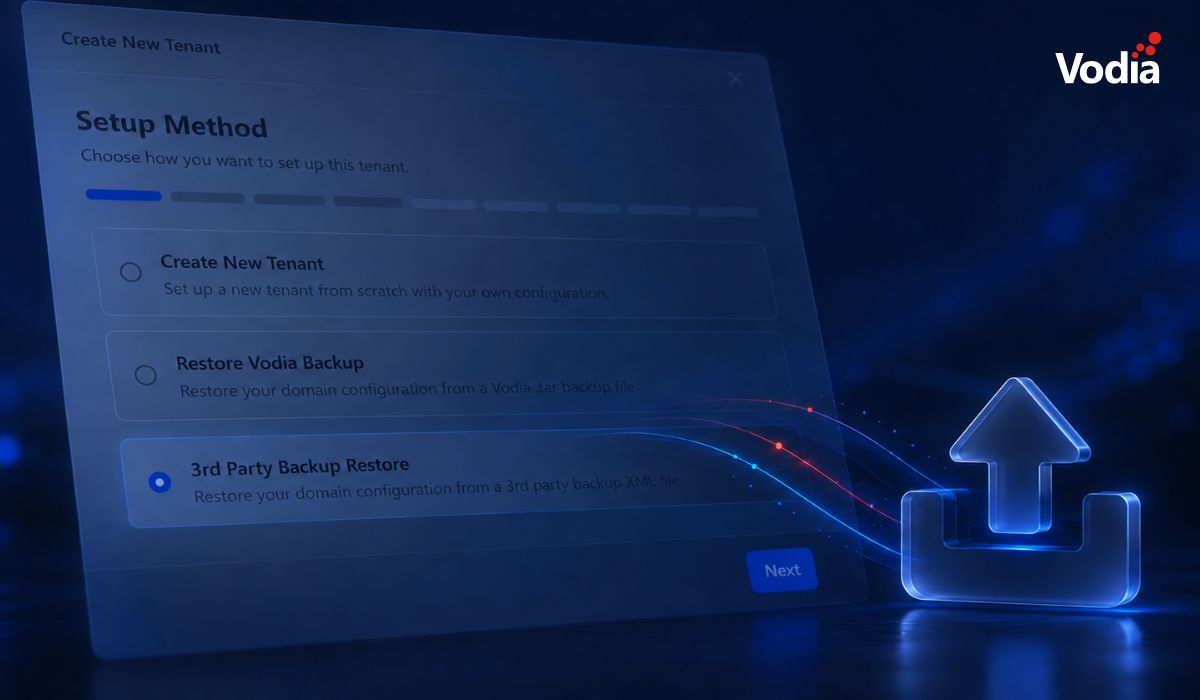
Switching phone systems doesn’t have to mean rebuilding everything from scratch. The Vodia PBX migration tool imports key configuration data from backups, including extensions, ring groups, queues, desk phones, and basic auto-attendant settings. Built into the Vodia Admin Portal, it guides administrators through the import process and reduces repetitive manual work, whether you’re moving 10 extensions or 1,000. Explore what transfers, what needs manual setup, and how the built-in tool reduces repetitive work when moving to Vodia.
Apps have changed how businesses communicate and work, but every digital experience still depends on physical hardware. From smartphones, desk phones, and headsets to networking equipment and cloud servers, reliable infrastructure supports productivity, security, and call quality. Here’s why hardware still matters in an app-first world and what businesses should consider when choosing dependable devices and secure connectivity for the office, hybrid teams, and remote work, while preparing for evolving technology.
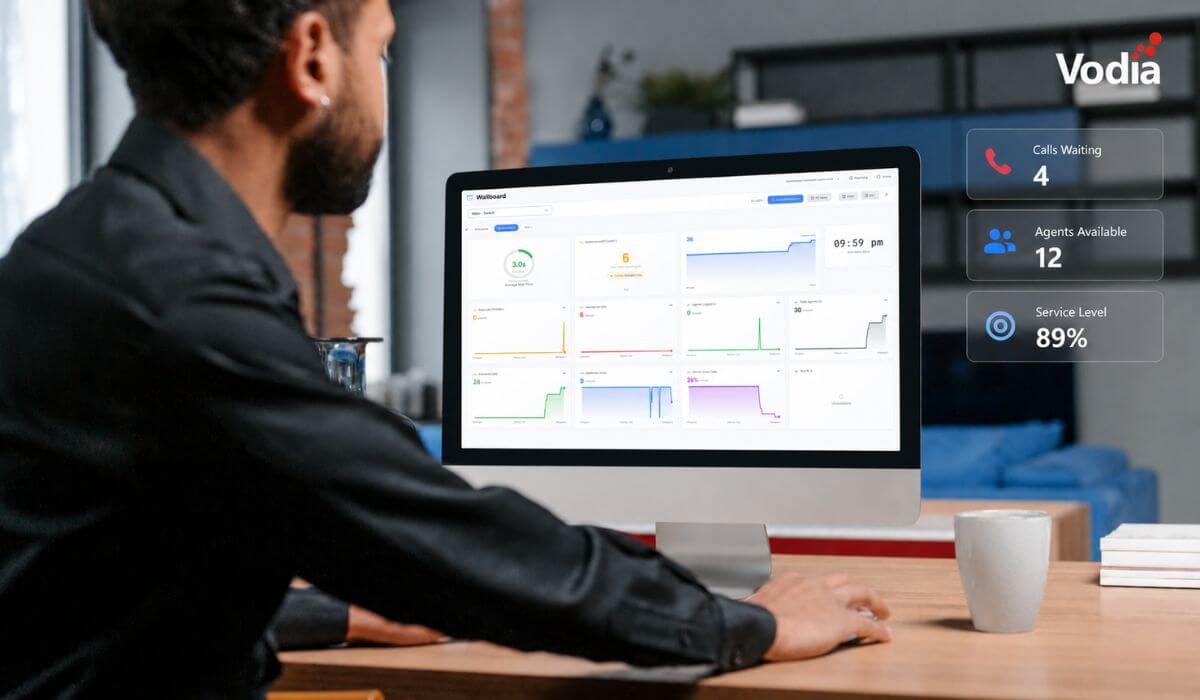
Vodia Wallboards gives supervisors, contact centers, service providers, and operations teams a self-hosted, real-time view of Vodia call queue activity. Monitor waiting, ringing, and active calls; agent availability; service levels; abandoned calls; and queue trends across one or more Vodia PBX systems. Start with a ready-made layout or build a custom wallboard using queue filters, live widgets, AI summaries, and alerts. Display the information your teams need in a browser, on an operations dashboard, or on a dedicated TV screen.
.svg)