The Vodia multi-tenant cloud PBX is a carrier-grade phone system for telephony cloud deployments, so you can easily create multiple tenants. Connect your existing SIP hardware devices and register to your favorite SIP trunk provider by using our pre-configured SIP trunk templates. It’s easy to deploy the Vodia multi-tenant PBX in a call center environment: all you need is a routable public IP address and a virtual machine. Call centers around the world trust Vodia to provide them reliable voice communication services.
The Vodia cloud PBX used hunt groups are used to distribute inbound calls to agents, typically for simple, low call volume groups. The PBX calls the agents up in stages, making it possible to escalate calls to more and more extensions. If the call doesn’t get picked up, it is ultimately sent to a programmable destination, such as a mailbox, another group or an external number. Incoming calls are processed as they come into the system and placed in a queue.
For conferences, the Vodia cloud PBX enables users to plan in advance for scheduled conferences or to pull together at a moment’s notice for ad hoc conferences – recording on-the-go and scheduled conferences are both available. Let’s look at the functionality and behavior the PBX provides users.
Vodia Cloud PBX Functionality
- Scheduled conferences: Allows users to plan in advance for the conference
- Ad hoc conferences: Allows users to pull together a conference at a moment’s notice
- Recording on-the-go and scheduled conferences.
- Everyone can be invited to join via various sources by the moderator or with participant access codes
- Participants can either call into the conference room or be called when the conference begins
- Various languages are available for the IVR in the conference room
- There is no actual limit to how many participants can join a conference call (though we recommend 50 or less for optimal quality)
- Multiple music on hold features available
- Anyone can create a conference as long as he or she has been given permissions to monitor
Behavior
- Option to select most idle agent in a stage
- Custom ringtone for each hunt group
- Custom ring-back tone for each hunt group
- Choice of music on hold
- Caller ID name (CNAM) shows group name and customer number on VoIP phone display
- Dial plan scheme for outbound calls
- Call data reporting on daily, weekly or monthly basis (by email)
- Emails for missed calls
- Busy lamp field (BLF) indicator indicates a hunt group is in use
- Optional hunt group inclusion in extension BLF
- Automatic call recording (requires enterprise or hosted license)
- Triggering of HTTP request in incoming call
- Assignment of CRM account for unassigned calls
- Redirection of suspected SPAM calls
- Redirection according to service flag (e.g., time-based)
- Redirection when all agents lost registrations
- Hunt group calls can be initiated from the REST API
- Settings to allow/deny permissions to monitor groups
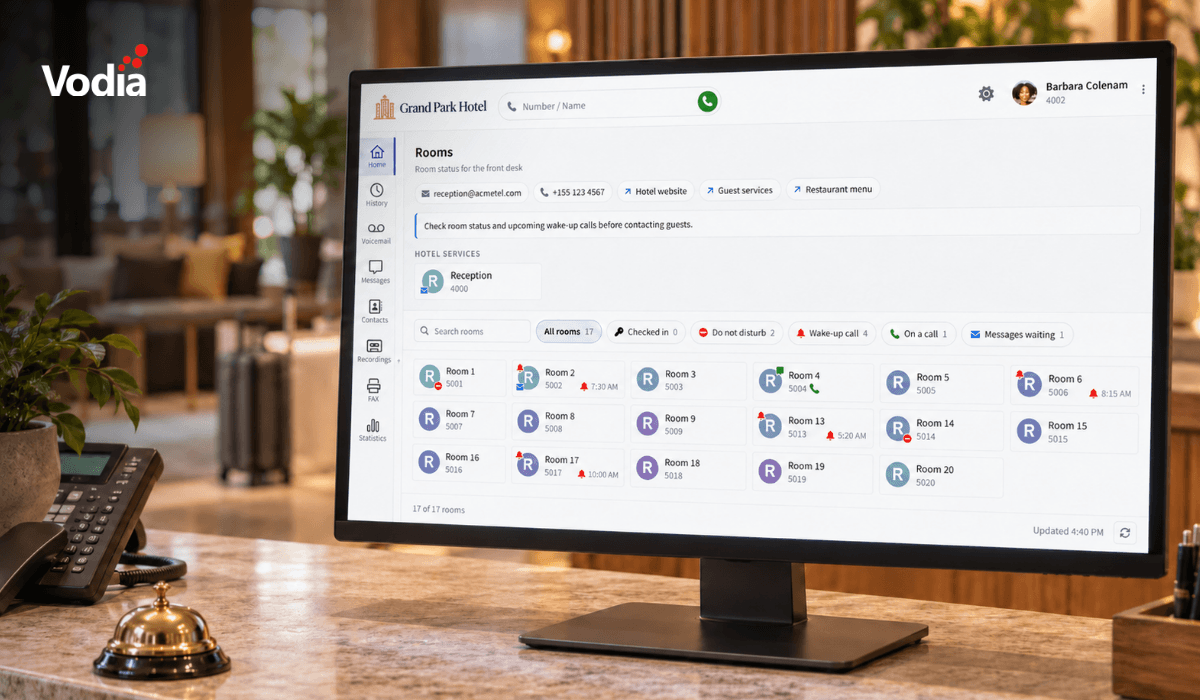
The Vodia cloud PBX comes equipped for integration with hospitality systems, CRMs such as HubSpot and Salesforce – the PBX also supports ActionURL and server-side EMCA script for integrating with non-mainstream CRM systems. Other integrations include Microsoft and Google contacts and MongoDB and MySQL for call data records (CDR). There’s no better cloud PBX solution for your call center needs.
.svg)