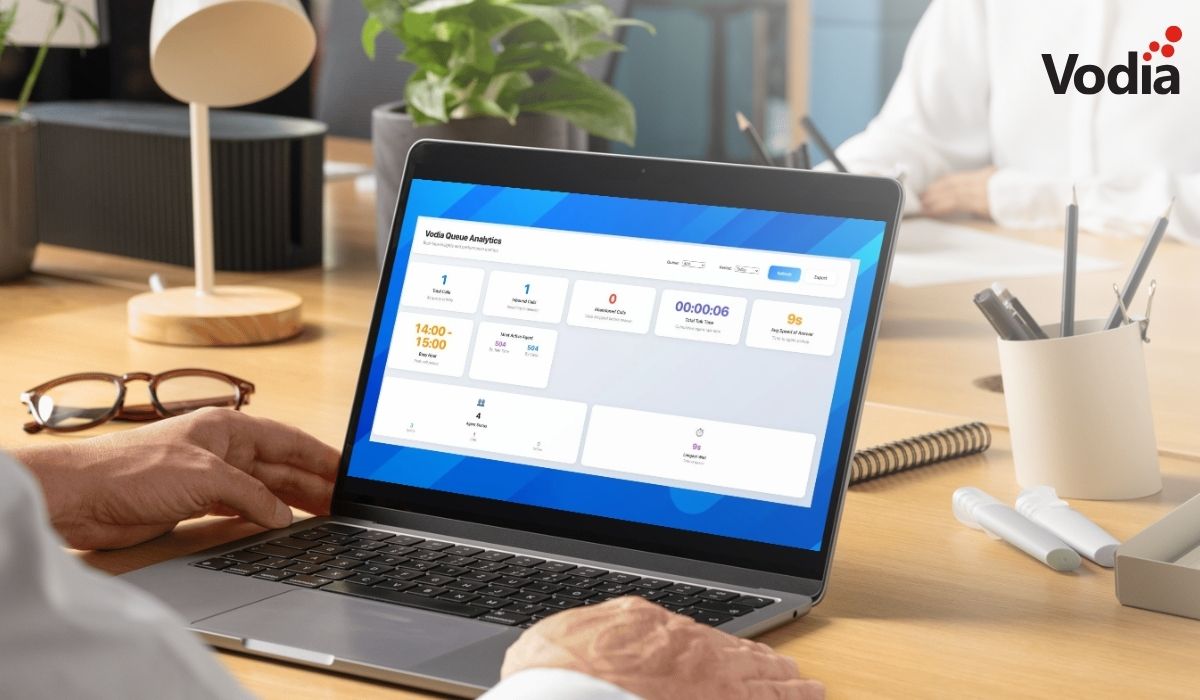
The Queue Overview Analytics Dashboard provides businesses with a powerful tool to monitor and optimize call queue performance. It delivers real-time insights into agent activity, queue metrics, and live call distribution, while also offering historical analytics for trends in call volume, agent efficiency, and abandonment rates. Key features include detailed agent performance breakdowns, configurable historical reporting, interactive charts, and multi-queue monitoring, enabling managers to identify bottlenecks, improve service levels, and enhance overall productivity. With this dashboard, organizations gain actionable data to streamline operations, strengthen internal communications, and drive measurable growth and profitability.
Call queues are how companies of all sizes put callers on hold when there aren’t enough staff members to assist them, particularly during peak call times. Calls that cannot be answered immediately are placed in a virtual line to be answered in order of receipt. A core feature of call handling, call queues inform callers on hold as to estimated waiting times and route calls to the most suitable agent to handle a caller’s inquiry.
The Vodia Queue Overview Analytics Dashboard
Call queues have always been a core, robust feature of the Vodia phone system, and we are pleased to announce a new call queue feature, the Vodia Queue Overview Analytics Dashboard.
The Vodia Queue Overview Analytics Dashboard provides comprehensive real-time queue performance monitoring and historical analysis: the dashboard delivers actionable insights into queue operations, agent performance, call distribution patterns, and abandonment trends across call center infrastructure.
Key Features of the Vodia Queue Overview Analytics Dashboard
The key features of the Vodia Queue Overview Analytics Dashboard include agent performance analytics, historical analytics engine, interactive data visualization, and real-time queue monitoring:
Agent Performance Analytics
historical agent stats
individual agent breakdowns
performance ranking
status visualization
Historical Analytics Engine
abandonment analysis
call volume trends
configurable time periods
performance tracking
Interactive Data Visualization
abandon rate trends
call volume charts
dynamic chart updates
performance pie charts
Real-Time Queue Monitoring
agent status tracking
live performance indicators
multi-queue support
queue metrics
Chart types and analysis include call volume distribution, performance metrics breakdown, and abandon rate trends.
At Vodia, we are working tirelessly to add features to our industry-standard cloud phone system - this includes giving companies all of the information they need to streamline and strengthen their business communications for improved collaboration, increased profitability, and measurable growth. Find out what the Vodia Queue Overview Analytics Dashboard can do for your organization. Send us an email at sales@vodia.com, or call +1 (617) 861-3490 (United States), +61 2 7201 0788 (APAC), or +49 30 555 78749 (Europe).
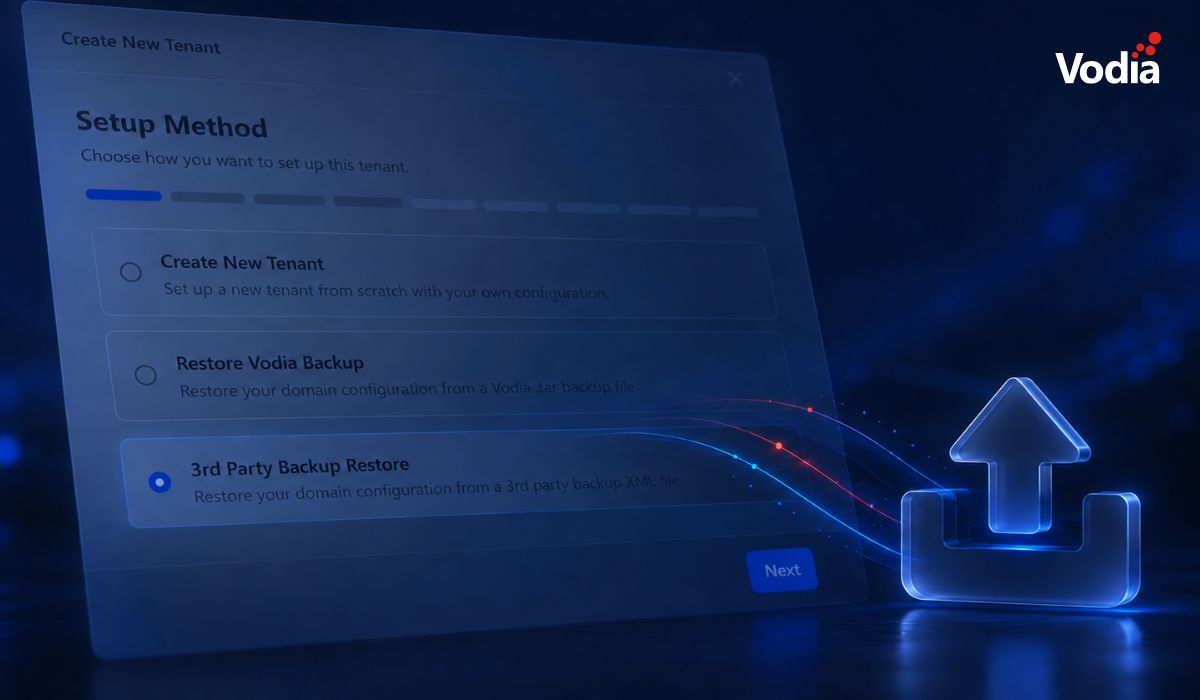
Switching phone systems doesn’t have to mean rebuilding everything from scratch. The Vodia PBX migration tool imports key configuration data from backups, including extensions, ring groups, queues, desk phones, and basic auto-attendant settings. Built into the Vodia Admin Portal, it guides administrators through the import process and reduces repetitive manual work, whether you’re moving 10 extensions or 1,000. Explore what transfers, what needs manual setup, and how the built-in tool reduces repetitive work when moving to Vodia.
Apps have changed how businesses communicate and work, but every digital experience still depends on physical hardware. From smartphones, desk phones, and headsets to networking equipment and cloud servers, reliable infrastructure supports productivity, security, and call quality. Here’s why hardware still matters in an app-first world and what businesses should consider when choosing dependable devices and secure connectivity for the office, hybrid teams, and remote work, while preparing for evolving technology.
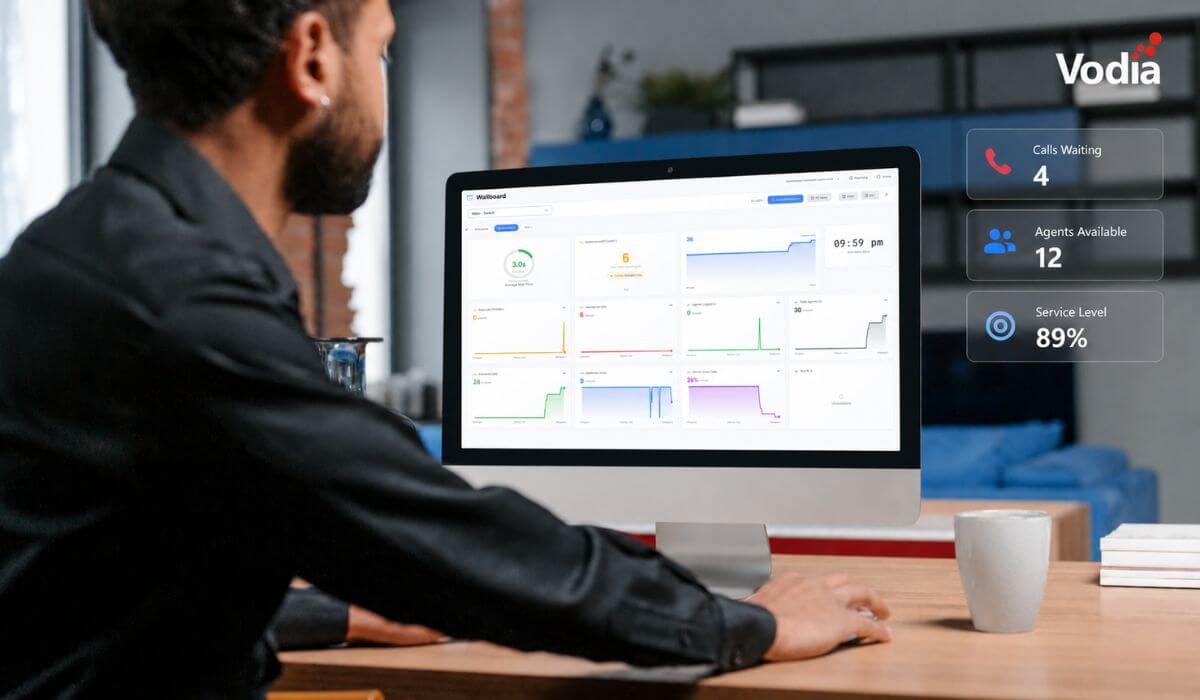
Vodia Wallboards gives supervisors, contact centers, service providers, and operations teams a self-hosted, real-time view of Vodia call queue activity. Monitor waiting, ringing, and active calls; agent availability; service levels; abandoned calls; and queue trends across one or more Vodia PBX systems. Start with a ready-made layout or build a custom wallboard using queue filters, live widgets, AI summaries, and alerts. Display the information your teams need in a browser, on an operations dashboard, or on a dedicated TV screen.
.svg)