Unlocking Swift Communication: The Vodia Prepaid DigitalOcean Cloud Advantage!
Published on:
May 5, 2025
Vodia’s prepaid offering on DigitalOcean provides businesses with a fast, flexible way to deploy a fully licensed PBX system. Our tailored plans include options for SBC functionality, certified for MS Teams, enabling seamless integration of advanced PBX features like intelligent call routing, automated attendants, and voicemail, all while ensuring secure, high-fidelity voice communication. With extension-based licensing, organizations can easily scale their system from 10 to 80 extensions, making deployment simple and quick. Whether you’re new to PBX systems or an experienced developer, our step-by-step installation video and documentation guide you through the setup process.
Imagine launching a fully operational, licensed Vodia PBX in mere moments. Welcome to Vodia’s innovative prepaid offerings, expertly tailored for the DigitalOcean platform. Choose from a range of plans and get started with Vodia.
Vodia and DigitalOcean
DigitalOcean, founded in 2012, provides affordable, scalable cloud solutions to software developers and SMBs. Today, DigitalOcean offers developers an impressive menu of cloud solutions, from managed Kubernetes to virtual machines, designed to meet the requirements of startups and small companies. We’ve been working with DigitalOcean for years, and in 2020 we announced Vodia’s availability via the DigitalOcean Marketplace. Today, we’re excited to introduce a bespoke prepaid offering, optimized for the DigitalOcean platform.
The Vodia SBC Is Certified for Teams
For users prioritizing Session Border Controller (SBC) functionality, our specialized plans link licensing directly to concurrent call capacity, beginning with an efficient four channels and scaling to a robust 20. The Vodia SBC has been certified for Microsoft Teams, empowering users to seamlessly integrate advanced PBX functionalities in Teams environments: our certified SBC enables the utilization of sophisticated features, including intelligent call routing, automated attendant systems, voicemail capabilities, and a comprehensive suite of innovative, robust PBX features, all while rigorously maintaining secure and high-fidelity voice communication services.
Extension-Based Licensing
Need flexibility by user count? For organizations with specific user needs, Vodia’s extension-based licensing gives you convenient packages and true scalability: start with 10 extensions and expand all the way to 80. These prepaid packages help you deploy a fully licensed Vodia PBX environment with remarkable speed and ease. We invite you to join the powerful Vodia ecosystem. Without the complexity.
Step-by-Step Installation Made Easy
We’ve created a step-by-step video to walk you through the installation process on DigitalOcean. Whether you're a seasoned developer or new to PBX systems, you'll find it easy to follow.
We’ll Help You Scale Your System
As your communication needs grow, our sales team is ready to help you get the most from your Vodia deployment. We offer flexible licensing to make your system scalable and sustainable as your business evolves.
Vodia PBX now supports xAI’s Grok, giving partners another option for building AI voice agents for their customers. Using Grok’s speech-to-speech API, a Vodia Voice Agent can greet callers, ask who they’d like to speak with and transfer them to the appropriate extension. For example, a caller can simply say they’d like to speak with sales and be connected to the sales team. The article walks through what you need to connect Vodia PBX to Grok and includes a sample call transfer script you can adapt to your own call flow.
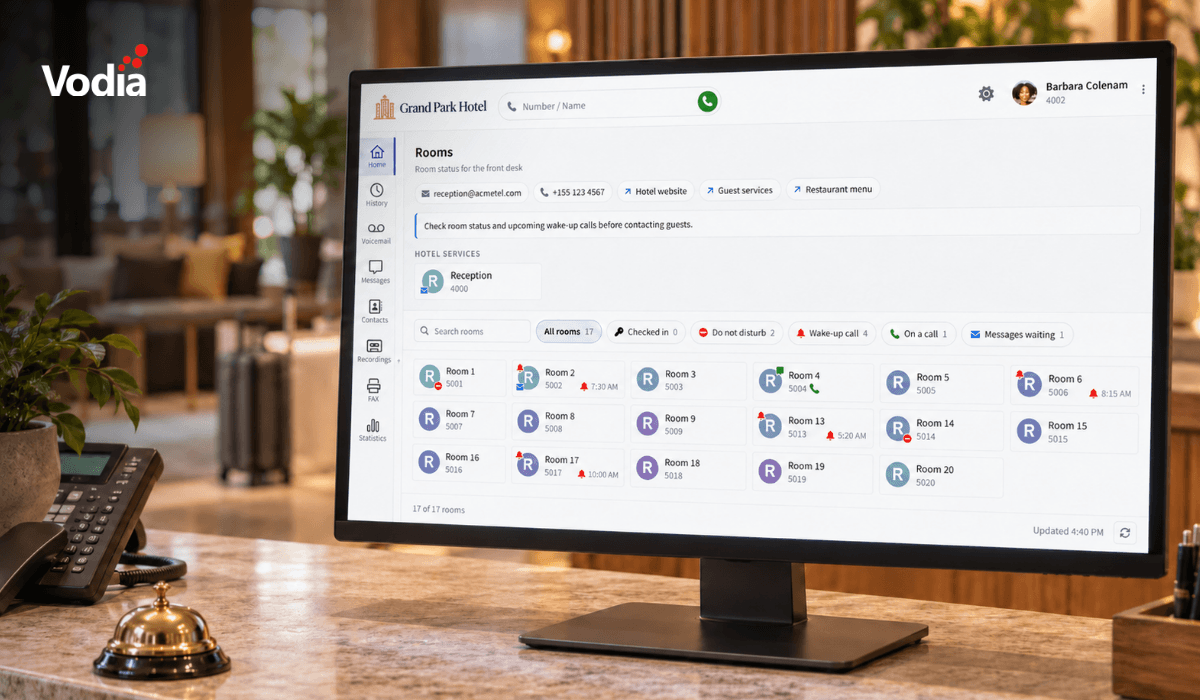
Vodia PBX 70.7 brings practical improvements to hotel operations, call quality troubleshooting, outbound dialing, and device provisioning. A new Hotel Front Desk template puts room status, wake-up calls, and guest services in one place, while additional call quality metrics help teams investigate audio issues. Updates to the User Web Portal, reporting schedules, hardware support, and integrations give MSPs, resellers, and service providers more tools to manage deployments and support their customers’ everyday communications.
Vodia is heading to CVx EXPO26, November 17–18 in Glendale, Arizona. Visit Booth 2009 to meet the Vodia team, learn more about our business communications platform, Partner Program, white-label capabilities and the latest V70 developments, and discuss how Vodia can support your customers. The event brings together MSPs, VARs, technology advisors, service providers and other channel professionals, making it a great opportunity to connect directly with the team, ask questions and explore how Vodia can support your business.
.svg)