Streamline Call Data and Recordings Directly to the Cloud!
Published on:
April 15, 2025
Vodia offers advanced solutions for managing Call Data Records (CDRs) and call recordings, allowing businesses to handle data efficiently. Traditionally, CDRs were stored locally in CSV files, requiring manual transfer to remote locations, which can be time-consuming for organizations handling large volumes. Vodia simplifies this process by providing real-time streaming of CDRs using protocols like WebCDR, JSONS, TCP, and MongoDB, allowing for immediate analysis and custom report generation. Additionally, Vodia integrates with cloud storage services like AWS, DigitalOcean, Linode, and Wasabi, eliminating the need for manual synchronization and local storage. This integration enhances data security, scalability and ease of management.
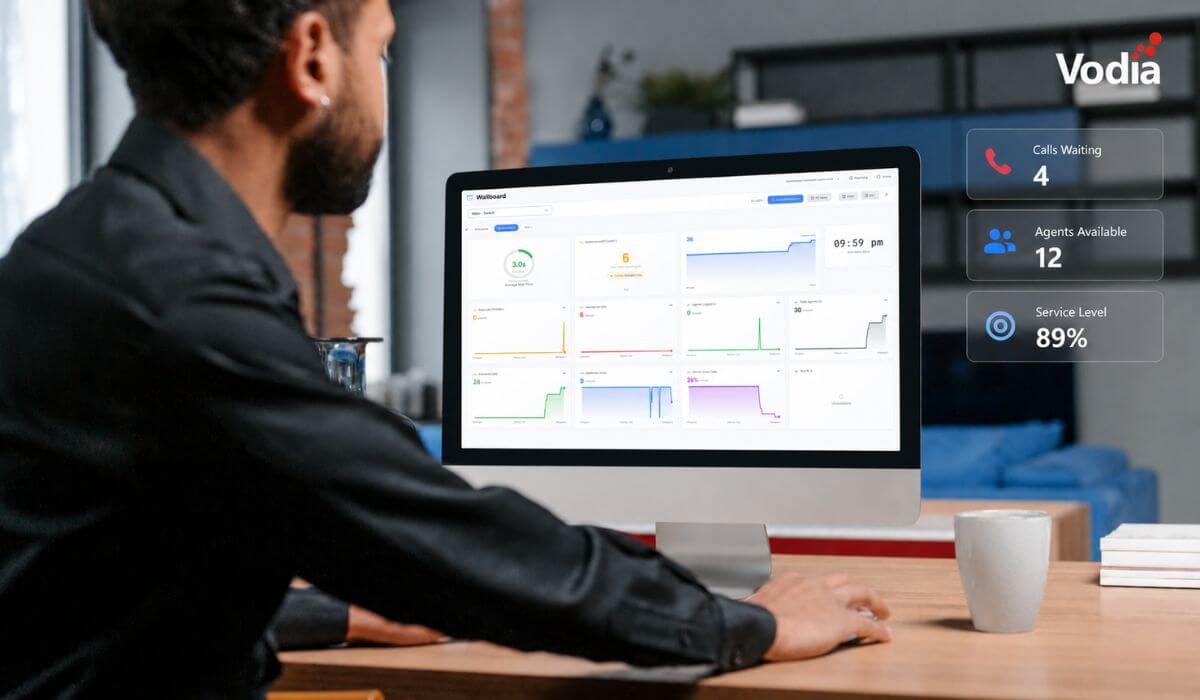
In today's dynamic business environments, access to detailed call data and recordings is a necessity. While Vodia provides robust reporting for call queues, including live wallboards, there are times when you may require access to the raw data itself to generate customized reports and in-depth analyses; these resources provide invaluable insights into the daily operations of your organization, enabling you to identify critical trends, optimize staffing levels during peak and off-peak hours and, ultimately, enhance the overall customer experience. By meticulously analyzing Call Data Records (CDRs) and call recordings, you can transform raw data into actionable intelligence for strategic decisions and continuous improvement.
CDRs
The Traditional Approach: Local Storage and Manual Transfer
CDRs have long been stored as comma-separated value (CSV) files directly on the local filesystem. While this method offers a degree of control, it necessitates manual transfer to remote locations using tools such as SCP or Rsync. This process, though functional, can be time-consuming and cumbersome, particularly for organizations handling large volumes of call data.
This traditional approach gives you granular control over the retention period of your CDRs, so you can tailor storage policies to meet specific compliance requirements; you also retain the option to delete call recordings in conjunction with their associated CDRs, ensuring data privacy and security.
To specify local storage, utilize the following setting: file:disk.
Streaming CDRs Directly to a Remote Application for Further Processing
Vodia offers a suite of advanced solutions for streaming CDRs directly to remote locations via a variety of protocols and methodologies; this enables almost real-time data collection, facilitating immediate analysis and the generation of bespoke business reports.
These capabilities are available at both the tenant and system levels, providing flexibility and scalability to meet the diverse needs of our clients.
Here's a closer look at some of the available streaming options
WebCDR (HTTP with JSON Attachment): Transmit CDRs over the Hypertext Transfer Protocol (HTTP) with data encapsulated in a JSON (JavaScript Object Notation) attachment. This method is ideal for integrating with web-based analytics platforms.
JSONS (HTTPS with JSON Attachment): Leverage the secure Hypertext Transfer Protocol Secure (HTTPS) to send CDRs with JSON attachments, ensuring data confidentiality during transmission.
TCP (Transmission Control Protocol): Stream CDRs over a reliable TCP-based communication link, with each CDR represented as a single line of ASCII text terminated by a carriage return and line feed (CRLF) pair.
Versatile Data Routing: Sending CDRs to Multiple Destinations
For organizations requiring call record data distribution to multiple locations via diverse protocols, our platform provides unparalleled flexibility - simply delineate the destination URLs with spaces to allow simultaneous transmission.
Call Recordings: Securing and Accessing Your Call Recordings
The Traditional Approach: Local Storage and Synchronization
As with CDRs, call recordings can be stored locally on your filesystem and synchronized with remote locations using various methods. For detailed information on local storage configurations, please refer to our comprehensive documentation.
Embracing the Cloud: Direct Integration with Leading Cloud Storage Providers
To streamline storage management and enhance accessibility, Vodia offers direct integration with a selection of prominent cloud storage service providers. This eliminates the need for local storage and manual synchronization, ensuring data security and scalability.
We currently support integration with the following cloud storage services:
Setting up cloud storage integration is a straightforward process: simply select your preferred cloud storage provider and input the necessary access keys and credentials; this configuration is available at both the tenant and system levels for maximum flexibility.
CDRs and call recordings are just some of the seemingly endless functionalities of the Vodia phone system. Find out more about our industry-standard PBX! Contact us at sales@vodia.com or call +1 (617) 861-3490 (United States), +61 2 7201 0788 (APAC), or +49 30 555 78749 (Europe).
Switching phone systems doesn’t have to mean rebuilding everything from scratch. The Vodia PBX migration tool imports key configuration data from backups, including extensions, ring groups, queues, desk phones, and basic auto-attendant settings. Built into the Vodia Admin Portal, it guides administrators through the import process and reduces repetitive manual work, whether you’re moving 10 extensions or 1,000. Explore what transfers, what needs manual setup, and how the built-in tool reduces repetitive work when moving to Vodia.
Apps have changed how businesses communicate and work, but every digital experience still depends on physical hardware. From smartphones, desk phones, and headsets to networking equipment and cloud servers, reliable infrastructure supports productivity, security, and call quality. Here’s why hardware still matters in an app-first world and what businesses should consider when choosing dependable devices and secure connectivity for the office, hybrid teams, and remote work, while preparing for evolving technology.
Vodia Wallboards gives supervisors, contact centers, service providers, and operations teams a self-hosted, real-time view of Vodia call queue activity. Monitor waiting, ringing, and active calls; agent availability; service levels; abandoned calls; and queue trends across one or more Vodia PBX systems. Start with a ready-made layout or build a custom wallboard using queue filters, live widgets, AI summaries, and alerts. Display the information your teams need in a browser, on an operations dashboard, or on a dedicated TV screen.
.svg)