The World of Vodia: One Extension, Every Way You Work
Published on:
August 20, 2026
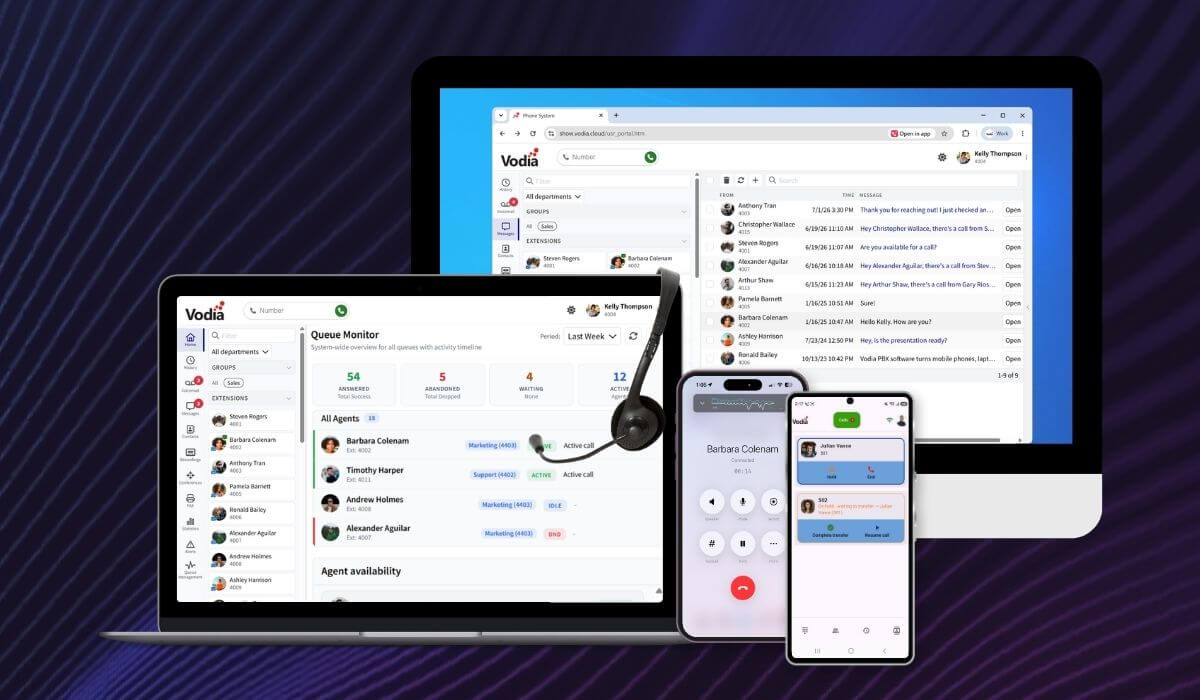
Your Vodia extension is no longer tied to a single device or location. Native iOS and Android apps, the browser-based User Portal, PWA support, Vodia Hub and click-to-dial extensions provide different ways to connect with the same Vodia PBX. Make and receive business calls from your smartphone, manage communication from your browser, control calls from the Windows desktop or dial numbers directly from the applications and webpages you already use. Wherever work takes place, Vodia provides an experience designed for the device and workflow at hand.
A phone system used to be just the handset on your desk, but not anymore. Today, your Vodia extension follows you into your pocket, onto your laptop, into your browser…even from Outlook. Wherever and whenever you happen to be working, there's a Vodia app built for exactly that moment.
Lately, we've put a lot of work into making this experience feel less like "logging into a phone system" and more like your phone just knowing what device you're on. Here's a tour of the whole ecosystem.
Your Vodia Extension, Built for iOS and Android
Mobile apps are where most people spend their day, so this has been our focus.
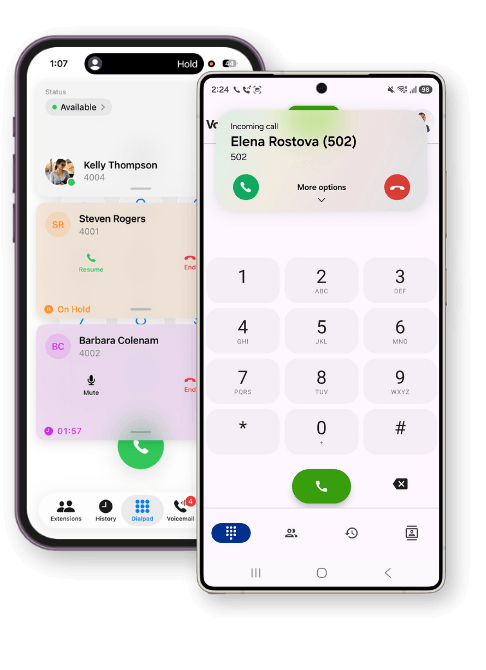
With Android, Vodia Phone 2 hooks directly into the Android Telecom Manager and uses its native dialer. This sounds like a minor technical detail, but the payoff is real - your Vodia extension behaves like an actual phone line. Bluetooth headsets just work. Android Auto just works. You can dial from your native phone dialer, and it'll pop the Vodia app open to place the call, or it’ll dial from inside the app and let the system dialer take over. Either direction works.
iOS takes the same philosophy and builds it upon Apple's CallKit framework. Incoming calls show up on your lock screen exactly like personal calls, work with your car's Bluetooth system, and can be answered with the standard iOS call controls because, even if the app hasn't been opened in days, calls are delivered via Apple's push service. Before it dials, the app checks your network, microphone, PBX connection, and registration, and it only displays a checklist if something actually needs your attention. Most of the time, you'll never see it - it just works.
Both apps go well beyond "call and hang up":
Transfer & hold is done the way an office phone system needs it: blind transfers, attended transfers (when you announce the call first), and a one-tap "Transfer here" shortcut - right from your extensions list.
Call parking, so you can park a call on a shared orbit for any colleague to pick up — no need to know whose desk they're at.
A real address book, with both your company directory and your phone's personal contacts, so you're never digging for a number.
Chat, for messaging colleagues or texting customers, with pictures and read/unread tracking, right alongside your call history and voicemail (complete with transcription).
Status control, so a tap sets Do Not Disturb, a forwarding number, or a status message your whole team sees instantly.
None of this requires a manual. It's designed to feel like a phone app that's already on your device, which is what it is.
The Web Portal, Now Installable: PWA
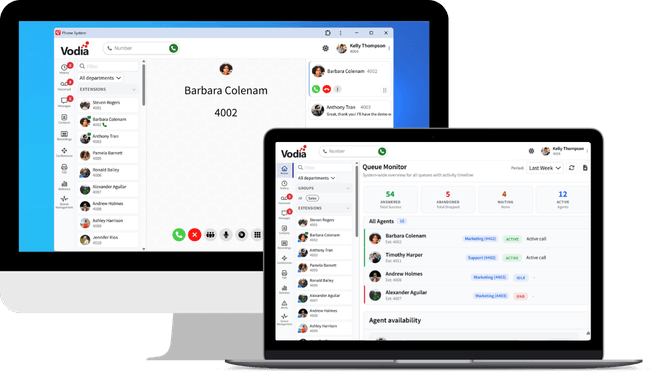
Not everyone wants or is permitted to install another app. That's where the Vodia User Web Portal comes in: full calling, messaging, voicemail, call recording, and CRM integration, all within your browser, no installation required.
As of PBX version 69.5.5, you can go a step further and turn your browser tab into something that looks and feels like a desktop app, thanks to Progressive Web App (PWA) support in Safari, Chrome, Firefox and Edge. A couple of clicks and you've got a standalone Vodia window with its own icon, separate from your browser tabs.
The real win here isn't just convenience, it's security. Because a PWA runs entirely inside the browser's sandbox, there's no separate executable to install, no risk of it behaving like unvetted desktop software, and no need to grant permission to users to install something from an app store. For businesses with compliance requirements around what software touches company machines, this is a meaningful difference - you get an app experience without ever leaving the browser's trust boundary.
Vodia Hub: Your Desktop's Missing Phone Button
Some workflows live entirely on the desktop - this is exactly the gap Vodia Hub fills. It's a lightweight Windows companion that resides in your system tray and stays paired to your extension.
The “headline” trick: it takes over every tel: link on your PC. Click a phone number in an Outlook contact card, a CRM in your browser, or a webpage, and Vodia Hub dials it through your Vodia extension automatically - no switching to the portal, no copy-pasting numbers.
On the receiving end, every inbound call triggers a desktop screen-pop with the caller's name and number, no matter what you're doing at the time. This is especially useful for call-queue agents: the pop-up even surfaces the greeting script configured for that particular queue, so agents working in Word or Outlook still get full call context the moment the phone rings; from here you get Accept, Hold, Transfer, and a set of smart rejection options - send to voicemail, park, transfer, schedule a callback, or block the number outright.
You can even wire it into your own tools: an inbound call can fire a terminal command or a webhook, so a call landing can pop open a CRM record or log to your own systems automatically.
Click to Dial: Turning Any Webpage Into a Phone Book
The last piece of the puzzle is one of the smallest and, honestly, one of the most satisfying: click-to-dial browser extensions for Chrome, Edge, and Firefox.
Once installed and pointed at your PBX account, these extensions quietly scan any webpage for phone numbers, whether they're formatted with a country code or written American-style, and turn them into clickable call targets. Right-click a number (or even just a highlighted portion of one, handy if your dial plan doesn't need the area code) and place the call as a WebRTC call right in your browser, or from your registered desktop phone.
For businesses that want the same behavior built into their own web pages or CRM, the underlying WebRTC click-to-call mechanism is just as accessible: a simple link that opens a small pop-up, logs the user in once, and connects a browser-based call, no extension required.
One PBX, Every Doorway
What ties these experiences together isn’t that they all work in exactly the same way. It’s that they all connect users to the same Vodia PBX, business number and extension. From full mobile and browser-based communication to desktop call control and click-to-dial, users can choose the interface that best supports the way they’re working at that moment.
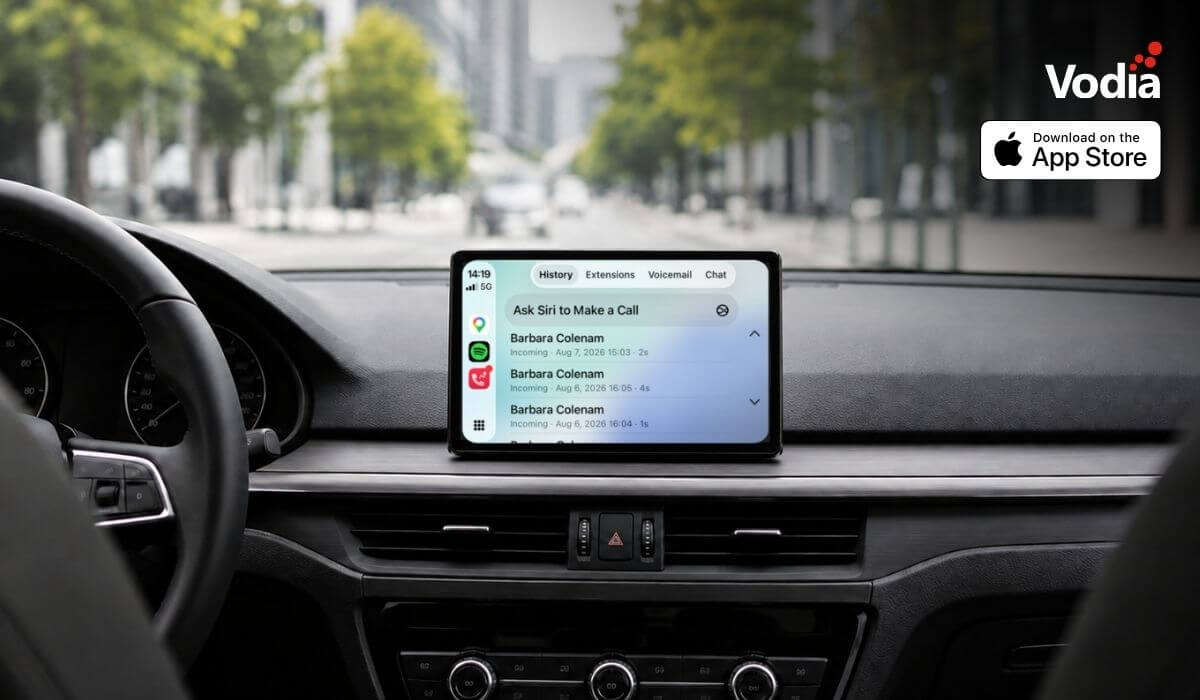
Apple CarPlay support is now available with the Vodia iOS app, bringing essential PBX communication features to the vehicle display through Apple’s native in-car interface. Users can access recent calls, browse the extension directory, view colleague presence, listen to voicemail, use Siri for calls and PBX messages, and receive communication alerts, while built-in readiness checks and automatic recovery help maintain reliable access when network conditions change. The experience supports compatible wired and wireless CarPlay systems.
The certified integration between the Vodia PBX and the Infor Hospitality Platform brings hotel operations and guest communications together. Through support for UHLL and FIAS, the two systems can exchange essential guest and room information, helping hotels automate extension activation at check-in, room resets at check-out, guest moves, calling permissions, call billing, Do Not Disturb settings, housekeeping updates, and wake-up calls. This reduces manual work for hotel staff and keeps telephone services synchronized throughout each guest’s stay.
Digital autonomy gives MSPs control over how customer communications, data and infrastructure are deployed, managed, processed and stored. With Vodia, MSPs can build a flexible, branded communications service across cloud and on-premise environments while retaining control of pricing, service delivery, support and the customer relationship. This independence helps protect long-term account value, reduce reliance on third-party vendors and create more opportunities to expand services over time.
.svg)