Introducing the Vodia PBX Installer Wizard for Windows
Published on:
August 4, 2026
The new Vodia PBX Installer Wizard makes it easier for administrators to deploy Vodia PBX on Windows. It automatically detects the latest supported version, while still letting admins choose a specific V68, V69, or V70 build. The wizard downloads the required files, creates the Windows service, sets up the installation folder, and generates the access details needed to open the PBX. A download-only option is also available for preparing and inspecting the files without completing the installation.
Vodia PBX has long supported Windows deployments, and we continue to improve how administrators install and manage the platform in Windows environments.
The new Vodia PBX Installer Wizard is a Windows utility designed to download, install, and configure Vodia PBX on a Windows machine with minimal manual setup. The installer automatically identifies the latest supported PBX version while also allowing administrators to enter another supported version. It installs all required Vodia PBX files for Windows, including required libraries such as the Opus DLL.
Installer Features
The installer creates a Windows service, installs the Windows PBX files, and configures the local installation folder. It provides a simple graphical UI with the following options:
Select the Vodia PBX version to install
Use the latest available Vodia PBX version
Choose the installation location
Download the required files without installing
Install Vodia PBX
Uninstall an existing Vodia PBX installation
Open the installation folder
Open the generated installation.txt file
Version Selection
The installer also includes a version field; by default, the installer checks the latest available Vodia PBX version and fills it in automatically. Users can accept that version or manually enter another supported build from the V68, V69, or V70 release line.
Download and Install Flow
When installing, the wizard downloads the required PBX files into a temporary staging folder. After the files are downloaded, the installer launches an elevated installation step that copies the PBX files to the selected installation directory and creates the Windows service.
Following a successful installation, administrators can open the PBX installation folder. The default location is C:\Program Files\Vodia\PBX. The generated installation.txt file contains the web URL, username, and password required to access the PBX.
The Download Only button downloads and stages the PBX files without installing them - the installer offers a download-only option, which gives you the files you require to install the PBX at a later time. This is useful for testing, inspection, or preparing files, all without creating the Windows service.
Installation
The installer checks whether Vodia PBX is already installed before continuing. This prevents accidental duplicate installs or overwriting an existing PBX installation. Administrator privileges are required when installing or uninstalling Vodia PBX because the wizard creates or removes the Windows service and associated system settings.
The installer is intended for clean Vodia PBX installations on Windows. If Vodia PBX is already installed, administrators should create and verify a current backup before uninstalling the existing system and beginning a new installation.
Uninstaller
The wizard also includes an uninstall option. When used, it removes the associated firewall rules, stops the Vodia PBX service, and deletes the PBX installation folder.
Before uninstalling an existing system, administrators should create and verify a current backup of the PBX configuration and any locally stored data. If the PBX was installed without the Installer Wizard, additional manual cleanup may be required.
Documentation and Download
Documentation for installing Vodia PBX on Windows, including a direct download link, is available on the Vodia PBX Windows Installer documentation page.
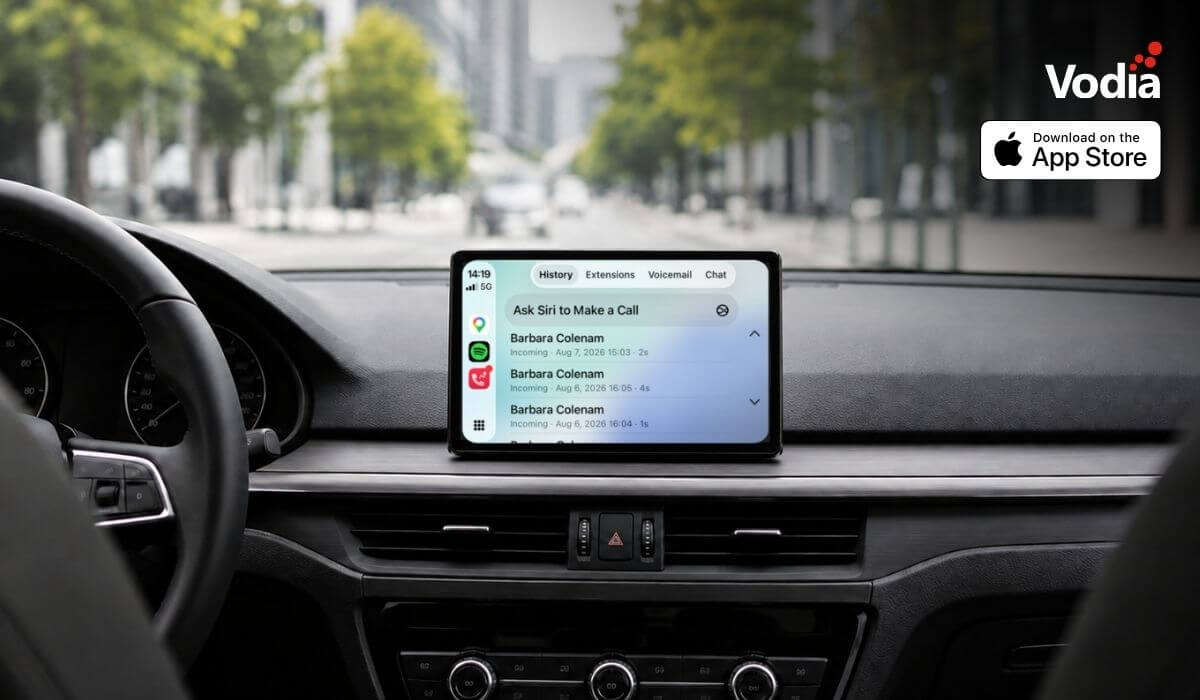
Apple CarPlay support is now available with the Vodia iOS app, bringing essential PBX communication features to the vehicle display through Apple’s native in-car interface. Users can access recent calls, browse the extension directory, view colleague presence, listen to voicemail, use Siri for calls and PBX messages, and receive communication alerts, while built-in readiness checks and automatic recovery help maintain reliable access when network conditions change. The experience supports compatible wired and wireless CarPlay systems.
The certified integration between the Vodia PBX and the Infor Hospitality Platform brings hotel operations and guest communications together. Through support for UHLL and FIAS, the two systems can exchange essential guest and room information, helping hotels automate extension activation at check-in, room resets at check-out, guest moves, calling permissions, call billing, Do Not Disturb settings, housekeeping updates, and wake-up calls. This reduces manual work for hotel staff and keeps telephone services synchronized throughout each guest’s stay.
Digital autonomy gives MSPs control over how customer communications, data and infrastructure are deployed, managed, processed and stored. With Vodia, MSPs can build a flexible, branded communications service across cloud and on-premise environments while retaining control of pricing, service delivery, support and the customer relationship. This independence helps protect long-term account value, reduce reliance on third-party vendors and create more opportunities to expand services over time.
.svg)