Turn Your Android Phone into a Vodia Extension with the Vodia Android App
Published on:
August 7, 2026
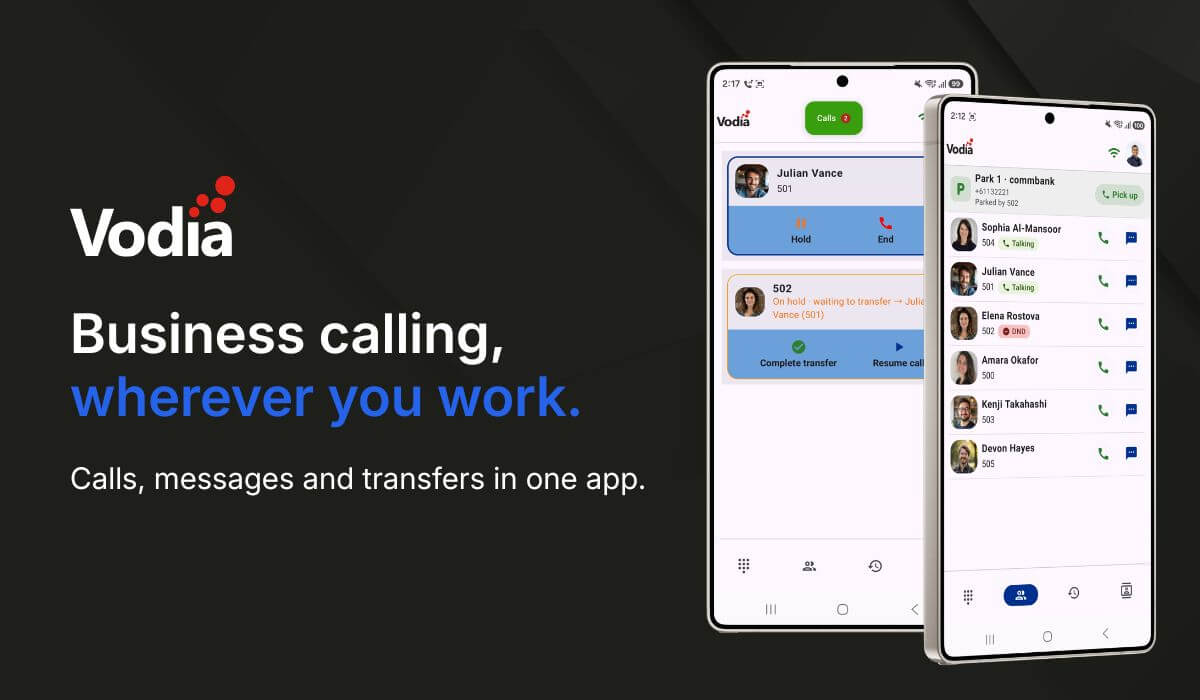
Vodia Phone 2 turns your Android device into an extension of your Vodia Phone System, making it easier to stay connected wherever you work. Native Android integration lets users make and receive business calls using their office number and identity, even when the app is running in the background. From one mobile app, they can hold, transfer and park calls, access voicemail, messages and contacts, review call history, view extension activity and manage important settings such as Do Not Disturb and call forwarding.
While there’s usually a bit more fanfare, not to mention those Cannes Lions-winning commercials, around the iPhone, did you know Android accounts for more than two-thirds of worldwide mobile operating system usage?
If your company has adopted a hybrid or remote work model, and has a bring-your-own-device (BYOD) policy in place, chances are plenty of the devices your team relies on run Android.
On July 28, we announced our new Vodia iOS app. Now, round two is here: Vodia Phone 2 completes our one-two mobile app “punch,” bringing the Vodia experience to Android users.
Vodia Phone 2
Vodia Phone 2 turns any Android device into a full-featured extension of your Vodia phone system. It integrates with the native Android calling experience, so you can make and receive calls through your business phone system from anywhere, using your office number and identity.
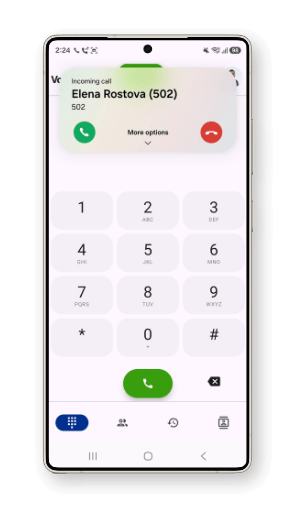
Incoming business calls ring like regular calls, even when the app is in the background or your phone is locked. You can also place calls from the Vodia app or directly from the Android dialer.
Vodia’s rich suite of features on your Android phone
Vodia Phone 2 makes it easier to manage calls, voicemail, chat, extensions, call history, and active call controls in one place.
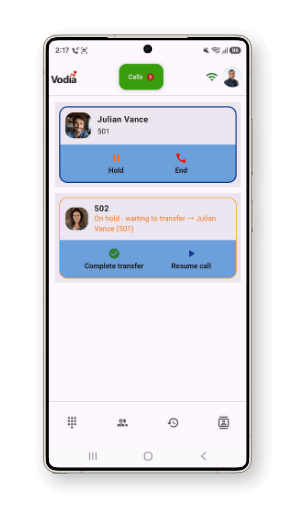
Users can hold and resume calls, perform blind or attended transfers, park calls for colleagues, access company contacts and manage how business calls reach them. Integration with Android Telecom Manager also enables support for Bluetooth devices and Android Auto, giving users a familiar mobile calling experience wherever they work.
Let’s take a look at just some of what you can do with your Android phone and the Vodia Phone 2 app.
Built for business
Set up the app quickly by scanning a QR code from your Vodia user portal
Receive incoming calls through reliable push notifications
Stay connected over Wi-Fi and mobile data
Use Bluetooth devices and Android Auto
Choose from 13 supported languages
Vodia Phone 2 requires a user account on a Vodia Phone System running version 68 or higher.
Calls
Make and receive calls through your Vodia PBX
Start calls from the Vodia app or the Android dialer
Receive business calls when the app is closed or the phone is locked
Hold and resume calls
View active and held calls on separate call cards
Transfer calls to colleagues, external numbers, PBX contacts or phone contacts
Choose between blind and attended transfers
Park calls on a shared park orbit and pick them up from another extension
Stay connected
Review call history synced with your phone system
Access your company address book and contacts stored on your Android phone
Listen to voicemail messages
View and reply to business messages
See extension activity, including active calls and Do Not Disturb status
Settings at your fingertips
Control Do Not Disturb and choose how long it should remain active
Manage call forwarding directly from the app
Set different forwarding destinations for busy, unanswered or unregistered calls
Update your cell phone number and control how calls are redirected to it
View and change permitted service flags when access has been enabled by your administrator
Documentation
For installation instructions and more information about calling, transfers, contacts, extension activity and settings, visit the Vodia Android app documentation.
From the moment Vodia stepped into the ring, we’ve been committed to helping enterprises, SMBs and everyone in between work from anywhere.
If you’re an Android user, Vodia Phone 2 brings a knockout business calling experience to the phone already in your pocket.
To find out more about our iOS and Android apps and all the other ways we can take care of your business mobile, contact us at sales@vodia.com or +1 (617) 861-3490.
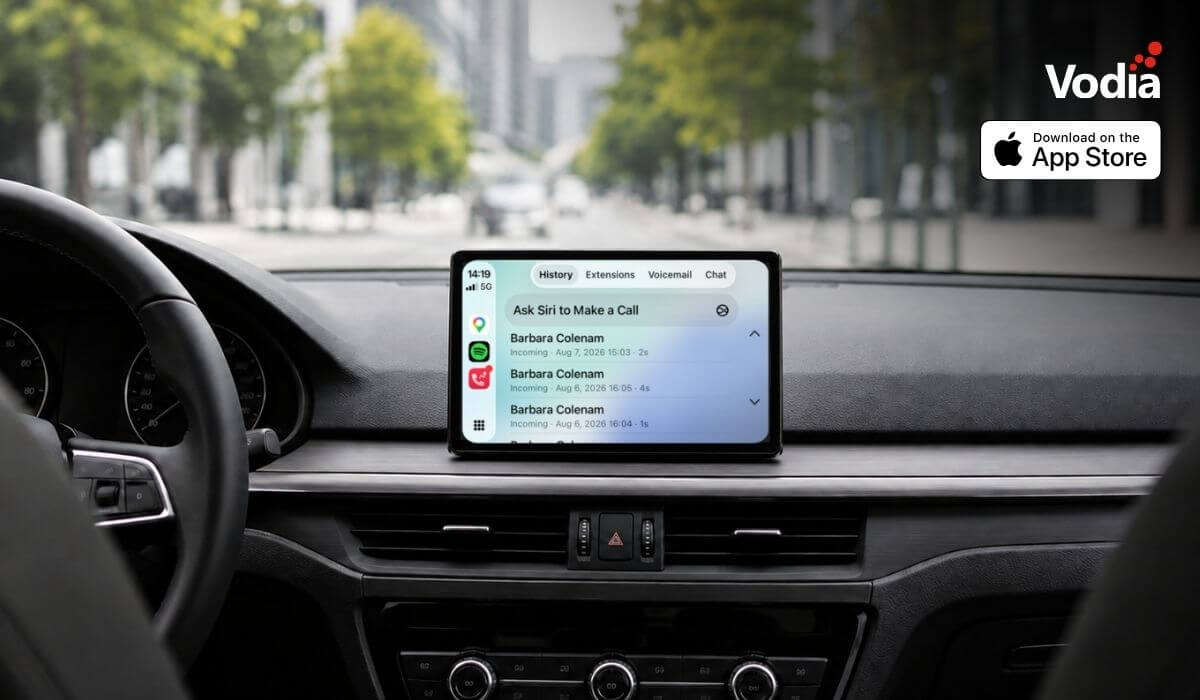
Apple CarPlay support is now available with the Vodia iOS app, bringing essential PBX communication features to the vehicle display through Apple’s native in-car interface. Users can access recent calls, browse the extension directory, view colleague presence, listen to voicemail, use Siri for calls and PBX messages, and receive communication alerts, while built-in readiness checks and automatic recovery help maintain reliable access when network conditions change. The experience supports compatible wired and wireless CarPlay systems.
The certified integration between the Vodia PBX and the Infor Hospitality Platform brings hotel operations and guest communications together. Through support for UHLL and FIAS, the two systems can exchange essential guest and room information, helping hotels automate extension activation at check-in, room resets at check-out, guest moves, calling permissions, call billing, Do Not Disturb settings, housekeeping updates, and wake-up calls. This reduces manual work for hotel staff and keeps telephone services synchronized throughout each guest’s stay.
Digital autonomy gives MSPs control over how customer communications, data and infrastructure are deployed, managed, processed and stored. With Vodia, MSPs can build a flexible, branded communications service across cloud and on-premise environments while retaining control of pricing, service delivery, support and the customer relationship. This independence helps protect long-term account value, reduce reliance on third-party vendors and create more opportunities to expand services over time.
.svg)